8
How to Navigate…
Navigate to an address
From the main menu select Go To and then Address .
After inputting the address click
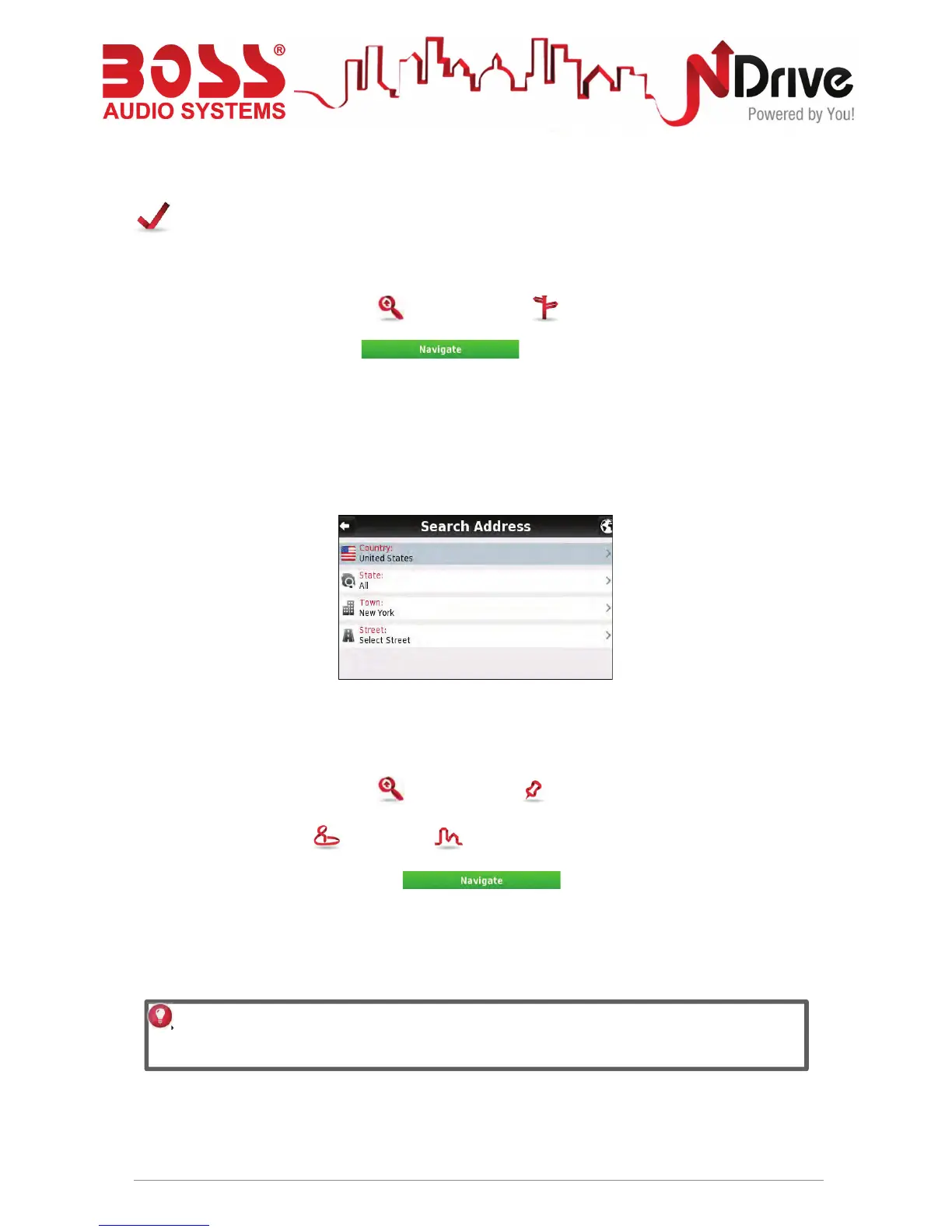
Input an address
Select Country, State (when available), City. Afterwards type in the Street name and house
number.
Navigate to a Point of Interest (POI)
From the main menu select Go To and then Places .
Then select Around Me or In a City . You will see the Places grouped in categories.
Select the desired category or specific attributes and use the keyboard to filter your search.
After completing your selection, click . You may also select All and search
for a location name within the entire database; note that this will take longer.
USERGUIDE_V11.3_ENG
Alternatively, simply click on a POI, or any other point on the map, and then click on the
Navigate button on the bottom bar. See Main Map Screen section.



 To Next Page