12
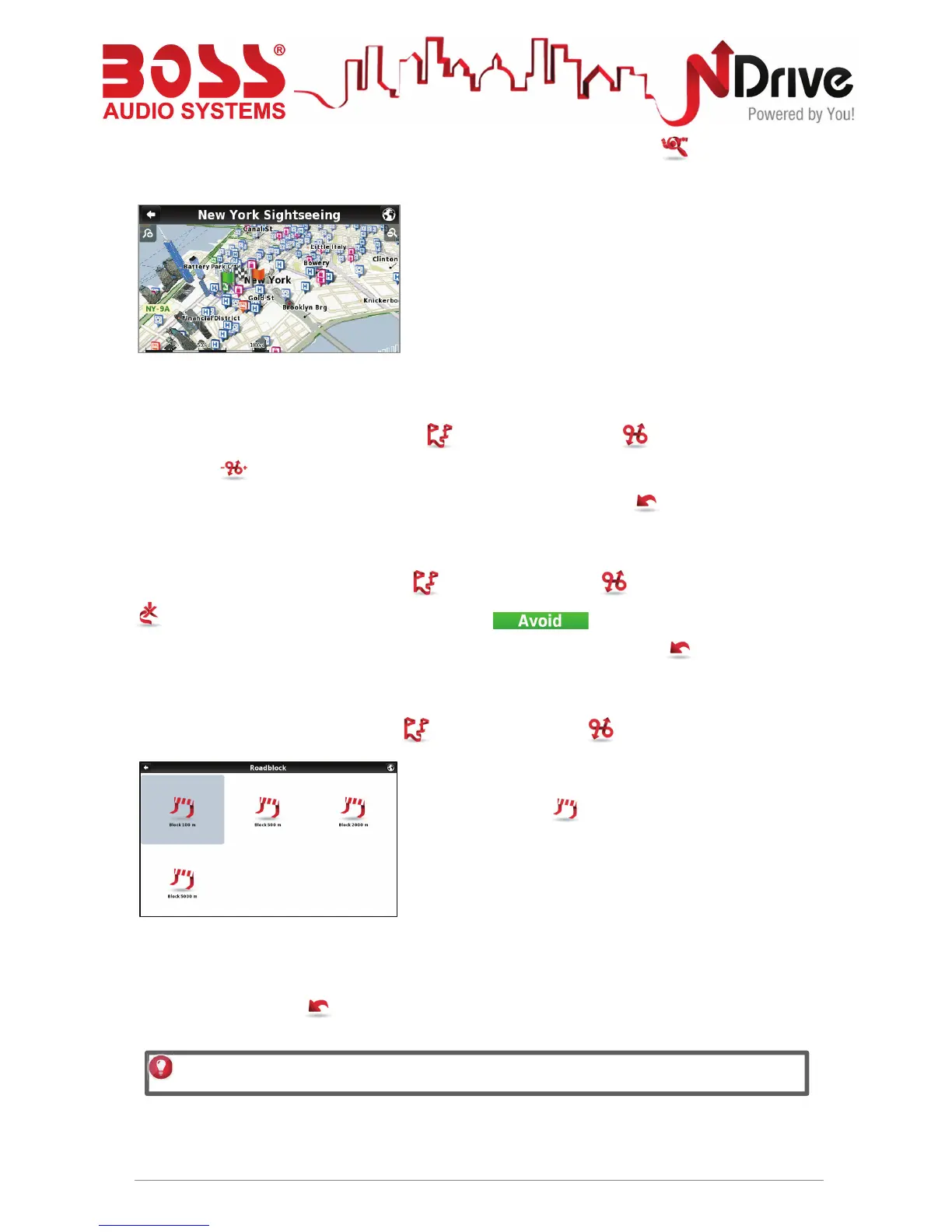
You can also see the whole itinerary on the map, by clicking View On Map .
The first waypoint is represented by a green flag and the
last one by a checkered flag (black and white). The
waypoints in between are marked with orange flags.
Manage alternative routes
From the main menu select My Route and then Alternatives . If you click Calculate
Alternative , an alternative route will be calculated, according to the defined routing
options. If afterwards you prefer the first route, click Calculate Original .
Avoid going through specific streets or roads
From the main menu select My Route and then Alternatives . Click Avoid Part Of Route
, select the segments you wish and then click . A new route will be calculated
accordingly. If afterwards you prefer the first route, click Calculate Original .
Find an alternative when there is a roadblock ahead
From the main menu select My Route and then Alternatives .
Click Roadblock , and then select the most
appropriate option to define how far it is from your current
location
A new route will be calculated accordingly. If afterwards you wish to select the previous route,
click Calculate Original .
USERGUIDE_V11.3_ENG
See Basic Interaction section for keyboard input options.



 To Next Page