BASIC FUNCTION
1.(!)
/OPEN
Button
Press the button to open I close the screen.
Press this button for short moment to turn on power, and long press it to turn off power.
2.
MODE
Button
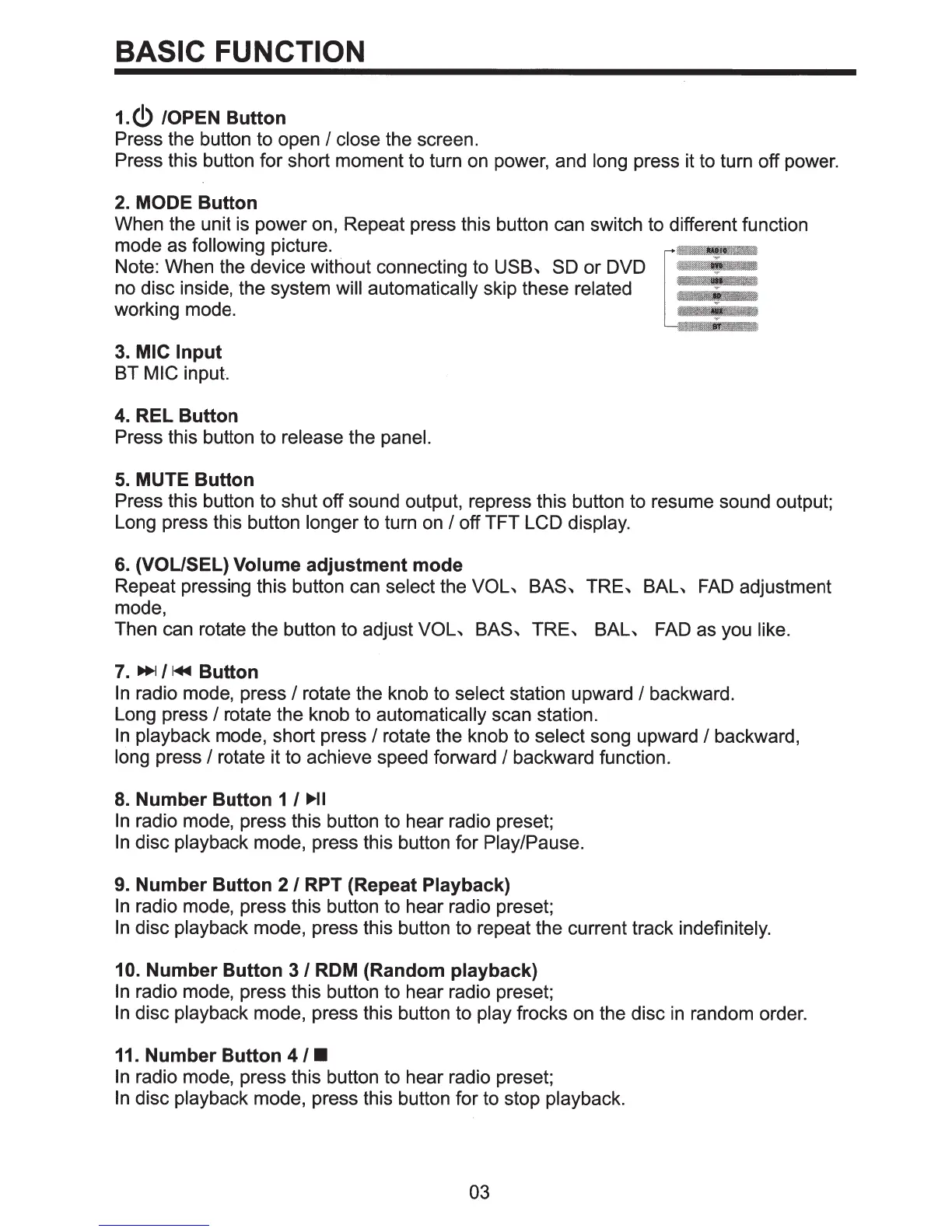
When the unit is power on, Repeat press this button can switch to different function
mode as following picture.
Note: When the device without connecting to
USB~
SO
or DVD
no disc inside, the system will automatically skip these related
working mode.
3.
MIC
Input
BT MIC input.
4.
REL
Button
Press this button to release the panel.
5.
MUTE
Button
Press this button to shut off sound output, repress this button to resume sound output;
Long press this button longer to turn on
I off TFT LCD display.
6.
(VOL/SEL) Volume
adjustment
mode
Repeat pressing this button can select the
VOL~
BAS~
TRE~
BAL~
FAD
adjustment
mode,
Then can rotate the button to adjust
VOL~
BAS~
TRE~
BAL~
FAD as you like.
7.
~/I._
Button
In
radio mode, press I rotate the knob to select station upward I backward.
Long press
I rotate the knob to automatically scan station.
In
playback mode, short press I rotate the knob to select song upward I backward,
long press
I rotate it to achieve speed forward I backward function.
8.
Number
Button
1 I
llJll-11
In
radio mode, press this button to hear radio preset;
In
disc playback mode, press this button for Play/Pause.
9.
Number
Button
2 I RPT (Repeat Playback)
In
radio mode, press this button to hear radio preset;
In
disc playback mode, press this button to repeat the current track indefinitely.
10. Number
Button
3/
ROM
(Random playback)
In
radio mode, press this button to hear radio preset;
In
disc playback mode, press this button to play frocks on the disc
in
random order.
11.
Number
Button
4/•
In
radio mode, press this button to hear radio preset;
In
disc playback mode, press this button for to stop playback.
03



 To Next Page