General Settings
In
the set interface click [GENERAL] icon,
into the General set interface.
(Password: 888888).
General settings have been set at the
factory.
Language setting
In
the General Settings screen, click
[LANGUAGE] icon to enter the Language
setting interface, as shown below:
Se!tip
•
..,
•
=
=
=
-
··-
n~
~H~·t>~
!!I
·~
"-
Slide up and down to select your preferred
language mode.
Regional radio
In
the General Settings screen, click
[RADIO] icon to enter the Radio setting
interface, as shown below:
Select your desired area.
System setting
In the General Settings screen, click
[SYSTEM] icon to enter the System
setting interface, as shown below:
You
can choose the system settings
interface has the feature is turned on
or off.
15
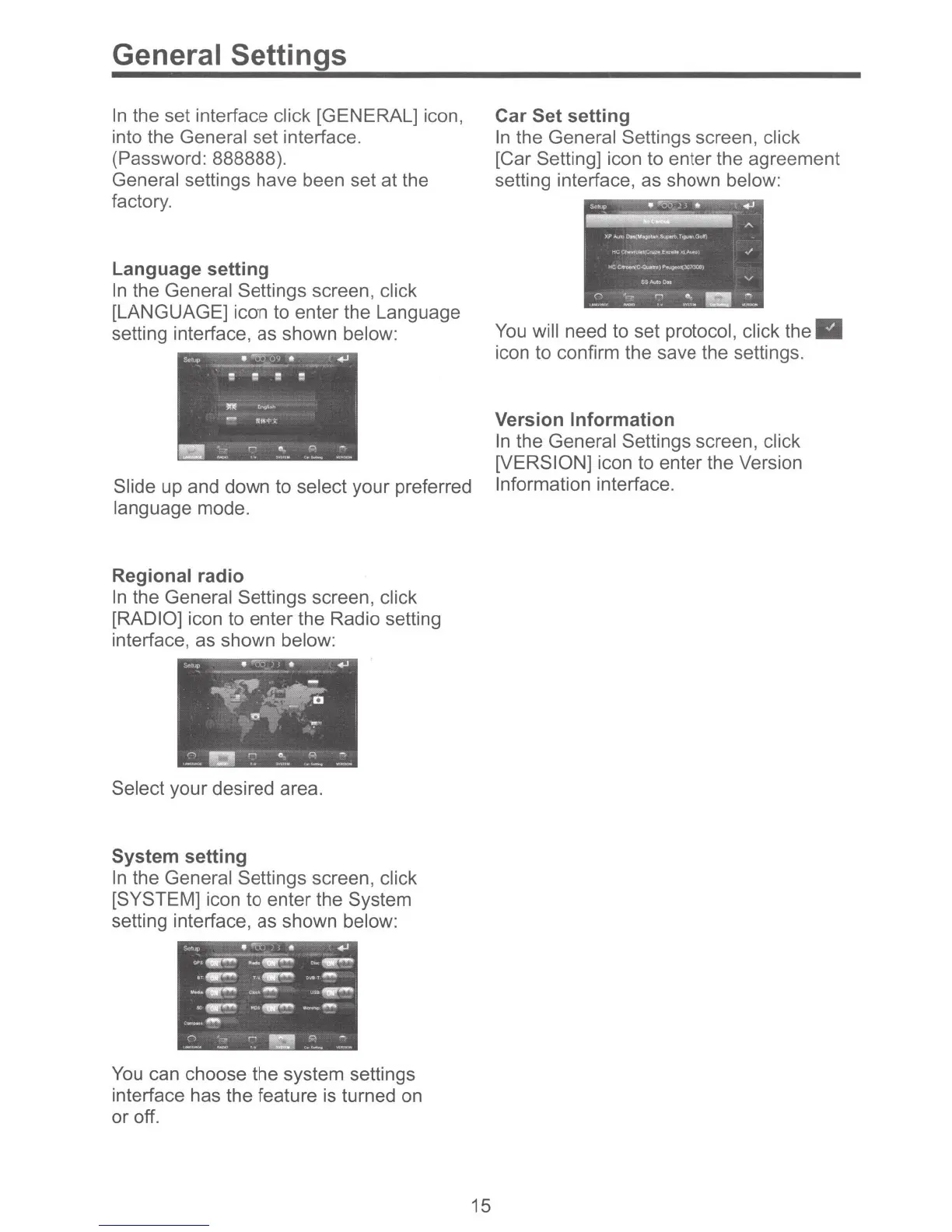
Car Set setting
In
the General Settings screen, click
[Car Setting] icon to enter the agreement
setting interface, as shown below:
You
will need to set protocol, click the
icon to confirm the save the settings.
Version Information
In the General Settings screen, click
[VERSION] icon to enter the Version
Information interface.



 To Next Page