19
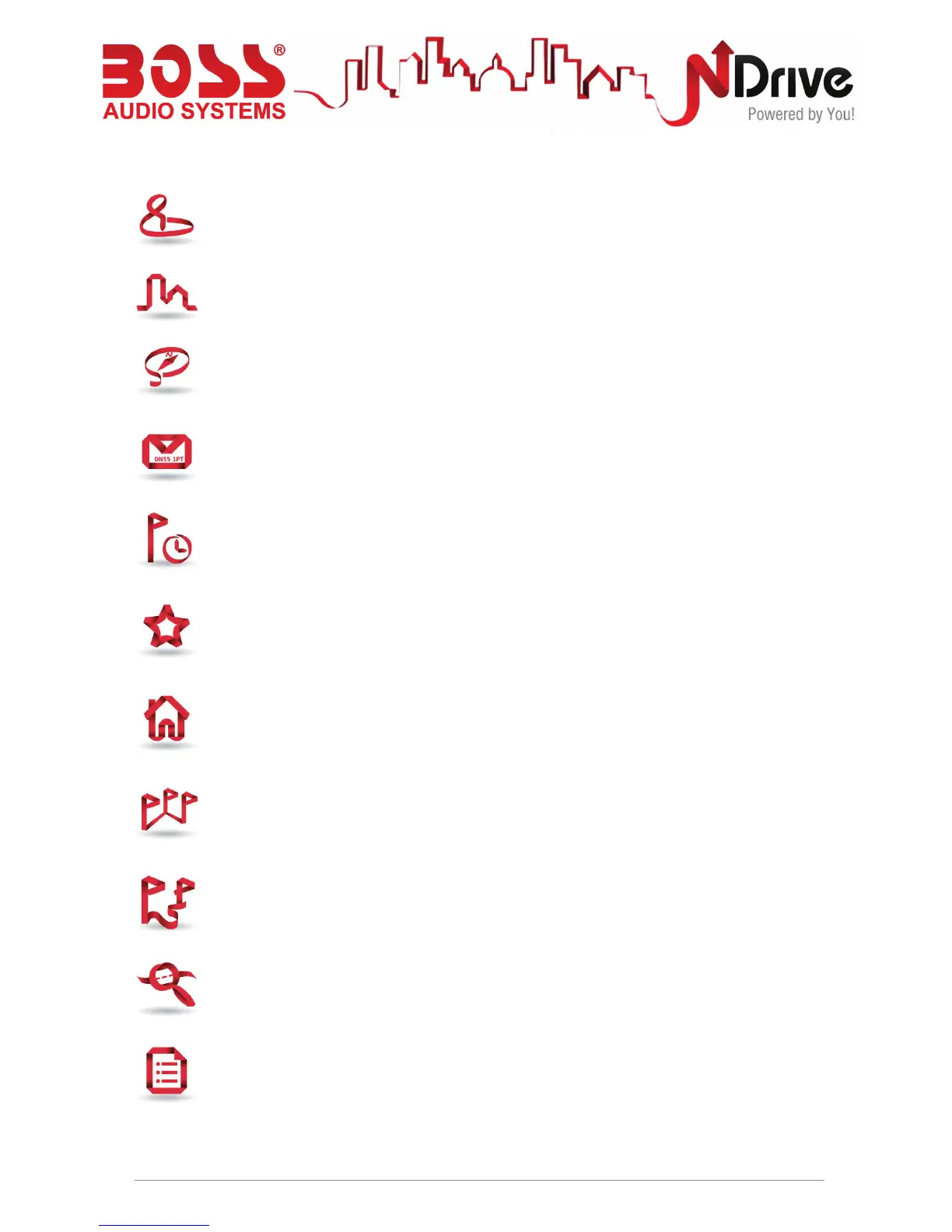
Around Me - A POI located around your location, according to GPS signal, or a
previously selected location.
In a City - A POI in a specific or remote location.
Coordinates - Using the special keyboard, you may search for coordinates using the
Lat/Lon format.
Postcode - Allows you to search for a destination by typing in the Postcode (Zip) of
the location; this function is only enabled only with maps that contain postcode
data.
Recent Location - Here you can see a list of all your previously selected locations.
Click on any of them to navigate or show it on the map.
Favourites - These are pre-defined locations that you have created or imported. See
the “How to” section for further information.
Home - Pre-define a location you use more often, such as your home, work etc. On
the first click, it will ask you to set that destination. You can edit/change it at any time
from My NDrive menu.
Itineraries - This is a pre-defined set of destinations that you have created or
imported. See the “How to” section for further information.
My Route - This button is enabled only when a destination has been selected and a
route has been calculated. It will allow you to consult additional information about
your route.
Show Route - Displays your route from the current position to your destination on the
map.
Road Book - Displays a list of all the maneuvers from your current position to your
destination. You may click on one of them to see it on the map.
USERGUIDE_V11.3_ENG



 To Next Page