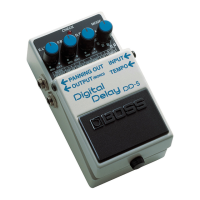
Using the Tempo Delay
11
English
2. Select the mode
Use the MODE knob to select the mode to be used.
* Inputting the tempo is not possible in HOLD mode.
3. Start inputting the tempo
Press the pedal switch in time with the song’s tempo (Eect o:
CHECK indicator ashes red; eect on: CHECK indicator ashes red
and green).
* The timing with which you press the pedal is converted to
quarter-note beats.
* Tempo input using the built-in pedal is not possible.
* Turning the D.TIME knob resets the delay time to that
indicated by the knob’s position.
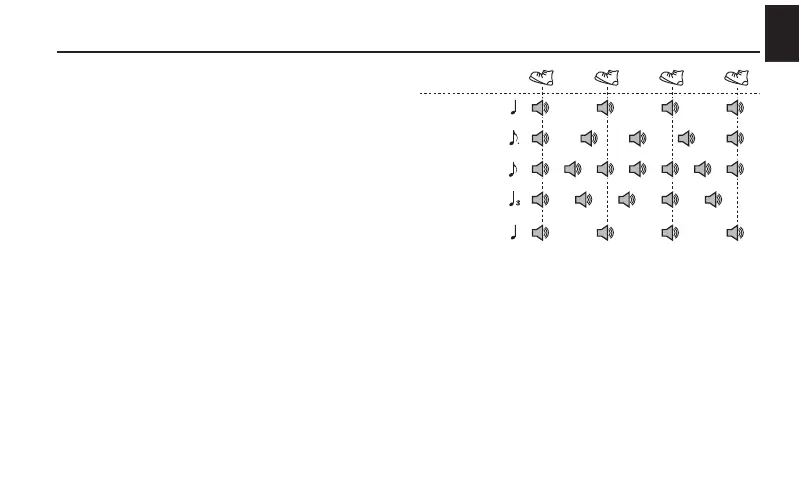
The delay sound produced is as shown in the gure.
* The CHECK indicator ashes red in time with the interval with
which you press the pedal.
MODE: 3200 ms
MODE: 800 ms
MODE: 200 ms
MODE: 50 ms
MODE: MODULATE
ANALOG
Rhythm Used in
Pressing the Pedal
* When the mode is MODULATE, ANALOG, or REVERSE, the
eect at the position of the MODE knob is applied to the
delay sound.


 To Next Page