9
Operation
When Set to “MEMORY”
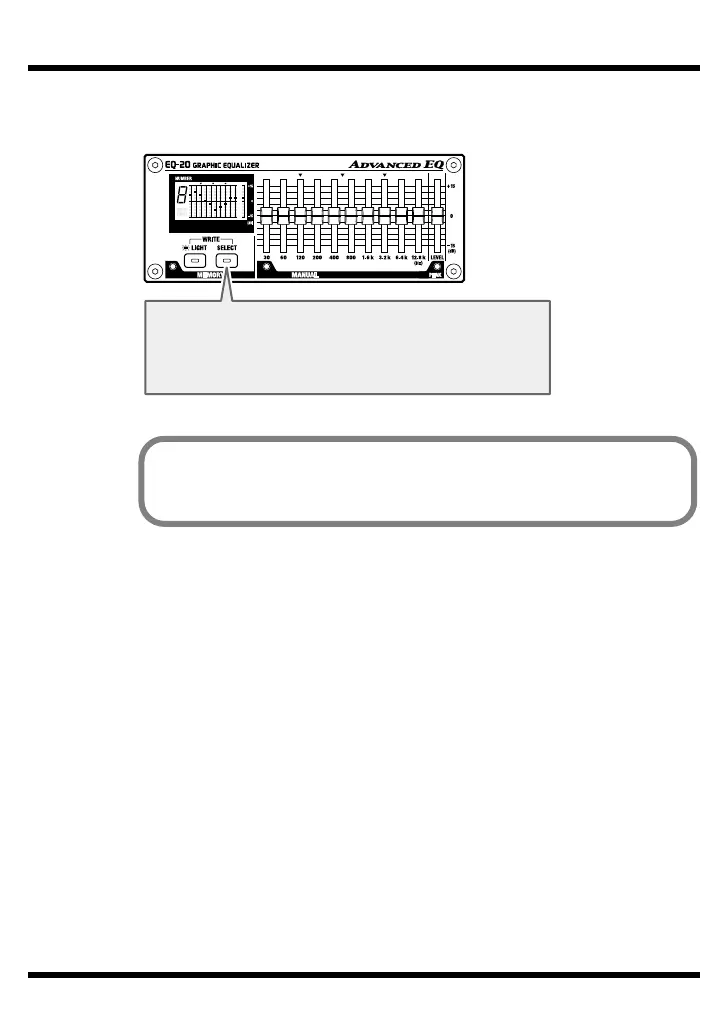
fig.07
SELECT Button
Pressed to select a memory location (1 through 9).
Holding down the button makes the memory number
change automatically.
When the unit is shipped from the factory, equalization settings are stored
in memories 1 through 9. For information about the settings, refer to
“Factory Default Settings” (p. 17).


 To Next Page