6
“Memory mode” is the mode in which you can save combinations of eect loops (patches) in the ES-8, and recall those saved settings.
In contrast to memory mode, “manual mode” is the mode in which you can use the switches to turn each eect loop on/o manually.
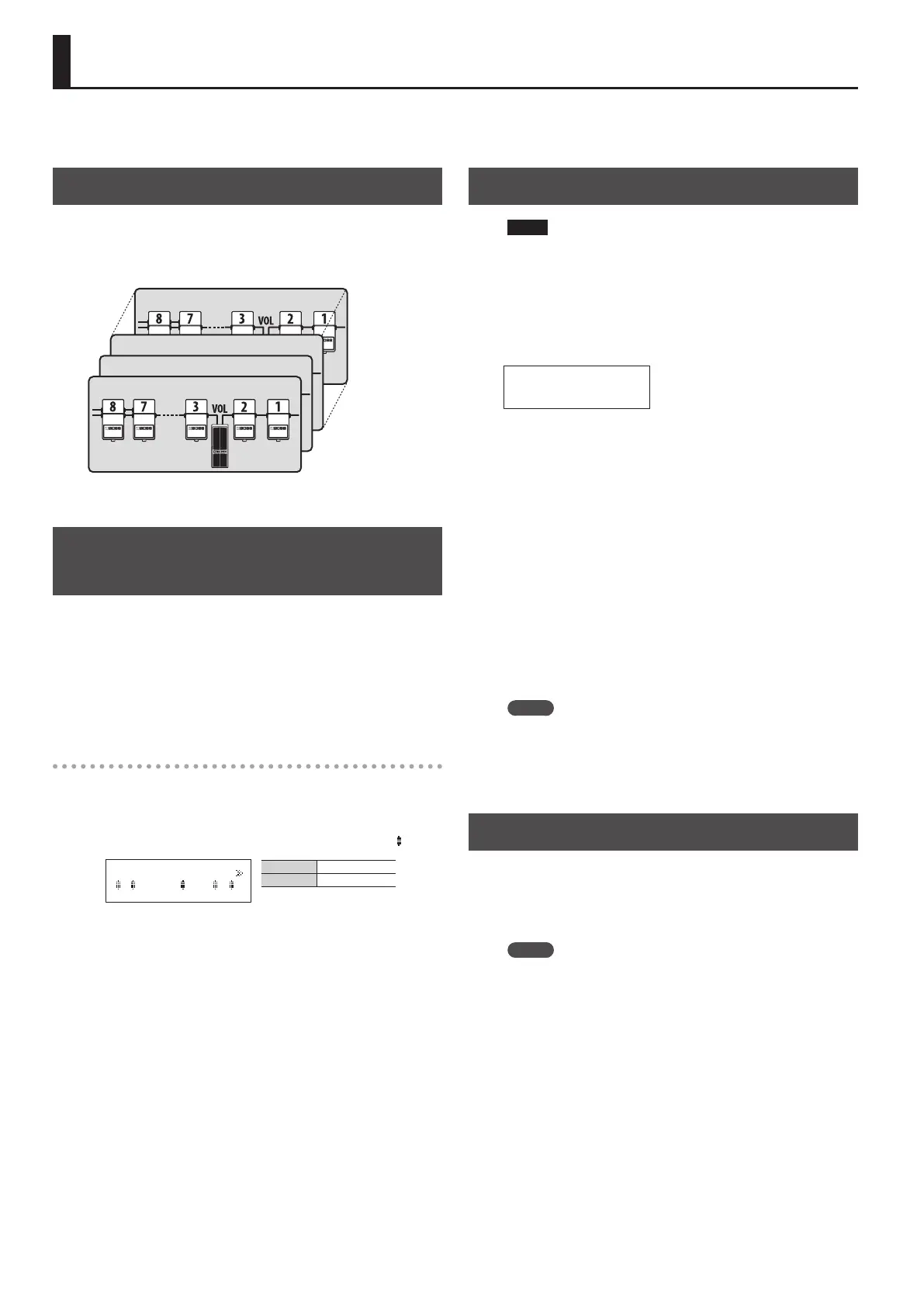
Patch Structure
A “patch” consists of a combination of eect loops (each eect loop’s
on/o status and connection order) and parameter settings.
Patches are organized by bank (00–99) and number (1–8). You can
store 800 patches.
Patch 99-8
Patch 00-3
Patch 00-2
Patch 00-1
Switching Between Memory and Manual
Modes
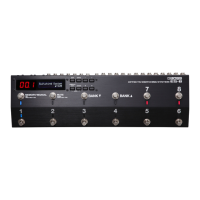
1. Press the [MEMORY/MANUAL] switch.
Each time you press this switch, you alternate between memory
mode and manual mode.
5 In memory mode, the MEMORY/MANUAL indicator is lit blue.
5 In manual mode, the MEMORY/MANUAL indicator is lit red.
In manual mode
Pressing the number switches [1]–[8] turns each eect loop on/o.
5 The number indicator is lit red if the corresponding eect loop is
on, and unlit if that eect loop is o.
5 If an eect loop is on, the Loop On/O screen shows an “
” icon.
1, 2, 4, 7, 8 On
3, 5, 6 O
8 7 6 5 4 3 2 1
_
Saving a Patch (Patch Write)
NOTE
5 The patch you created is lost if you turn o the power or switch
patches before performing the patch write operation.
5 When you perform the patch write operation, the patch that was
in the save-destination is lost.
1. Press the [WRITE] button.
00-1
Patch name
2. Use the [
K
] [
J
] buttons and [–] [+] buttons to select the
save-destination bank number and patch number.
* You can also use the [BANK
I
] [BANK
H
] switches and number
switches [1]–[8] to select the bank number and patch number.
3. Press the [ENTER] button.
4. Use the [
K
] [
J
] buttons and [–] [+] buttons to assign a
patch name.
* If you decide to cancel the patch write operation, press the
[DISPLAY/EXIT] button several times.
5. Press the [WRITE] button or the [ENTER] button.
The display indicates “Executing...,” and then the previous display
reappears when patch write is completed.
MEMO
5 You can write a patch from either memory mode or manual
mode.
5 When you write a patch, the ES-8 switches to memory mode.
Recalling a Patch (Patch Change)
1. Use the [BANK
I
] [BANK
H
] switches to select a bank.
2. Use the number switches [1]–[8] to select a patch.
MEMO
5 In the patch name screen of Play mode, you can use the [
K
] [
J
]
buttons to select a patch.
5 You can specify whether the next patch is selected as soon as you
use the [BANK
I
] [BANK
H
] switches to change banks, or whether
the patch is not changed until you then press a number switch.
For details on how to make this setting, refer to “Making Global
Settings (System Setting)” (p. 12).
Saving/Recalling a Combination of Eect Units (Memory Mode)


 To Next Page