EasyManua.ls Logo

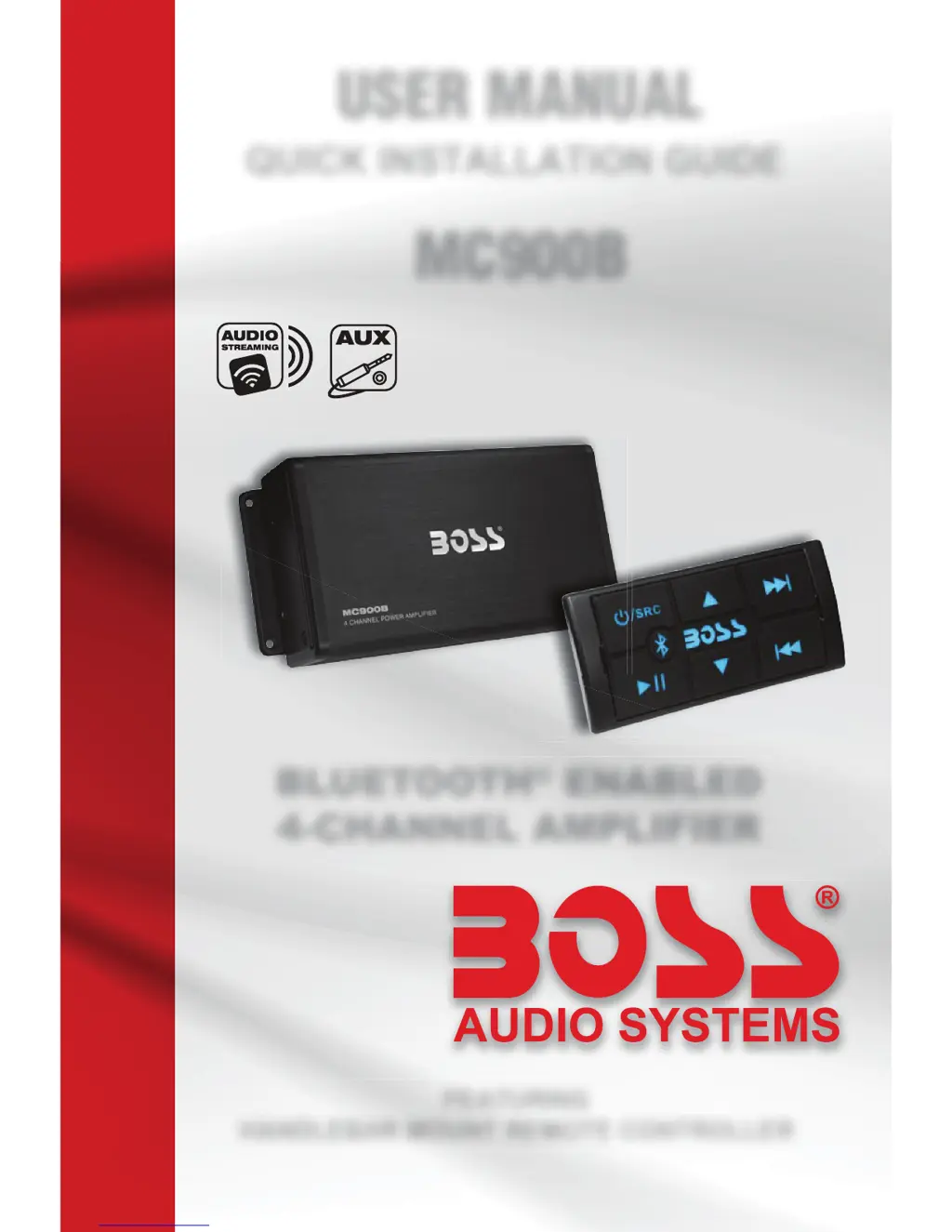
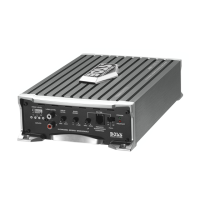
Boss MC900B - User Manual

Boss MC900B
16 pages
Print Icon
To Next Page IconTo Next Page
Loading...
BLUETOOTH
®
ENABLED
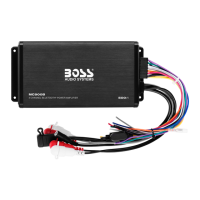
4-CHANNEL AMPLIFIER
MC900B
USER MANUAL
FEATURING
HANDLEBAR MOUNT REMOTE CONTROLLER
QUICK INSTALLATION GUIDE

Questions and Answers

  • S
    Steven GarciaAug 13, 2025
    What to do if my Boss MC900B Amplifier has no sound?
    • A
      Ashley ColemanAug 13, 2025
      If your Boss Amplifier has no sound, first ensure that the playback isn't paused and the volume is turned up. Then, verify that the correct source input is selected by pressing the /SRC button (blue backlights indicate Bluetooth mode, while red backlights indicate AUX input mode). Finally, check if the connected speakers are working properly.
  • C
    Cody FreemanAug 16, 2025
    Why is my Boss MC900B Amplifier not turning on?
    • R
      rebecca70Aug 17, 2025
      If your Boss Amplifier has no power and the button backlighting is off, check the following: ensure the power cables (battery/ignition/ground) are properly connected. Verify that the function controller is connected to the amplifier through the “REMOTE” wires and that the two orange wires (“ILLUMINATION”) from the function controller and the amplifier are connected. Also, make sure the vehicle ignition power (ACC) is switched on. Finally, inspect the fuse and replace it with a new fuse of the same type and rating if it's blown.
  • K
    Keith ThomasAug 20, 2025
    What to do if Boss MC900B has poor audio quality from Bluetooth?
    • K
      kerry81Aug 20, 2025
      If you are experiencing poor audio quality from a Bluetooth connection on your Boss Amplifier, try moving your mobile device closer to the unit. Also, remove any obstacles or sources of interference that might be affecting the Bluetooth reception.
  • B
    Bobby JordanAug 25, 2025
    What to do if my Boss MC900B Amplifier unit has become unresponsive?
    • M
      mary03Aug 25, 2025
      If your Boss Amplifier unit becomes unresponsive, it might be due to a power glitch or interference. Disconnect the power for approximately 10 to 15 seconds to reset the unit.
  • J
    Jerry HaysAug 28, 2025
    Why is the audio quality poor after connecting my device to the Boss MC900B via Bluetooth?
    • V
      Vernon MartinAug 28, 2025
      Poor audio quality after connecting to your Boss Amplifier via Bluetooth may be due to poor Bluetooth reception. Try moving the device closer to the audio system or removing any obstacles between the device and the system's antenna.
  • R
    Ricardo RussellSep 1, 2025
    How to fix Bluetooth pairing issues with my Boss Amplifier?
    • M
      Michelle MeltonSep 1, 2025
      If you cannot pair Bluetooth with your Boss Amplifier, the Bluetooth function of the device may not be enabled. Refer to the device's user manual for instructions on how to enable the Bluetooth function.
  • B
    brucetuckerSep 5, 2025
    What to do if the ignition is not engaged on my Boss MC900B Amplifier?
    • S
      Sarah RiveraSep 5, 2025
      Turn the ignition to the 'on' position.
  • P
    pricerobertSep 8, 2025
    Why is my USB not playing on my Boss MC900B?
    • E
      erikharrellSep 8, 2025
      The USB port on your Boss Amplifier is designed for charging mobile phones and does not support media playback.

Summary

Before You Start

Important Safety Precautions

Critical safety guidelines for product operation and user protection.

Installation Precautions

Essential precautions and warnings regarding the safe installation of the device.

Wire Diagram

Before Installing This Product

Technical Support

Contact information and resources for technical assistance and troubleshooting.

Suggested Mounting Methods

Flush Mount

Method for installing the controller by recessing it into a surface.

Surface Mount

Method for attaching the controller directly onto a surface using screws.

Handlebar Mount

Method for securing the controller to a handlebar using a clamp.

Getting Started

Getting to Know Your MC900 B Multifunction Controller (MFC)

Detailed overview of the buttons and functions of the MC900B multifunction controller.

Bluetooth Operation

Pairing & Discovering a New Bluetooth Connection

Step-by-step guide to pair a Bluetooth device with the MC900B amplifier.

Reconnection

Procedures for automatically and manually reconnecting previously paired Bluetooth devices.

Clearing Previously Paired Devices Memory

Steps to erase all stored Bluetooth device pairings from the MC900B.

Streaming Music

Multifunction Controller Bluetooth Operation

Using the controller buttons for music playback functions like play, pause, skip.

Volume Control

Instructions on adjusting audio volume using the controller's volume up/down buttons.

Aux-Input

Aux-In Operation

Steps to enable and use the AUX-IN mode for audio playback.

Volume Control

Adjusting volume and mute functions for AUX-IN audio playback.

Information to the User

FCC Compliance Statement

Details on FCC rules, compliance, and potential interference issues.

Trouble Shooting Guide

Specifications

Free Extended Warranty Program

Boss MC900B Specifications

General IconGeneral
Peak Power900W
S/N Ratio>100 dB
Amplifier TypeClass A/B
Speaker Impedance2 to 8 Ohms
Crossover TypeVariable Low Pass
Crossover Frequency250 Hz
Fuse Rating30A

Related product manuals