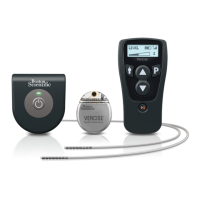
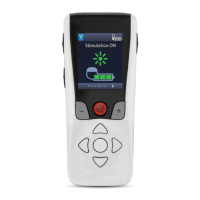
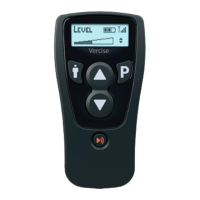
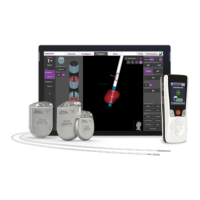
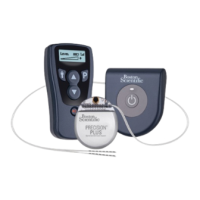
Vercise™ DBS Remote Control 3 Directions for Use
Vercise™ DBS Remote Control 3 Directions for Use
92104389-01 8 of 27
Accessing System Settings
From the Main Menu:
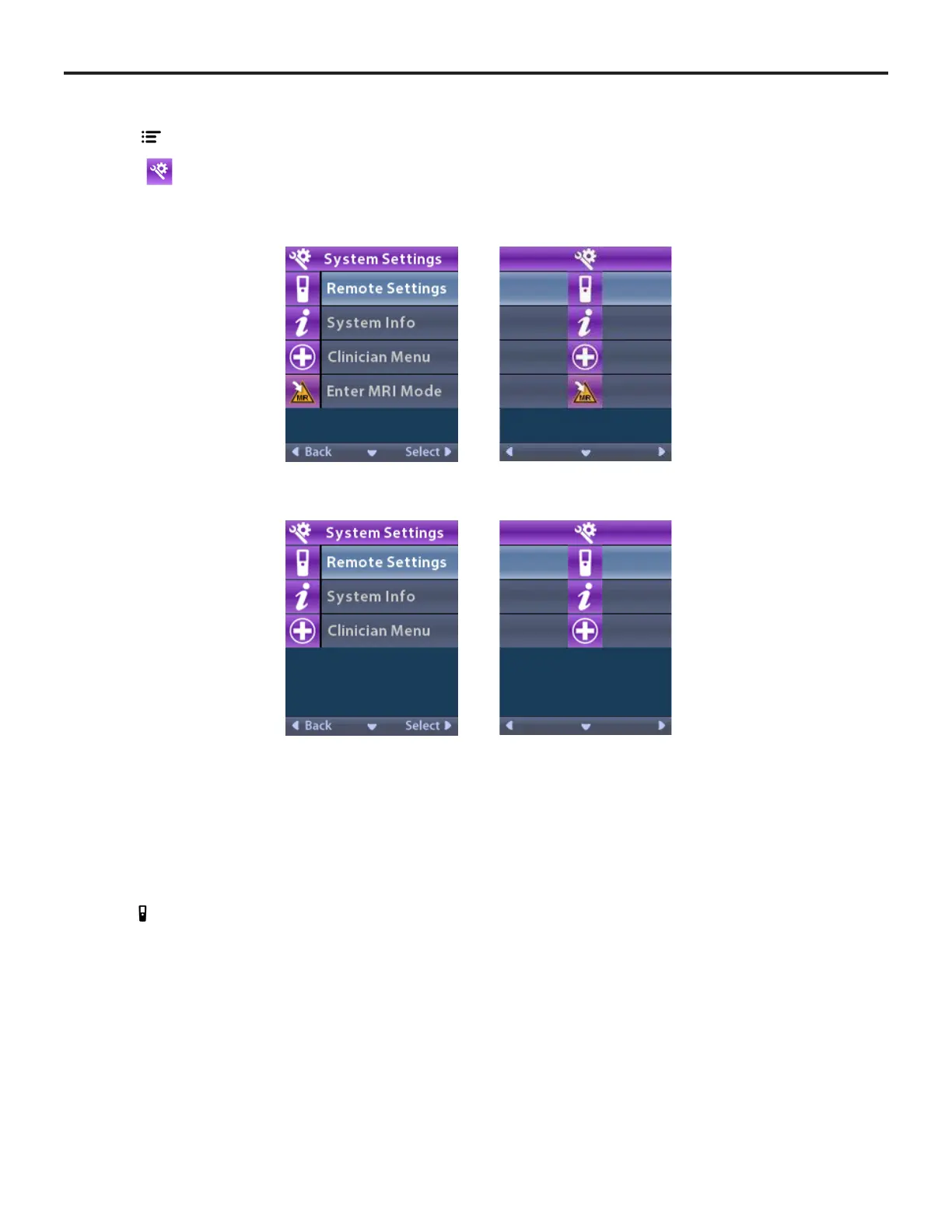
Select System Settings to display the System Settings menu.
System Settings Menu for Rechargeable Vercise Gevia Stimulator
System Settings Menu for Non-Rechargeable Stimulator
Remote Settings
The Remote Settings option allows you to adjust the alert volume and screen brightness, and to select
your language preference.
From the System Settings menu:
1. Select Remote Settings to display the Remote Settings menu.


 To Next Page
 Loading...