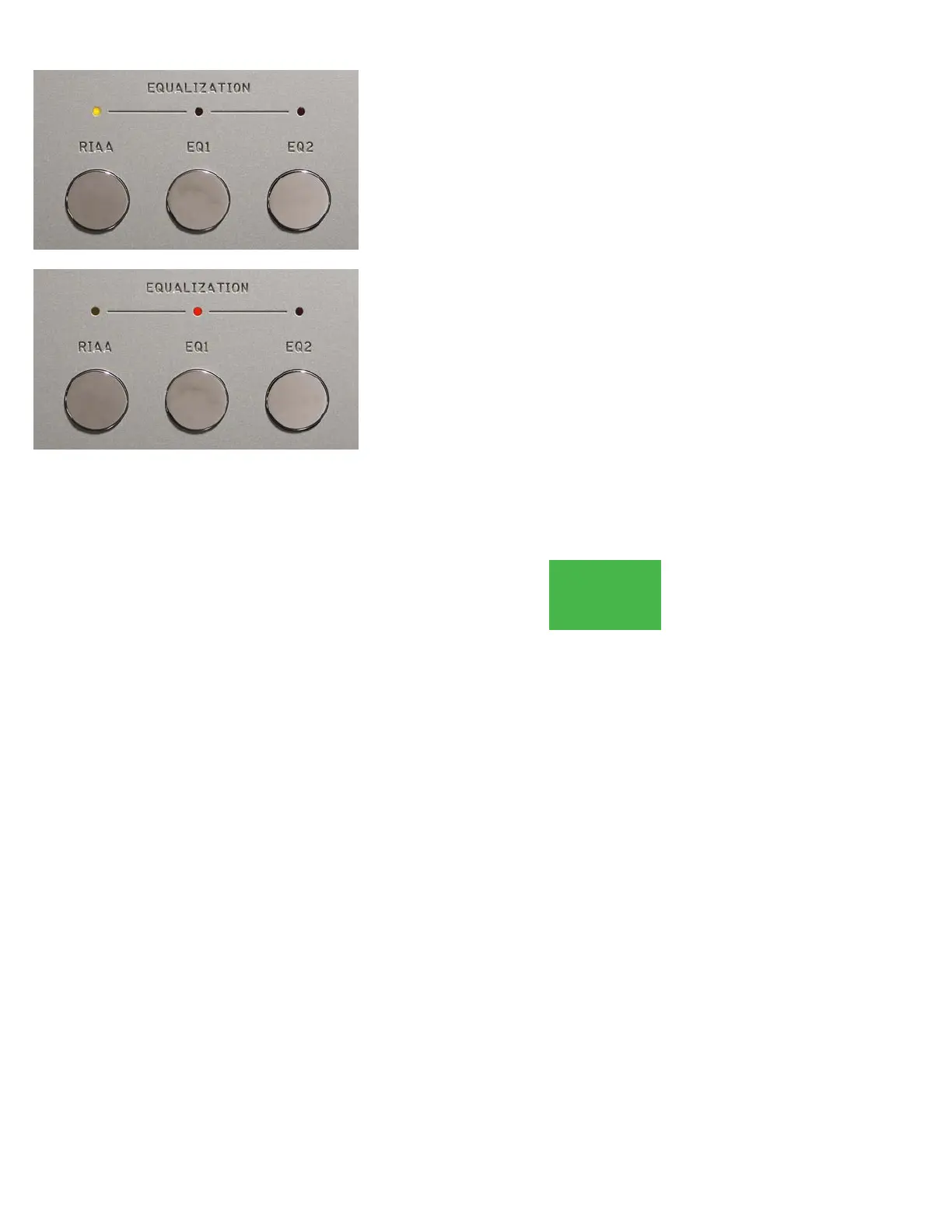
EQUALIZATION
The Boulder 2008 Phono Preamplifier provides the standard RIAA
record equalization curve and two optional curves. The optional curves
are achieved by installing PC cards. See the Equalization section for
more details. The EQ1 and EQ2 pushbuttons only operate if the cards
are installed.
Select an equalization curve by pressing one of the pushbuttons
labeled RIAA, EQ1 or EQ2. The 2008 will immediately mute the out-
puts and the MUTE light will be red for 3 seconds. After that time, the
output will be unmuted and the MUTE indicator will be off.
Anytime a different equalization is selected, the 2008 will similarly
mute for 3 seconds.
If the chosen equalization curve is RIAA, the RIAA indicator will be
amber. If the chosen equalization curve is either EQ1 or EQ2, its respec-
tive indicator will be red.
OPERATION
3-3



 To Next Page