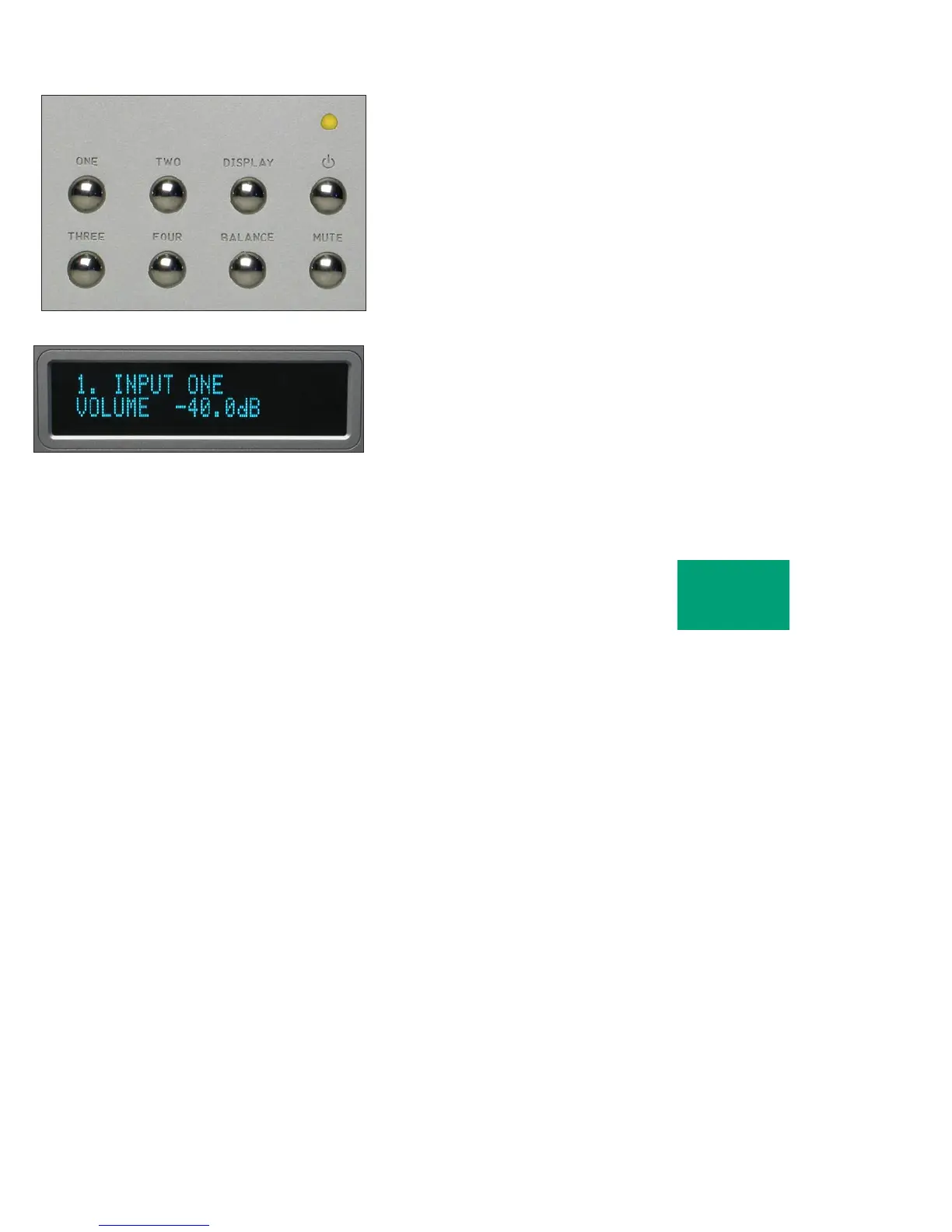
INPUT SELECTIONS
To select an input, press one of the pushbuttons labeled ONE, TWO,
THREE or FOUR. The respective input will be shown in the display and
that signal will be routed to both the loudspeaker and auxiliary outputs.
For example, if input ONE is chosen, “1. INPUT ONE” will show in the
display.
NOTE: There will be a delay when switching from one source to
another. This is necessary to allow the circuitry to adjust to the new
input source.
OPERATION
2-2



 To Next Page