BALANCE
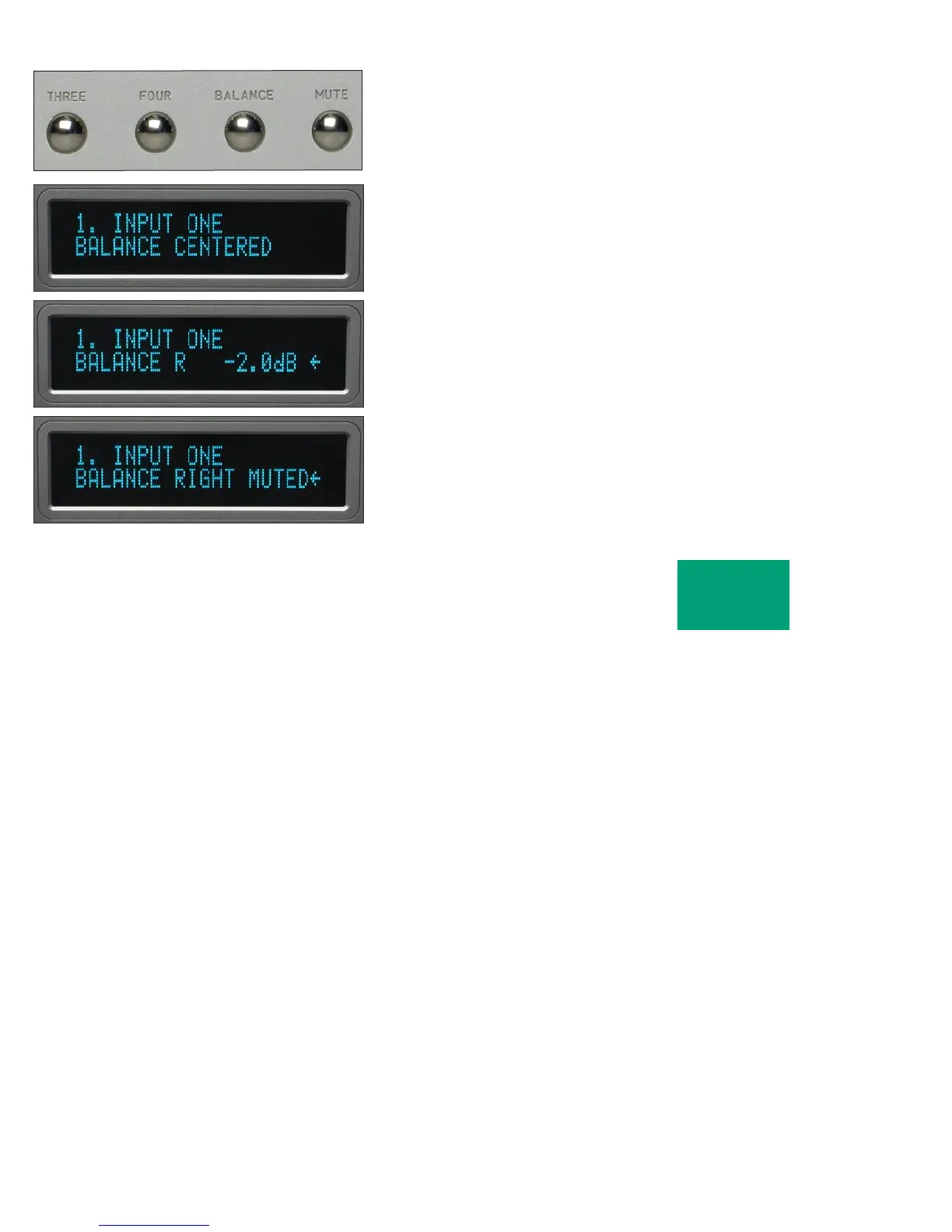
To change the level balance, press the BALANCE pushbutton.
“BALANCE CENTERED” will show in the display. Now, rotating the
control will change the balance instead of the volume for as long as
“BALANCE...” is displayed.
Turning the control counterclockwise (left) will cause an indication
such as “BALANCE R -2.0dB < “ in the display. This means that the right
channel has been attenuated -2.0 dB below the left channel, regardless of
volume setting, making the left channel louder.
The range of balance offset is limited to -20.0 dB. If the control is then
rotated further counterclockwise, the “BALANCE RIGHT MUTED<”
will be displayed to indicate that only the left channel is on.
OPERATION
2-4



 To Next Page