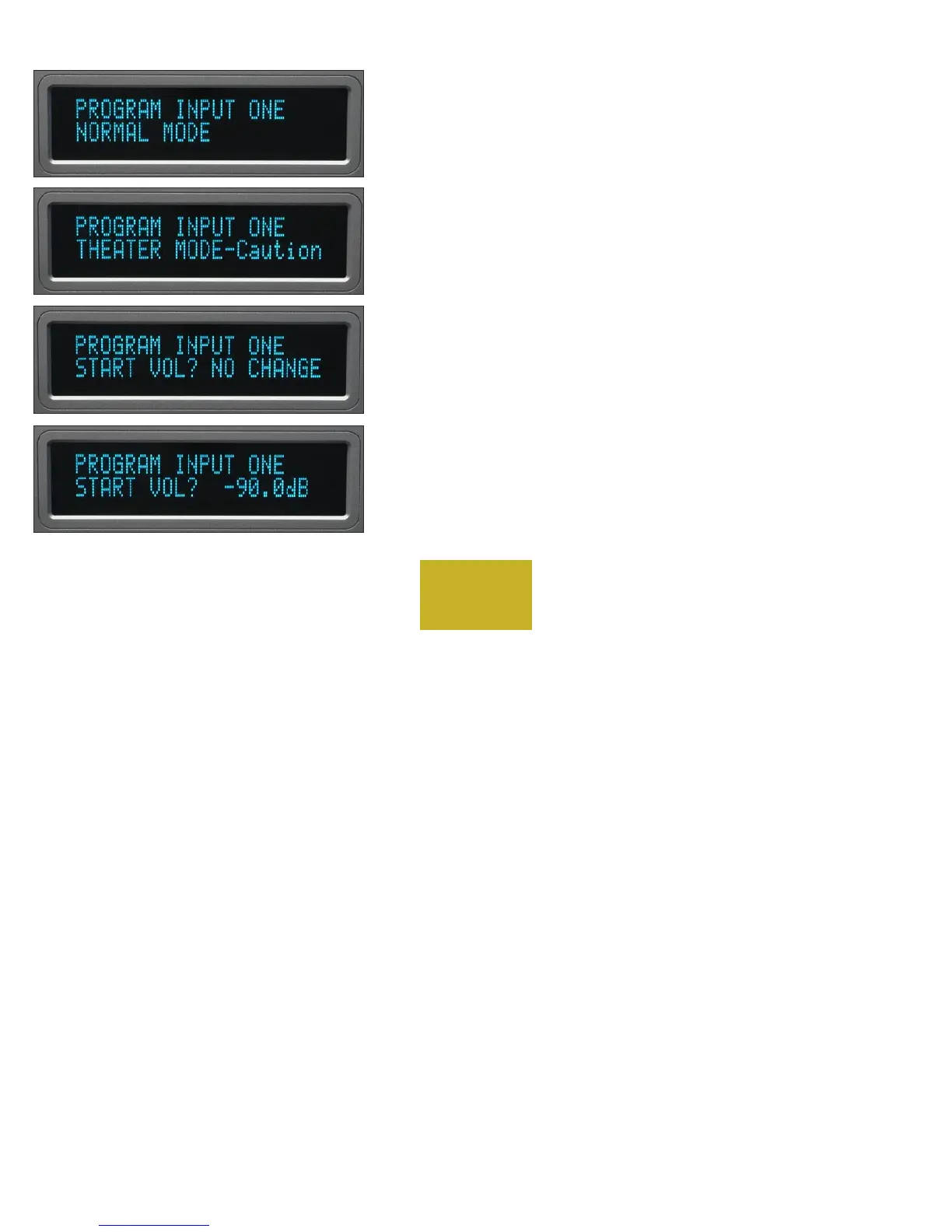
THEATER MODE
When the 865 Integrated Amplifier is used in a surround sound or
home theater system, it is normally desired to bypass the volume control,
thus letting the surround processor control the volume.
WARNING: Setting an input to THEATER MODE forces the volume
to unity gain. Use only in conjunction with a surround processor.
Pressing the same input source number again will make “NORMAL
MODE” show in the bottom display row. Rotating the volume control
will show “THEATER MODE-Caution.”
START VOLUME
When selecting an input, it is possible to have the 865 go to a preset
volume level every time that input is selected.
Pressing the same input source number will make “START VOL?
NO CHANGE” show in the bottom display row. Rotating the volume
control will allow you to choose -50, -60, -70, -80, or -90 dB as the new
preset level.
4-5
PROGRAMMING



 To Next Page