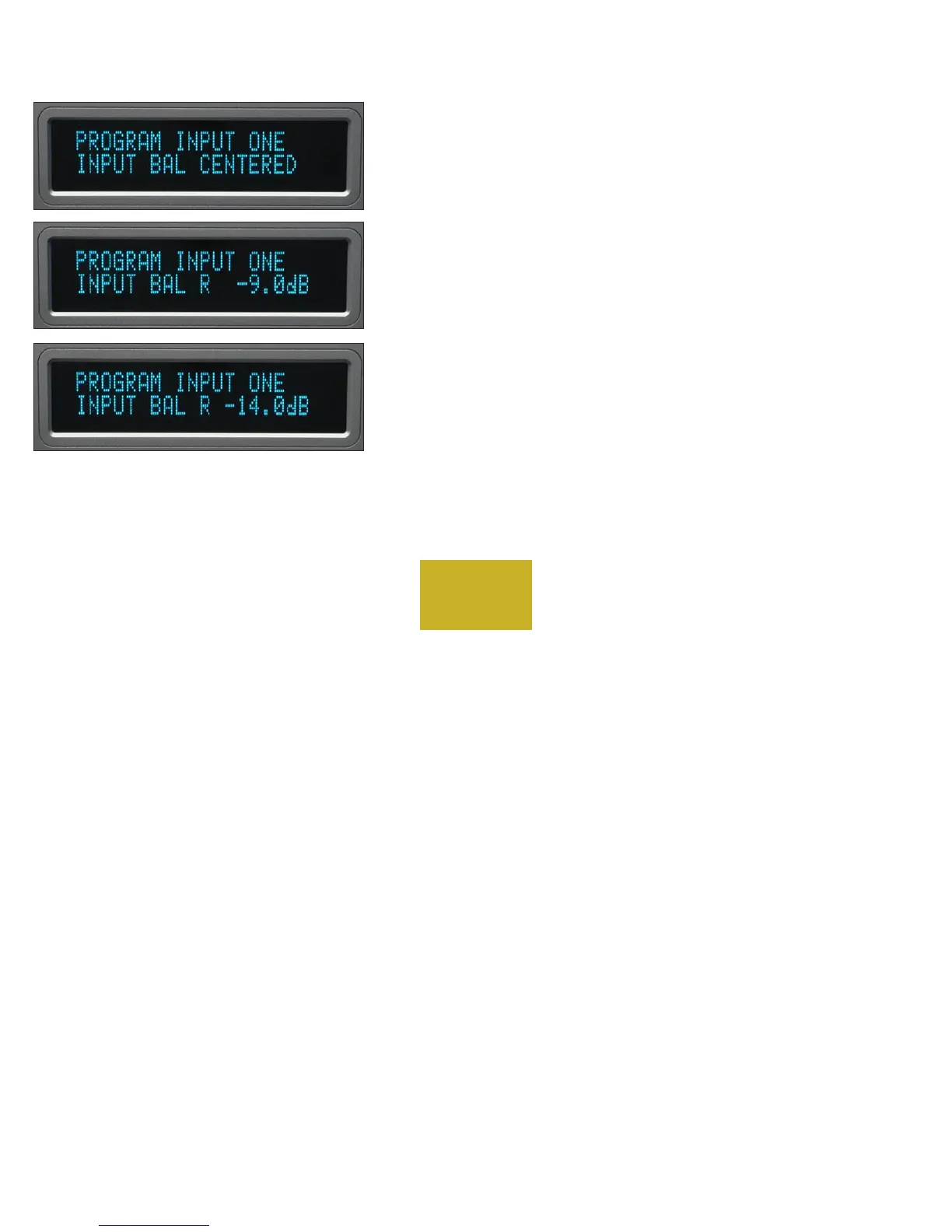
INPUT BALANCE CALIBRATION
Pressing the same input source number will make “INPUT BAL
CENTERED” show in the bottom display row. Rotating the volume
control will simultaneously change the display and the loudspeaker
balance so that the action can be monitored or measured.
For example, setting the display to “R -9.0dB” will make the left
channel louder than the right channel. A maximum of -14 dB may be
set.
Pressing the same input source number again will end the
programming of this input and initiate a power up sequence.
PROGRAMMING
4-4



 To Next Page