24
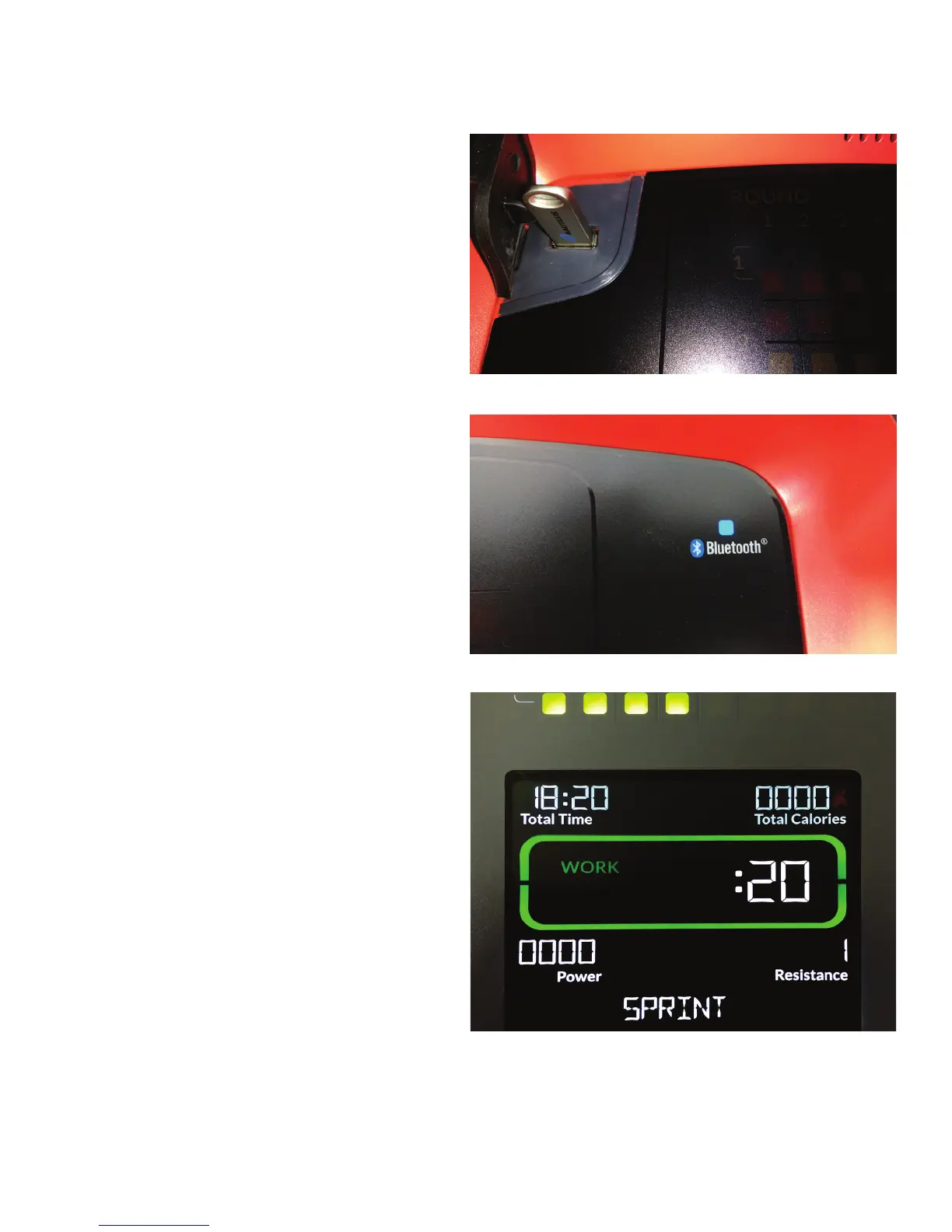
2. Uncover the USB Port and insert the provided USB Flash Drive
into it.
3. Plug in the AC Adapter to the machine and then the wall outlet.
This will power up the machine.
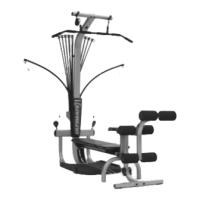
4. The Bluetooth
®
icon LED will blink on and off as the update to the
rmwareoccurs.
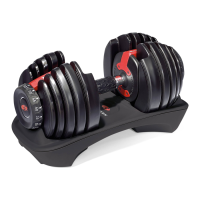
5. Let the update continue until the Start-Up screen is displayed. This
process may take several minutes to complete.
Note: if your Start-Up screen does not look similar to this image,
please contact Customer Service for further assistance.
6. Unplug the AC Adapter from the machine.
7. Remove the Flash Drive from the USB Port.
8. Plug in the AC Adapter to the machine. This will power up the
machine.
9. The machine is ready to use.
The following procedure should only be applied to a fully assembled and inspected machine for correct performance in accordance with the Owner’s
Manual.
1. Unplug the AC Adapter from the wall outlet and machine.






 To Next Page