EasyManua.ls Logo

Bowflex Max Trainer M7 - User Manual

Bowflex Max Trainer M7
60 pages
Print Icon
To Next Page IconTo Next Page
Loading...
M7
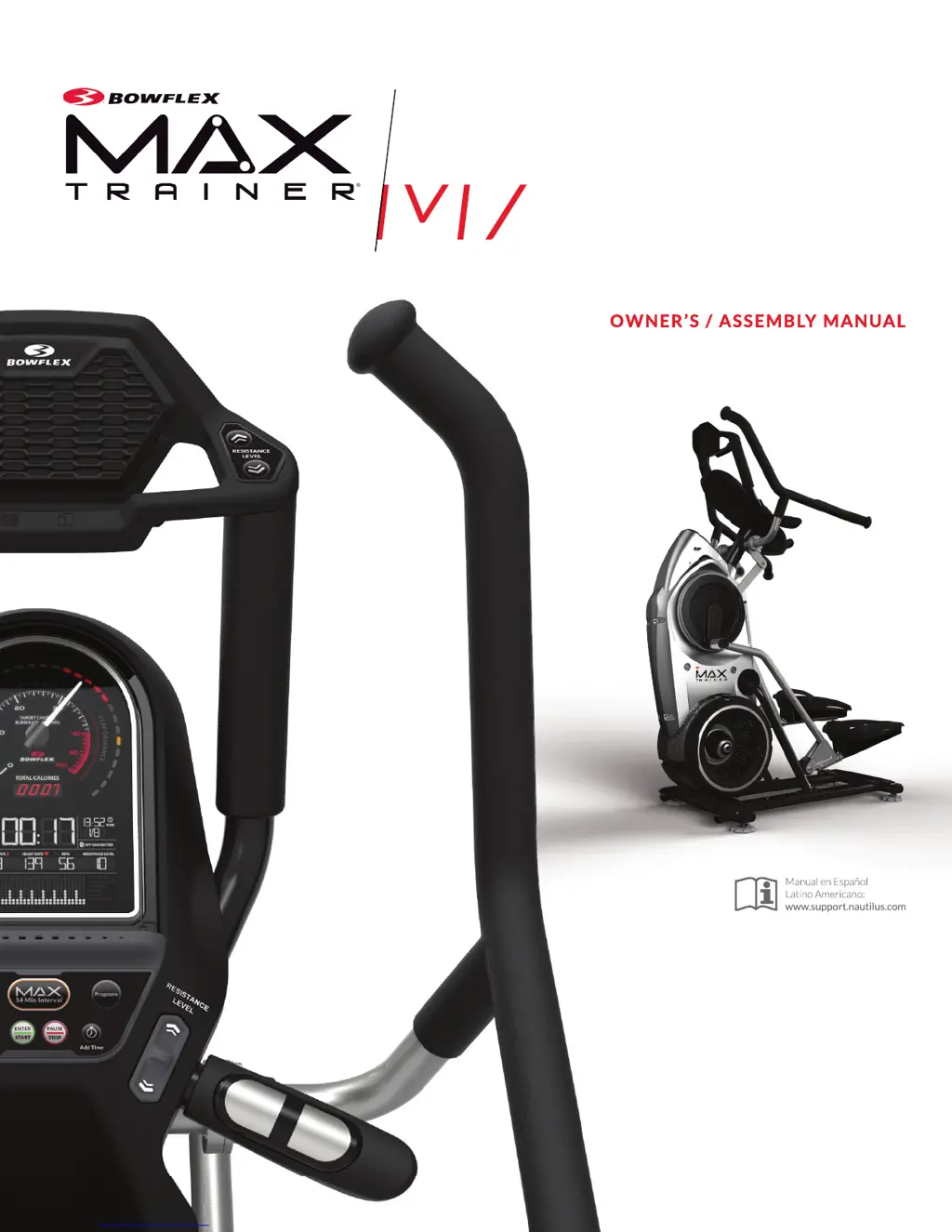
OWNER’S / ASSEMBLY MANUALOWNER’S / ASSEMBLY MANUAL
Manual en Español
Latino Americano:
www.support.nautilus.com
M7
M7
OWNER’S / ASSEMBLY MANUALOWNER’S / ASSEMBLY MANUALOWNER’S / ASSEMBLY MANUAL
Manual en Español
Manual en Español
Latino Americano:
www.support.nautilus.com

Other manuals for Bowflex Max Trainer M7

Questions and Answers

  • R
    Richard BrooksAug 13, 2025
    What to do if the Bowflex Elliptical Trainer console shuts off during use?
    • H
      Henry VelezAug 13, 2025
      If your Bowflex Elliptical Trainer's console shuts off during use, ensure it's plugged into a working wall outlet. Check the adapter and connections for damage, replacing them if necessary. Make sure all wires in the cable are intact, replacing the cable if any are cut or crimped. Confirm the cable is securely connected and properly oriented, with the small latch on the connector aligned and snapped into place. You can also try unplugging the unit from the electrical outlet for 5 minutes, then reconnecting it. Also, ensure the magnet is in place on the pulley, and the speed sensor is aligned with the magnet and connected to the data cable. Realign the sensor if needed, and replace it if damaged.
  • J
    Joshua HendersonAug 17, 2025
    Why workout results will not sync with Bluetooth enabled device on Bowflex Elliptical Trainer?
    • K
      Kylie WheelerAug 17, 2025
      If workout results from your Bowflex Elliptical Trainer aren't syncing with your Bluetooth device, first, unplug the unit from the electrical outlet for 5 minutes, then reconnect it. Next, check that Bluetooth is enabled on your device. Finally, verify that your device is compatible by reviewing the fitness app's specifications.
  • R
    Richard OrozcoAug 21, 2025
    How to fix a Bowflex Elliptical Trainer fan that will not turn?
    • R
      Ryan NormanAug 21, 2025
      If the fan on your Bowflex Elliptical Trainer won't turn, unplug the unit from the electrical outlet for 5 minutes. Then, remove any material obstructing the fan. If needed, detach the shrouds to help with removal. Important: do not operate the machine until the shrouds have been replaced.
  • M
    Michelle ElliottAug 25, 2025
    How to fix workout results not posting from Bowflex Connect™ to MyFitnessPal® account on Bowflex Elliptical Trainer?
    • T
      Thomas BentonAug 25, 2025
      To resolve workout results not posting from Bowflex Connect to your MyFitnessPal account from your Bowflex Elliptical Trainer, select 'Sync to MyFitnessPal' from the Menu icon on the Bowflex Connect website. Also, double-check your account and password for MyFitnessPal.
  • T
    Tyler SmithAug 28, 2025
    What to do if Bowflex Elliptical Trainer rocks or does not sit level?
    • C
      Charles AndersonAug 28, 2025
      If your Bowflex Elliptical Trainer rocks or doesn't sit level, adjust the levelers until the machine is stable. If the surface is extremely uneven, the adjustment may not be enough; move the machine to a more level area.
  • V
    valdezmaryAug 31, 2025
    Why are the foot pedals loose on my Bowflex Elliptical Trainer?
    • S
      Sean FullerSep 1, 2025
      If the foot pedals on your Bowflex Elliptical Trainer are loose or the unit is difficult to operate, tightly secure all hardware on the Pedal Arms and Handlebar Arms.
  • P
    Patty MaySep 5, 2025
    How to stop rubbing sound outside of shrouds on Bowflex Elliptical Trainer?
    • M
      Madison BoothSep 5, 2025
      If you're experiencing a rubbing sound outside of the shrouds during operation of your Bowflex Elliptical Trainer, slightly loosen the caps on the crank arms.
  • S
    samantha17Sep 8, 2025
    What to do if the pedals will not move on Bowflex Elliptical Trainer?
    • W
      William HernandezSep 8, 2025
      If the pedals on your Bowflex Elliptical Trainer won't move, they may be 'bottomed out'. To resolve this, safely grasp the static handlebars and apply your weight to the heel of the higher foot. While still grasping the static handlebar, lean back slightly, applying more weight onto the heel. Once the pedals begin to move, resume your intended workout.

Summary

Important Safety Instructions

Obey the following warnings

General safety warnings and precautions for operating the machine, including specific hazard types.

DANGER; WARNING Precautions

Specific warnings and precautions to avoid electrical shock, injury, or serious harm.

Safety Warning Labels and FCC Compliance

Safety Warning Labels

Key safety warnings and usage guidelines for the machine.

Specifications and Before Assembly

Hardware and Tools

Hardware List

Detailed list of hardware components with quantities and specifications.

Assembly Instructions

Step 1: Attach Rail Assembly

Attaching the rail assembly to the frame and releasing it from the shipping plate.

Step 2: Attach Levelers to Stabilizer Assembly

Attaching the levelers to the stabilizer assembly for stability.

Step 3: Lift Frame and Attach to Stabilizer

Carefully lifting the frame assembly and attaching it to the stabilizer.

Step 4: Attach Stabilizer Shroud

Attaching the stabilizer shroud to the frame assembly.

Step 5: Attach Rear Shroud and Caps

Attaching the rear shroud and caps to the frame assembly.

Step 6: Attach Legs to Frame Assembly

Attaching the legs to the main frame assembly.

Step 7: Attach Pedals to Frame Assembly

Attaching the pedals to the frame assembly.

Step 8: Attach Foot Pads to Pedals

Preparing foot pads and attaching them to the pedals.

Step 9: Connect Cables and Attach Console

Cutting zip-ties, connecting cables, and attaching the console assembly.

Step 10: Attach Upper Handlebars

Attaching the upper handlebars to the frame assembly.

Step 12: Final Inspection

Performing a final inspection of the assembled machine for safety and function.

Adjustments and Machine Placement

Leveling the Machine

Steps to level the machine for stability and proper operation.

Connectivity and Heart Rate Monitoring

Contact Heart Rate Sensors

How to use the contact heart rate sensors on the handlebars for accurate readings.

Remote Heart Rate Monitor (Chest Strap)

Chest Strap Usage

Instructions for using a heart rate transmitter chest strap for monitoring.

Heart Rate Calculations and Zones

Heart Rate Calculations

Explanation of heart rate calculation, maximum heart rate, and target zones.

Workout Types and Benefits

Interval Training Workouts

Explanation of interval training for maximizing calorie burn.

Machine Operations and Usage

Getting Started and Machine Modes

Getting Started with the Machine

Initial setup steps including placement, connection, and user profile.

Console Modes and Programs

MAX 14 MINUTE INTERVAL Program

Detailed instructions on how to use the MAX 14 Minute Interval workout program.

Workout Programs Explained

Edit a User Profile

How to customize user profiles for accurate calorie and burn rate tracking.

Additional Workout Programs

Manual, Fitness Test, and Paused Mode

Fitness Test Procedure

How to perform and interpret the Fitness Test for physical fitness assessment.

Customizing the Calorie Goal Program

Console Setup Mode

Maintenance Schedule

Daily Maintenance Tasks

Daily checks and cleaning procedures for the machine.

Troubleshooting Common Issues

Console Power and Display Problems

Solutions for no display, partial display, or unit not turning on.

Console Response Issues

Troubleshooting for unresponsive console buttons or features.

Speed and Heart Rate Reading Issues

Solutions for no speed/RPM reading or telemetric heart rate not displayed.

Advanced Troubleshooting

Console and Display Issues

Solutions for console shut-off, non-moving pedals, or fan issues.

Buy Back Guarantee Information

Product Warranty Information

Bowflex Max Trainer M7 Specifications

General IconGeneral
Resistance Levels20
Programs11
Bluetooth ConnectivityYes
User Profiles4
Max User Weight300 lbs
Heart Rate MonitoringYes
DisplayDual backlit LCD/LED display
Heart Rate MonitorYes (contact and telemetry)

Related product manuals