Assembly / Owner’s Manual
37
Power-Up / Idle Mode ( GET READY screen )
The Console will enter Power-Up / Idle Mode if it is plugged into a power source, any button is pushed, or if it receives a signal from the RPM sensor
as a result of pedaling the machine.
Auto Shut-Off (Sleep Mode)
IftheConsoledoesnotreceiveanyinputinapproximately5minutes,itwillautomaticallyshutoff.TheLCDdisplayisoffwhileinSleepMode.
Note: The Console does not have an On/Off switch.
Warm Up Mode
A Warm Up mode is available from the Power-Up screen. To begin, just start using the machine until ready for a workout. During a Warm Up, the
UserProlecanbeeditedandaworkoutselected.TheConsolewillrequesttheusertoselectaProgramafter3minutes.Thisisonlyanotication.
Warm up should be continued until the User is ready for the workout.
Note: TheworkoutvaluesfromaWarmUpperiodarenotaddedtotheworkoutorsavedforexporttotheApp.
MAX 14 MINUTE INTERVAL Program
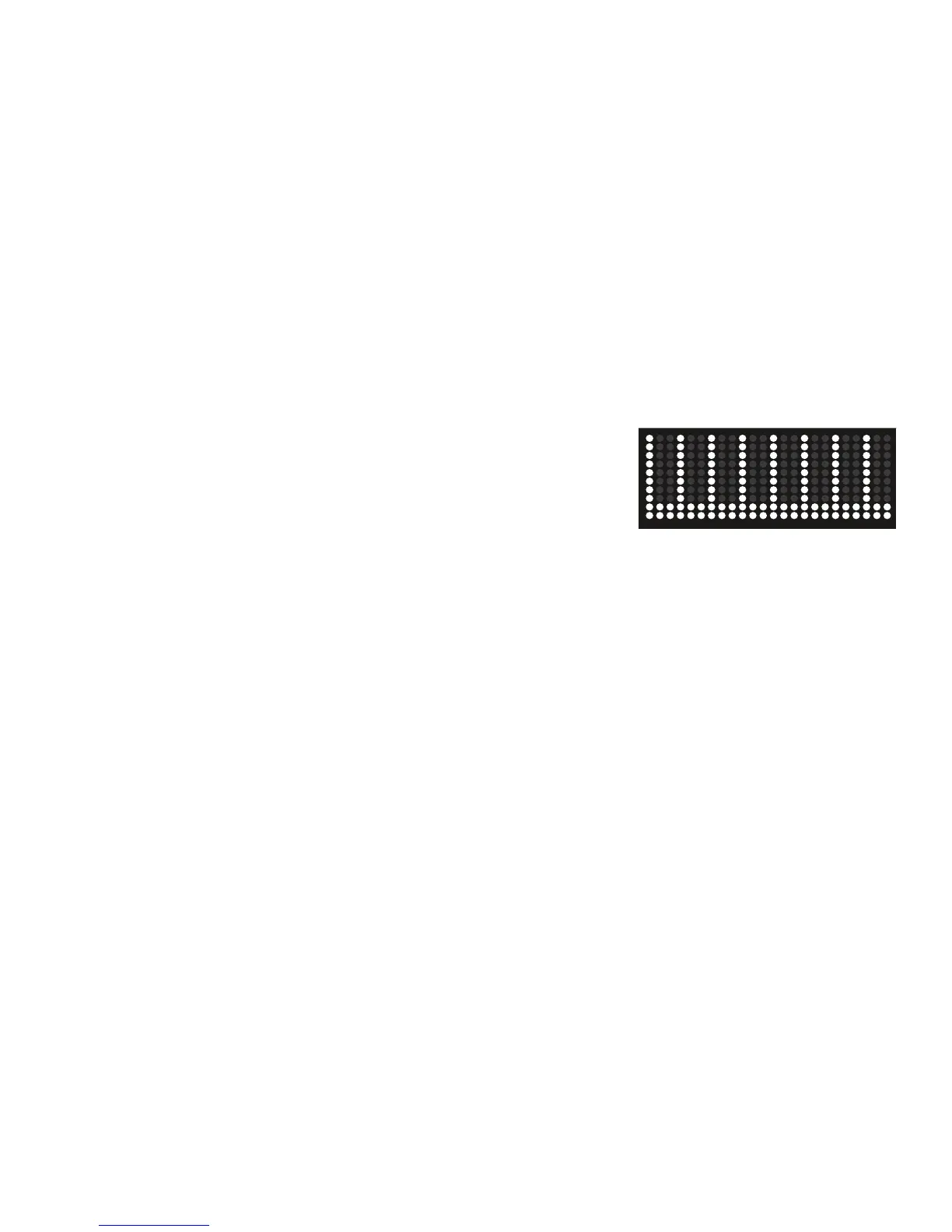
TheMAXIntervalWorkoutProgramisaworkoutthatalternatesfromintenseburstsofoutput(
“SPRINT”),toaslowerpaced,‘catchyourbreath’timeperiod(“RECOVER”),bothofwhichare
repeatedovereightcycles.TheWorkoutProleDisplayshowstheBurnRateTargetfortheMAX14
Minute Interval program.
1. Stand on the machine.
2. PushtheUSERbuttontoselectyourUserProle.
Note: Duringtheworkout,theConsolewillshowtheTargetLEDRangebasedontheselectedUserProlesettings.
3. Push the MAX 14 Minute Interval button.
Note: TheWorkoutProleDisplaywilladjusttheBurnRateproletothecurrentUsersettings.
4. The workout will begin with an audible countdown as the Burn Rate display needle sweeps across the display and then settles on the current
Burn Rate. The Target Burn Rate LED’s will also activate and sweep up to the recommended Burn Rate.
TherstIntervalsegmentisa“SPRINT”segmentthatlastsforashorterperiodoftime.SafelypushyourselftogettheBurnRatedisplayinto
theBurnRateTarget(redLED’s)andkeepitintherangeuntilthetimereaches00:00.
Note: TheBurnRateTarget(LED)Rangeisprovidedonlyasasuggestedtarget.The5LEDrangeprovidesalessertarget,andallowsaUser
toprogresstothehigherLED’sintherangeastheirtnesslevelincreases.TochangetheBurnRateTarget(LED)Range,pushtheap-
propriate Burn Rate button until the Target Range is near the desired value.
During the last 3 seconds of the “SPRINT” segment, the Console will begin an audible countdown.
5. Asthetimereaches“00:00”,theConsolewillmakethethirdaudibleconrmationandthenextsegmentoftheworkout,the“RECOVER”seg-
ment, will begin.
The Target LED Range will shift from red to green and sweep to a reduced Burn Rate. During the RECOVER segment, continue to work out but
at a lower Intensity.
During the last 3 seconds of the “RECOVER” segment, the Console will begin an audible countdown.
6. Asthetimereaches“00:00”,theConsolewillmakeanaudibleconrmationandshifttothenext“SPRINT”segment.Thisisthecompletionof
therstInterval.
The shift from “SPRINT” to “RECOVER” segments will repeat for a total of 8 cycles over the workout.
7. When the last “RECOVER” segment is completed, the Console will display ”WORKOUT COMPLETE”, and then show the workout results. The
Console will display the time for each “SPRINT” segment, along with TOTAL TIME. If there is no input for 5 minutes, the Console will automati-
cally go into Sleep Mode.
Note: IfanIntervalworkoutisendedbeforeall16segmentshavebeencompleted,theConsolewillonlyshowthelastsegmentcompletedon
theProgramProle.














 To Next Page