Assembly / Owner’s Manual
40
Manual (usethe"Endurance"BenetZone)
The Manual workout program is an open-ended workout that tracks the total workout time. During a
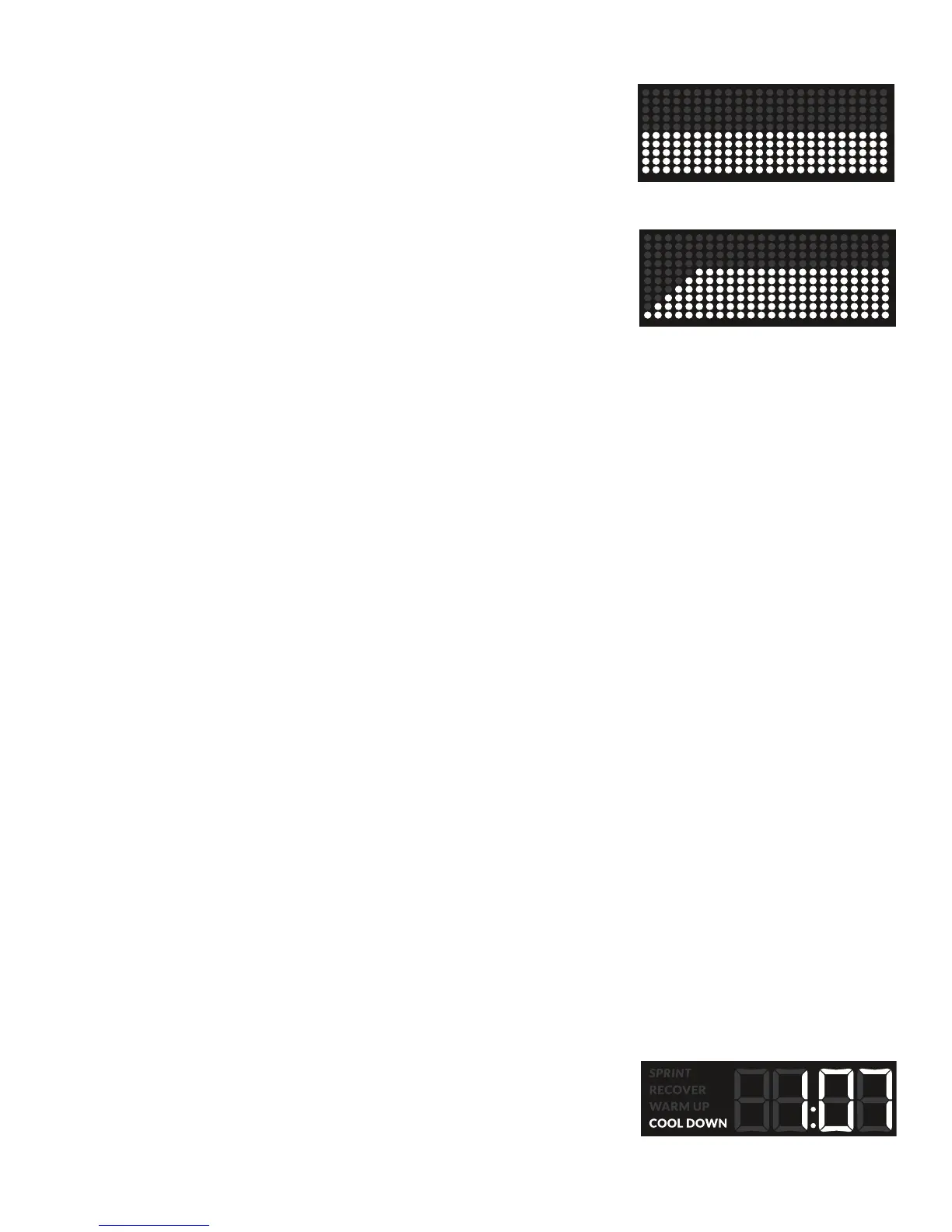
Manualworkout,theWorkoutProleDisplayshowstheResistanceLevel.
Note: Because of the open-ended design of the Manual workout, the Add Time button is
disabled.
Fitness Test
TheFitnessTestmeasurestheimprovementsofyourphysicaltnesslevel.Thetestcomparesyour
poweroutputtoyourheartrate.Asyourtnesslevelimproves,yourpoweroutputwillincreaseata
given heart rate.
Note: The Console must be able to read the heart rate information from the Contact Heart Rate
(CHR)sensorsorHeartRateMonitor(HRM)toworkcorrectly.
The Console will ask the User for their Weight and Age. Use the Increase and Decrease buttons to adjust the value, and push ENTER/START to set
the values. Start to work out and hold the Heart Rate Sensors. The workout starts with the Resistance Level low and increases it with each column.
Safely keep your pace steady as the Resistance Levels increase. This should gradually increase your heart rate. The Resistance Level continues to
increaseautomaticallyuntilyourheartratereachesthe“TestZone”.Thiszoneisindividuallycomputedtobenear75percentofthemaximumheart
rateforyourage.WhenyoureachtheTestZone,themachinestartsa3minutecountdownandholdstheResistanceLevelsteady.Thisletsyou
reachastablecondition(whereyourheartratebecomessteady).
Note: During a Fitness Test, the displayed 3 minute goal begins when the heart rate reaches the test zone. Be aware of the additional time
before the 3 minute countdown begins.
At the end of the 3 minutes, the Console measures your heart rate and the power output. These numbers, along with information about your weight
and age, are computed to produce a “Fitness Score”. Compare your Fitness Scores to see your improvement.
Note: FitnessTestscoresshouldonlybecomparedtoyourpreviousscoresandnottootherUserProles.WhencomparingFitnessTest
scores,anincreaseinyourscoreshowsanimprovementintnesslevel.
To start a Workout Program:
1. Stand on the machine.
2. Push the PROGRAMS button to select the desired Workout Program.
3. Push the ENTER/START button to begin the selected Workout Program.
Note: The Console will ask for the Weight and Age of the User before starting the Fitness Test workout.
Paused / Results / Cool Down Mode
To Pause a workout:
1. Stop pedaling and push the PAUSE/STOP button to pause your workout.
When paused, the Console display will show “WORKOUT PAUSED”.
Note: The Console will automatically pause if there is no RPM signal for 5 seconds.
2. To continue your workout, push ENTER/START or start pedaling.
To end the workout, push the PAUSE/STOP button. The Console will display “WORKOUT COMPLETE”, save the workout, and then display
theworkoutresultvalues(TotalCalories,TotalTime,AverageCalorieBurnRate,AverageHeartRate,AverageRPM,andAverageResistance
Level).
If a workout is completed and the user continues to use the machine, Cool Down will automatically
start. The Console will track the time in Cool Down, and display the workout results of the completed
workout. Cool Down values are not added to the results or saved. Cool Down is ended with a push of
the PAUSE/STOP button or no RPM for 10 seconds.














 To Next Page