Assembly / Owner’s Manual
47
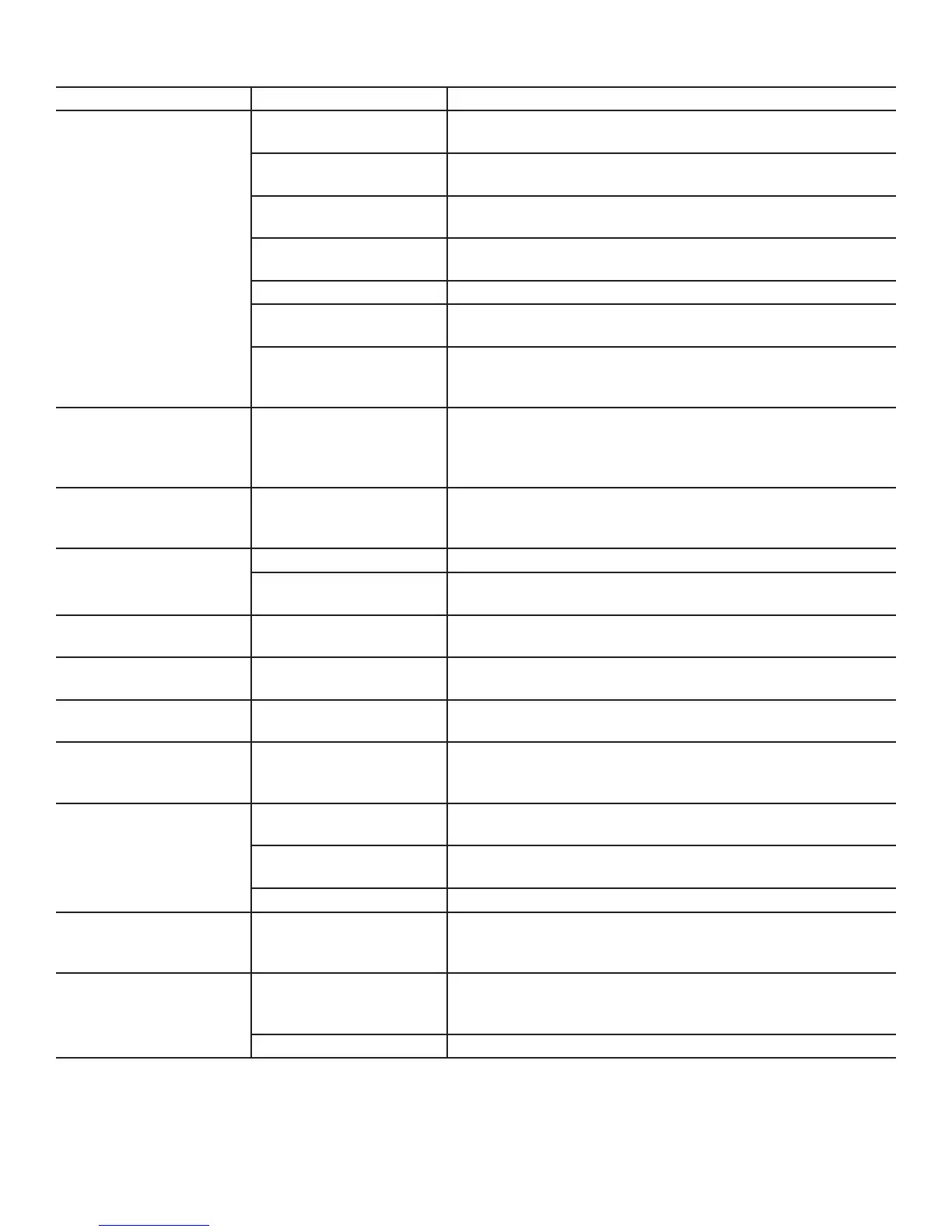
Condition/Problem Things to Check Solution
Consoleshutsoff(enterssleep
mode)whileinuse
Checkelectrical(wall)outlet Make sure unit is plugged into a functioning wall outlet.
Check connection at front of unit Connection should be secure and undamaged. Replace adapter or connec-
tion at unit if either are damaged.
Check data cable integrity All wires in the cable should be intact. If any are cut or crimped, replace
cable.
Check data cable
connections/orientation
Be sure cable is connected securely and oriented properly. Small latch on
connector should line up and snap into place.
Reset machine Unplug unit from electrical outlet for 5 minutes. Reconnect to outlet.
Checkmagnetposition(requires
shroudremoval)
Magnet should be in place on pulley.
CheckSpeedSensor(requires
shroudremoval)
Speed sensor should be aligned with magnet and connected to data cable.
Realign sensor if necessary. Replace if there is any damage to the sensor or
the connecting wire.
Pedals will not move Pedal locations The Pedals may be “bottomed out”. Safely grasp the Static
Handlebars and apply your weight to the heel of the higher foot. While still
grasping the Static Handlebar, lean back slightly applying more weight onto
the heel. Once the Pedals begin to move, resume your intended workout.
Fan will not turn Check for blockage of fan Unplug unit from electrical outlet for 5 minutes. Remove material from fan. If
necessary, detach the Shrouds to help with removal. Do not operate machine
until Shrouds have been replaced.
Unit rocks/does not sit level Check leveler adjustment Adjust levelers until machine is level.
Check surface under unit Adjustmentmaynotbeabletocompensateforextremelyunevensurfaces.
Move machine to level area.
Footpedalsloose/unitdifcult
to operate
Hardware Tightly secure all hardware on the Pedal Arms and Handlebar Arms.
Rubbing sound outside of
Shrouds during operation
Caps Slightly loosen Caps on Crank Arms
Metallic rubbing sound from
within Shrouds during operation
Brake bracket Brake bracket needs to be aligned. Contact Customer Care for further as-
sistance.
Machine seems to release
Pedals for a moment during
operation
Belt slip Contact Customer Care for further assistance.
Workout results will not sync
with Bluetooth
®
enabled device
Fitness machine Unplug unit from electrical outlet for 5 minutes. Reconnect to outlet.
Bluetooth
®
enabled device Consult your device to be sure that the Bluetooth
®
wireless feature has been
enabled on it.
Fitness App ReviewSpecicationsofFitnessAppandconrmyourdeviceiscompatible.
Workout results not posting to
BowexConnect™
Fitness App on Bluetooth
®
enabled device
Workout results transfer from the machine to the App, and then post to the
BowexConnect™website.ReviewaccountandpasswordfortheBowex
Connect™website.
Workout results not posting
fromBowexConnect™to
MyFitnessPal
®
account
Sync accounts FromtheMenuiconontheBowexConnect™website,selecttheSyncto
MyFitnessPal
®
Sync fails Review account and password for MyFitnessPal
®














 To Next Page