Assembly / Owner’s Manual
22
67$57(17(5EXWWRQ)URPWKH:(/&20(VFUHHQVWDUWVD0DQXDOZRUNRXWVWDUWVDVHOHFWHG3URJUDPZRUNRXWRUUHVXPHVDSDXVHGZRUNRXW
Push to accept the displayed value for an option.
Resistance Level Increase (cEXWWRQ,QFUHDVHVWKHUHVLVWDQFHOHYHORIWKHZRUNRXW
Burn Rate Decrease (dEXWWRQ'HFUHDVHVWKH7DUJHW%XUQ5DWHGXULQJDZRUNRXWRUGHFUHDVHVDYDOXHWLPHDJHZHLJKWRUKHLJKW
3$86((1'EXWWRQ3DXVHVDQDFWLYHZRUNRXWHQGVDSDXVHGZRUNRXWRUgoes back to the previous screen.
Resistance Level Decrease (dEXWWRQ'HFUHDVHVWKHUHVLVWDQFHOHYHORIWKHZRUNRXW
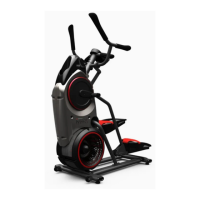
&RQQHFWLYLW\RQ\RXU%RZćH[0D[7UDLQHU
®
cardio machine
7KH%RZÀH[0D[7UDLQHU
®
M5 cardio machine is equipped with Bluetooth
®
FRQQHFWLYLW\DQGFDQZLUHOHVVO\V\QFZLWKWKH³%RZÀH[0D[7UDLQHU
®
” Fit
ness App on supported devices.
Note: )RUDFRPSOHWHOLVWRIVXSSRUWHGGHYLFHVYLVLWZZZERZÀH[PD[WUDLQHUFRP
)LWQHVV$SSê%RZćH[0D[7UDLQHU
®
2" )
7KH%RZÀH[0D[7UDLQHU
®
$SSV\QFVZLWK\RXU%RZÀH[0D[7UDLQHU
®
M5 to track total calories burned, time, watts, and more. Records and stores
every workout for quick reference. Plus, it automatically syncs your workout data with MyFitnessPal
®
to make hitting your daily goals easier than
ever! Track your results and share with friends and family.
'RZQORDGWKHIUHHVRIWZDUH$SSQDPHG³%RZÀH[0D[7UDLQHU
®
2". The software app is available on Google Play™ and the App Store.
Note: )RUDFRPSOHWHOLVWRIVXSSRUWHGGHYLFHVYLVLWZZZERZÀH[PD[WUDLQHUFRP
)ROORZWKHLQVWUXFWLRQVRQWKH$SSWRV\QF\RXUGHYLFHWRWKH%RZÀH[0D[7UDLQHU
®
cardio machine.
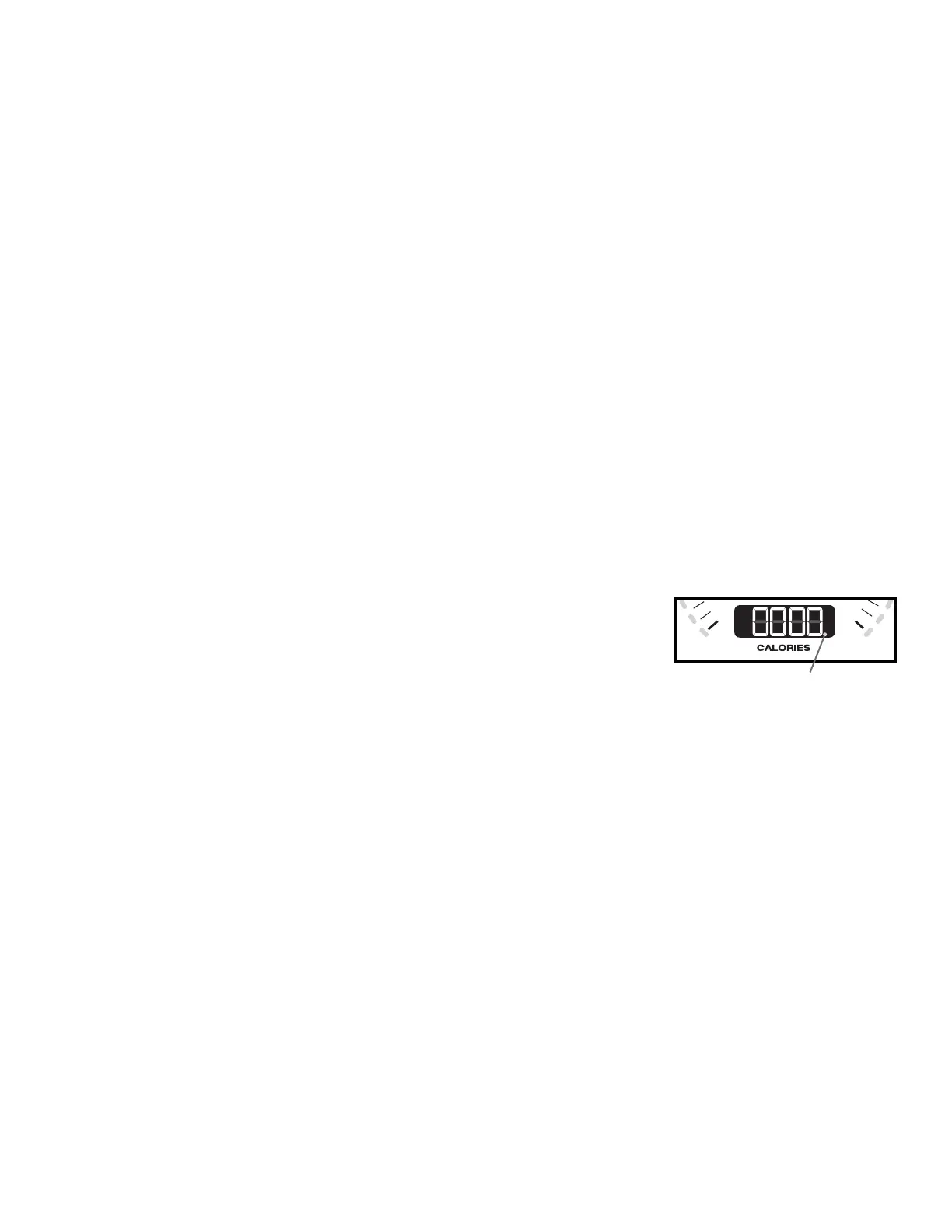
The Console will activate the Bluetooth
®
synced indicator light when a Bluetooth
®
enabled device is
synced.
Note: If the Bluetooth
®
synced indicator light is active and your Bluetooth
®
enabled device is not
V\QFHGWKH¿WQHVVPDFKLQHPD\KDYHV\QFHGWRDQRWKHU%OXHWRRWK
®
enabled device. Turn the
SRZHURIIWRWKHPDFKLQHZDLWPLQXWHVDQGUHVWDUWLWZLWK\RXUVPDUWGHYLFHQHDUWKH¿WQHVV
machine.
,IWKHV\QFHGLQGLFDWRUOLJKWGRHVQRWDFWLYDWHDQG\RXUVPDUWGHYLFHLVHQDEOHGGHDFWLYDWHDQGUH
activate the Bluetooth
®
wireless feature on your smart device. Then click on the "Sync to Machine" button from within the App. When synced,
the indicator light will activate.
Contact Heart Rate Sensors
Contact Heart Rate (CHR) sensors send your heart rate signals to the Console. The CHR sensors are the stainless steel parts of the Handlebars.
7RXVHSXW\RXUKDQGVFRPIRUWDEO\DURXQGWKHVHQVRUV%HVXUHWKDW\RXUKDQGVWRXFKERWKWKHWRSDQGWKHERWWRPRIWKHVHQVRUV+ROG¿UPEXW
not too tight or loose. Both hands must make contact with the sensors for the Console to detect a pulse. After the Console detects four stable pulse
signals, your initial pulse rate will be shown.
Once the Console has your initial heart rate, do not move or shift your hands for 10 to 15 seconds. The Console will now validate the heart rate.
0DQ\IDFWRUVLQÀXHQFHWKHDELOLW\RIWKHVHQVRUVWRGHWHFW\RXUKHDUWUDWHVLJQDO
• Movement of the upper body muscles (including arms) produces an electrical signal (muscle artifact) that can interfere with pulse detection. Slight
hand movement while in contact with the sensors can also produce interference.
• Calluses and hand lotion may act as an insulating layer to reduce the signal strength.
• Some Electrocardiogram (EKG) signals generated by individuals are not strong enough to be detected by the sensors.
• 7KHSUR[LPLW\RIRWKHUHOHFWURQLFPDFKLQHVFDQJHQHUDWHLQWHUIHUHQFH
0
40
Bluetooth
®
synced indicator
light


 To Next Page