How to Use
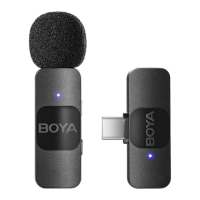
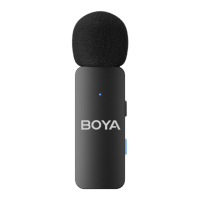
For the BY-V4U or BY-V4D package
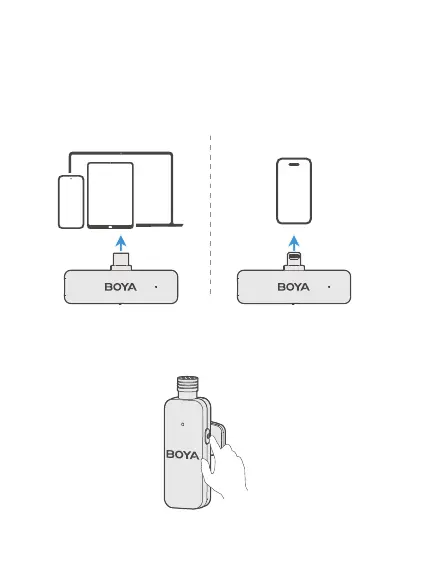
1. Connect the USB-C receiver to a smartphone, tablet, or
computer that features a USB-C port, or connect the Lightning
receiver to a device with a Lightning port.
2. Press and hold the power buttons for 2 seconds to turn on the
transmitter(s).
USB-C iOS Lightning


 To Next Page