3. Pairing
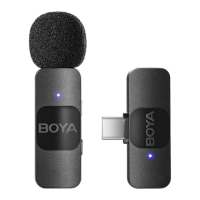
The transmitter(s) and receiver are paired by default. If they
are disconnected, please follow the below steps:
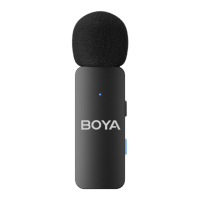
① To make the transmitter(s) enter the pairing state, press and
hold its power button for 5 seconds in shutdown mode until its
status indicator blinks blue rapidly.
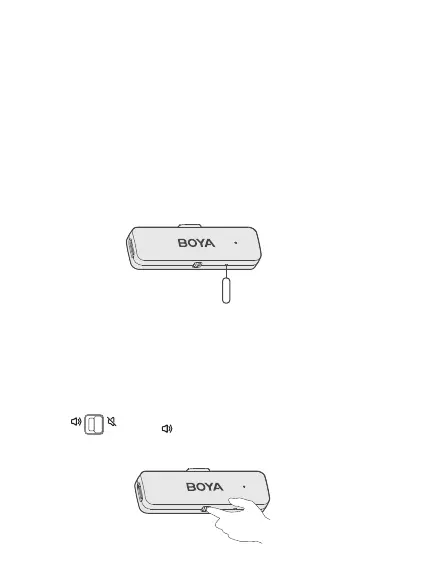
② Then, insert the included pairing pin into the small pinhole on
the USB-C or Lightning receiver and press once. The receiver
will enter pairing mode and its indicator will blink blue quickly.
③ Transmitter(s) and receiver will be successfully paired within
10 seconds. Their status indicators glow static blue.
4. Launch a video or audio recording app. Then, select the
external microphone, if applicable (app dependent).
5. It is recommended to record a sample and play it back to
check if the audio level is acceptable before recording.
6. To improve the recording effect in a noisy environment, it is
recommended that you press the NR button on the
transmitter(s) to enable noise cancellation.
7. Slide toward on the receiver to enable the phone's
speaker. Sound can be played directly without unplugging the
receiver.


 To Next Page