5
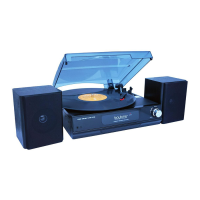
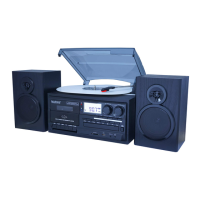
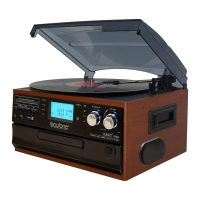
Features
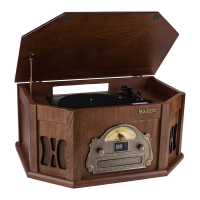
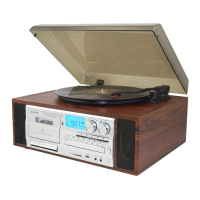
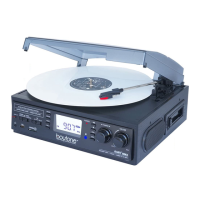
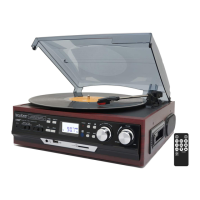
• Variable turntable speed (33, 45, 78 rpm)
• Belt-driven system
• Bluetooth (in) receiver function
• Bluetooth (out) deliver function
• Cassette tape player
• AM FM radio
• CD player
• Direct USB/SD encoding for turntable and auxiliary input
• Auxiliary input for connection of other device (e.g. CD player or MP3 player)
• USB/SD slot for MP3 playback
• Copying files/tracks from USB to SD
• Deleting files/tracks on USB and SD
• Digital read-out analog AM/FM radio
• 45 rpm adaptor included
• LCD display with blue backlight
• RCA line-out
• Built-in speaker with 2 x 1.5W output
Instructions
Listening to radio
Radio tuning
1. Turn the volume knob in a clockwise direction to turn the equipment on.
2. Use the function selector to select TUNER mode.
3. Use the radio band selector to select the desired band (AM, FM or FM-Stereo).
4. Turn and hold the tuning knob for a few seconds to tune into a radio station. It start auto-searching
and stop when a radio station is found. Release the knob once a station has been found.
5. Repeat the above step until your desired radio station is found.
6. Adjust the volume knob to your desired volume level.
7. AM reception: the receiver has a built-in AM bar antenna. If reception is weak, slightly rotate or
reposition the unit to improve AM reception.
8. FM reception: the receiver has a built-in FM wire antenna hanging at the rear cabinet. For best
reception, completely unravel and extend this wire.
9. When you have finished listening to the radio, turn the volume knob in a counterclockwise direction
to switch the unit off. Unplug it from the power supply if you are not going to use it for a while.
FM and FM-stereo mode
• FM mode: use the radio band selector to select the FM band. Programs are received in mono mode.
Use this mode when stereo reception is weak.
• FM-Stereo mode: use the radio band selector to select FM-ST for receiving stereo programs. Once a
stereo signal is received, the ST icon will light up on the display.


 To Next Page