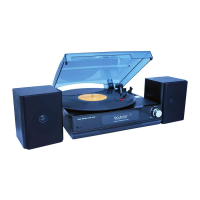
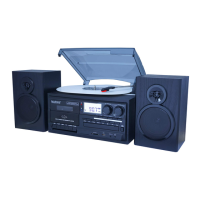
Listen to a Record
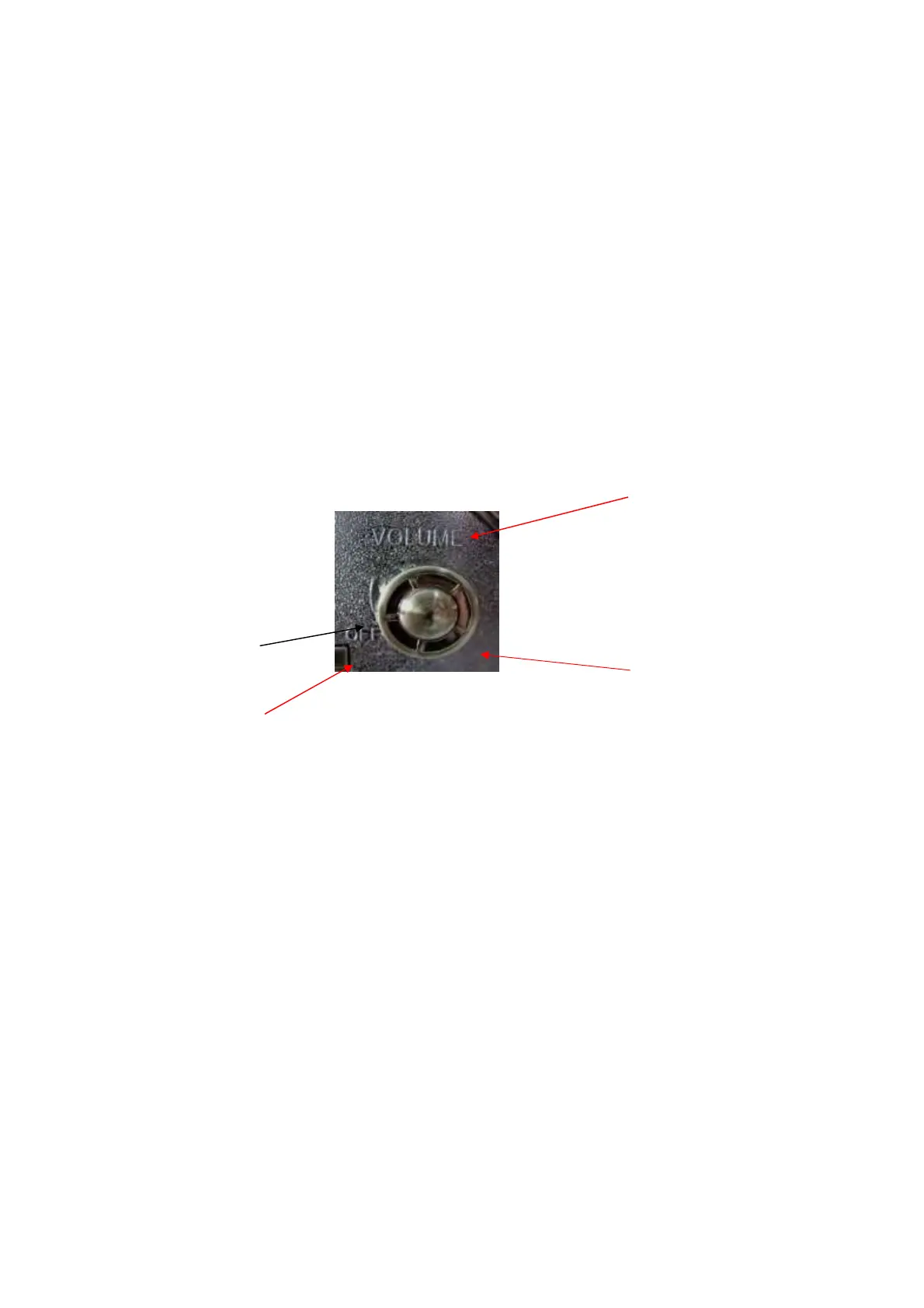
(1) Open the dust cover and turn the volume knob clockwise to turn the equipment on.
(2) Use the function selector to select PHONO mode.
(3) Open the dust cover and adjust the Concealed hinge
(4) Put the record on the turntable. When playing a 45 RPM record, use the included
adaptor.
(5) Gently push the clamper to the right to release the tone arm
(6) Raise the cue lever to lift the tone arm off the tone arm support
(7) Select the speed(33/45/78)。
(8) Move the tone arm gently to the edge of the record (or the starting point of a track)
(9) Adjust the volume knob to your desired volume level.
Listen to CD
(1) Open the dust cover and turn the volume knob clockwise to turn the equipment on.
(2) Use the function selector to select CD mode.
(3) Press the OPEN/CLOSE button
(4) Place a disc on the tray
(5) Press the OPEN/CLOSE button to close the tray
(6) It takes a few seconds for the unit to load the disc. No buttons will work during loading.
Wait until the total number of the tracks and the total play time of the disc are displayed.
(7) Press "play “button to play the CD DISC
(8) to skip to the next track with UP/FF button
(9) to skip to the previous track with Down/REV button
(10) Press "STOP “to stop playing CD disc


 To Next Page