EasyManua.ls Logo

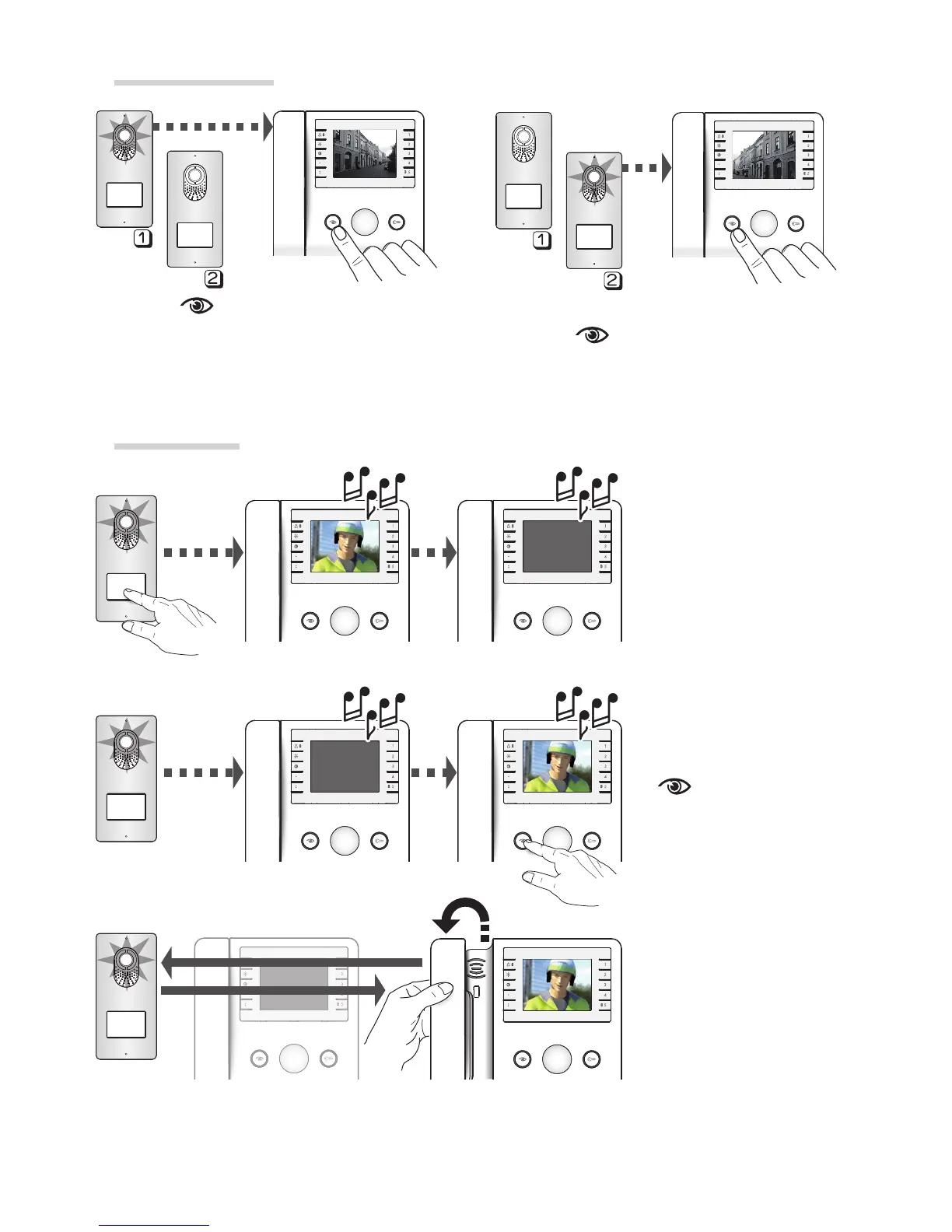
Bpt Agata V - Self-Connection and Video Management; Initiate Video Communication

Bpt Agata V
8 pages
Print Icon
To Next Page IconTo Next Page
To Previous Page IconTo Previous Page
Loading...
!
!
!
!
!
!
MASTER
MASTER
SLAVE
SLAVE
Page 4 - Manual code FB00080-EN - vers. 1
- 12/2015 - © Came S.p.A. - The contents of the manual are to be considered as subject to change at any time and without the need for any advance warning.
Self-connection
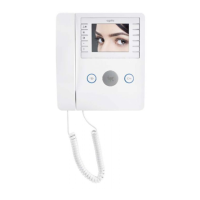
Press the key to activate video
communication with the entry panel.
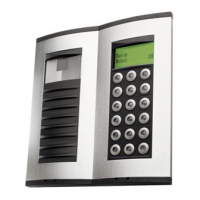
Where there is more than one entry panel,
press the key multiple times to show
all the panels in succession.
Video toggle
For simultaneous
video calls on multiple
receivers, all receivers
will ring but video will
be activated only on the
MASTER receivers.
Viewing can be
transferred to a SLAVE
receiver by pressing the
key.
For audio
communication with
the entry panel, pick up
the handset.

Other manuals for Bpt Agata V

Related product manuals