OPERATION
30
ENGLISH
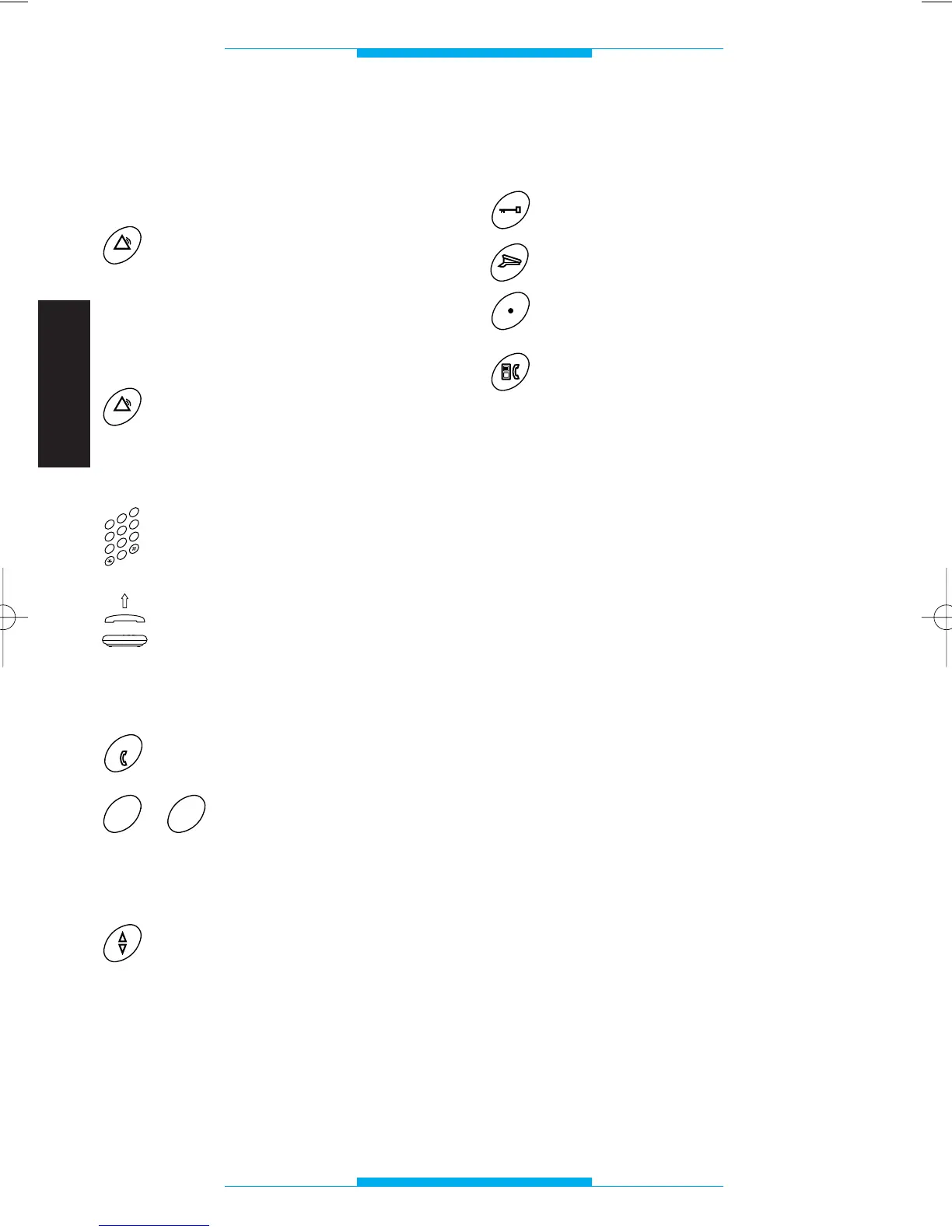
SERVICE key
Used to call a frequently
dialled number
Press the SERVICE key.
The telephone automatically
switches to hands-free
mode and the stored num-
ber is dialled.
Used to dial an area code
Press the SERVICE key.
The telephone automatically
switches to hands-free
mode and the stored area
code is dialled.
Dial the desired number.
Lift the receiver if you want
to disable the hands-free
function.
ONE-TOUCH dialling
Press the ONE-TOUCH
DIAL key.
÷
Press the key (in the range 0
to 9) associated with the
telephone number desired.
Hands-free volume control
The VOLUME CONTROL
can be used during hands-
free conversation to increa-
se or decrease the volume
of the loudspeaker.
AUDIO/VIDEO ENTRY
function keys
Door lock release
Porter call
Auxiliary/stair light
Entry handset/telephone
transfer
These keys can be used when the telepho-
ne is connected to either a bpt telephone
interface or a bpt PABX switchboard.
The DOOR LOCK RELEASE and AUXI-
LARY/STAIR LIGHT keys are only enabled
following a call in audio/video entry systems
featuring conversation privacy, and always
enabled in systems without privacy.
NOTE. The audio/video entry functions can
only be used with the receiver lifted or in
hands-free mode.
WARNING. The ENTRY HANDSET/TELE-
PHONE TRANSFER cannot be used with
switchboards CT/1-6 and CT/2-8.
XT/200 2403-7422 11.2001 31-05-2002 11:32 Pagina 30



 To Next Page