PROGRAMAÇÃO
83
PORTOGUÊS
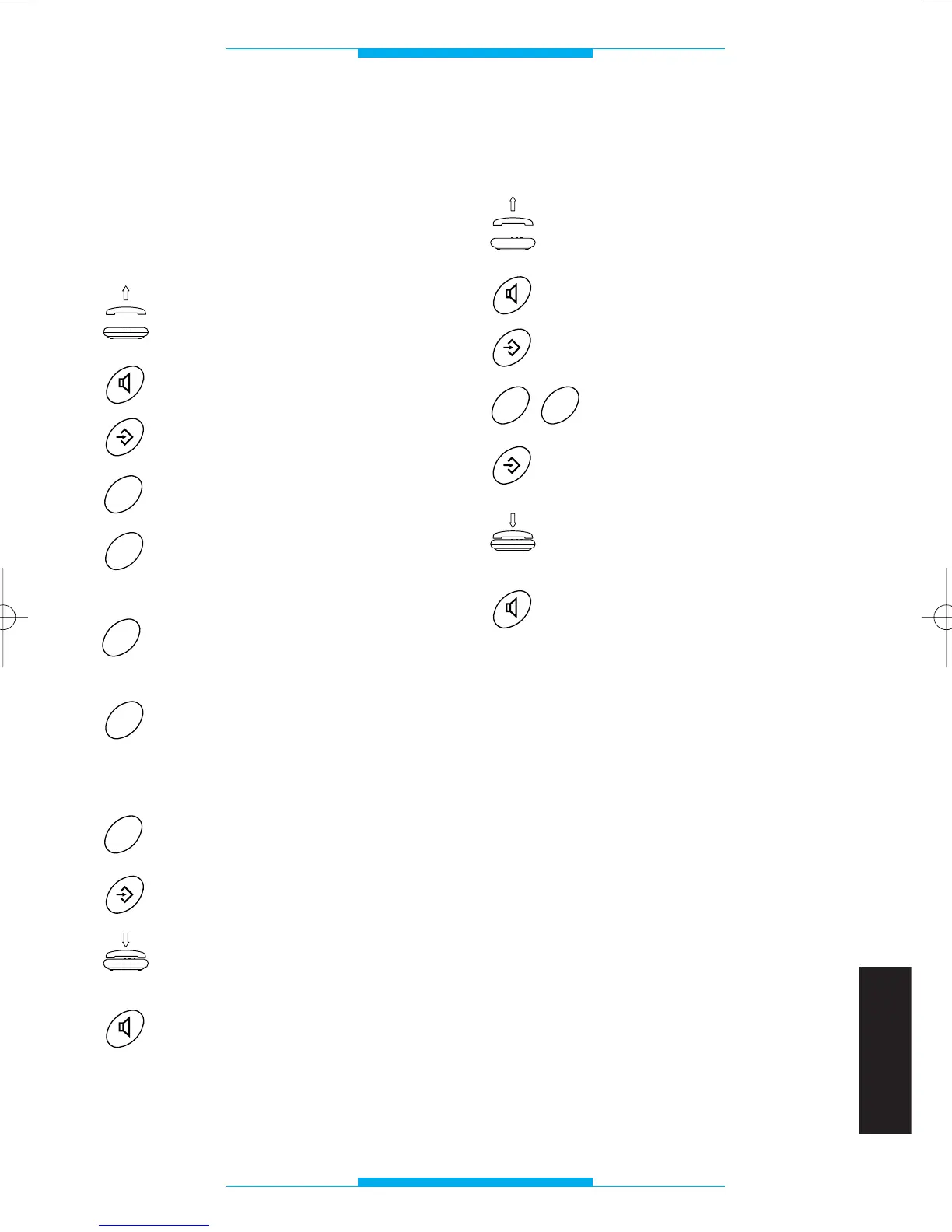
Selecção do tipo de
aparelhagem com o qual o
telefone está ligado para as
funções TELEFONE
PORTEIRO/VIDEOPORTEIRO
Levantar o auscultador
ou então
premir a tecla viva voz.
Premir a tecla PROGRAMAÇÃO.
Premir a tecla 7.
Premir a tecla 1 se o telefone
está ligado com a interface
telefónica bpt.
Premir a tecla 2 se o telefone
está ligado com uma central
telefónica PABX CT1/6 ou CT2/8.
Premir a tecla 3 se o telefone
está ligado com uma central
telefónica PABX CT1/6U, CT2/8U
ou CT2/8E.
Premir a tecla 7 para terminar a
programação.
Premir a tecla PROGRAMAÇÃO.
Tornar a colocar no suporte o
auscultador
ou então
premir a tecla viva voz.
Restabelecimento da
configuração de default
Levantar o auscultador
ou então
premir a tecla viva voz.
Premir a tecla PROGRA-
MAÇÃO.
Premir duas vezes a tecla 0.
Premir a tecla PROGRA-
MAÇÃO.
Tornar a colocar no suporte
o auscultador
ou então
premir a tecla viva voz.
ATENÇÃO. Com esta operação se anulam
todos os números telefónicos memorizados.



 To Next Page