English
4BMP
®
21-PLUS
POWER ON
1. Press Power to turn the printer on.
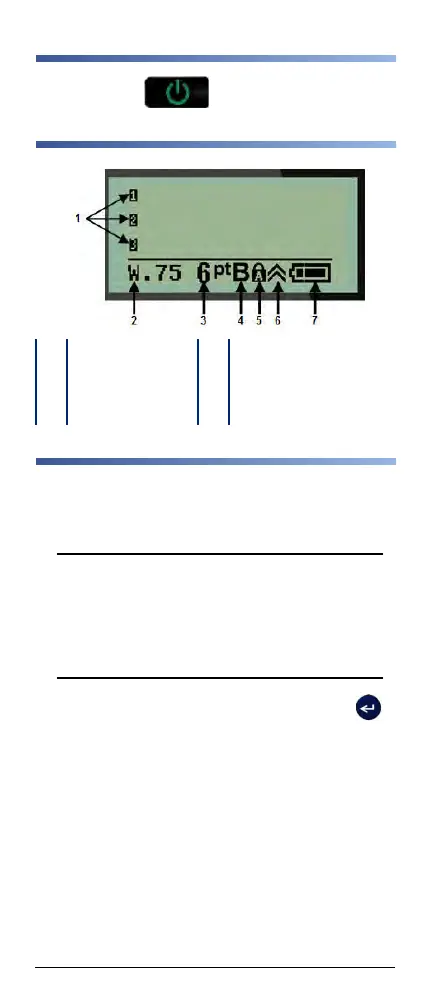
DISPLAY SCREEN
CREATE A LABEL
Entering Text
The vertical line is the cursor.
1. Enter text at the position of the cursor
.
Note: The width of the label material installed or the
orientation of the text determines how much text fits on
a line. The error message “Cannot fit” displays if the
text line is too long for the label or if the font size is too
large. To correct, add a new line, change the font size,
or delete some of the text.
2. To add a new, blank line for text, press ENTER .
Inserting Text
To insert additional text within a line of text:
1. Using navigation keys, position the cursor at the point
where text should be inserted.
2. Enter the text.
1 Text lines 5 Caps lock (on)
2 Label type 6 Function key indicator
3 Font size 7 Battery life indicator
4 Bold font (on)



 To Next Page