2
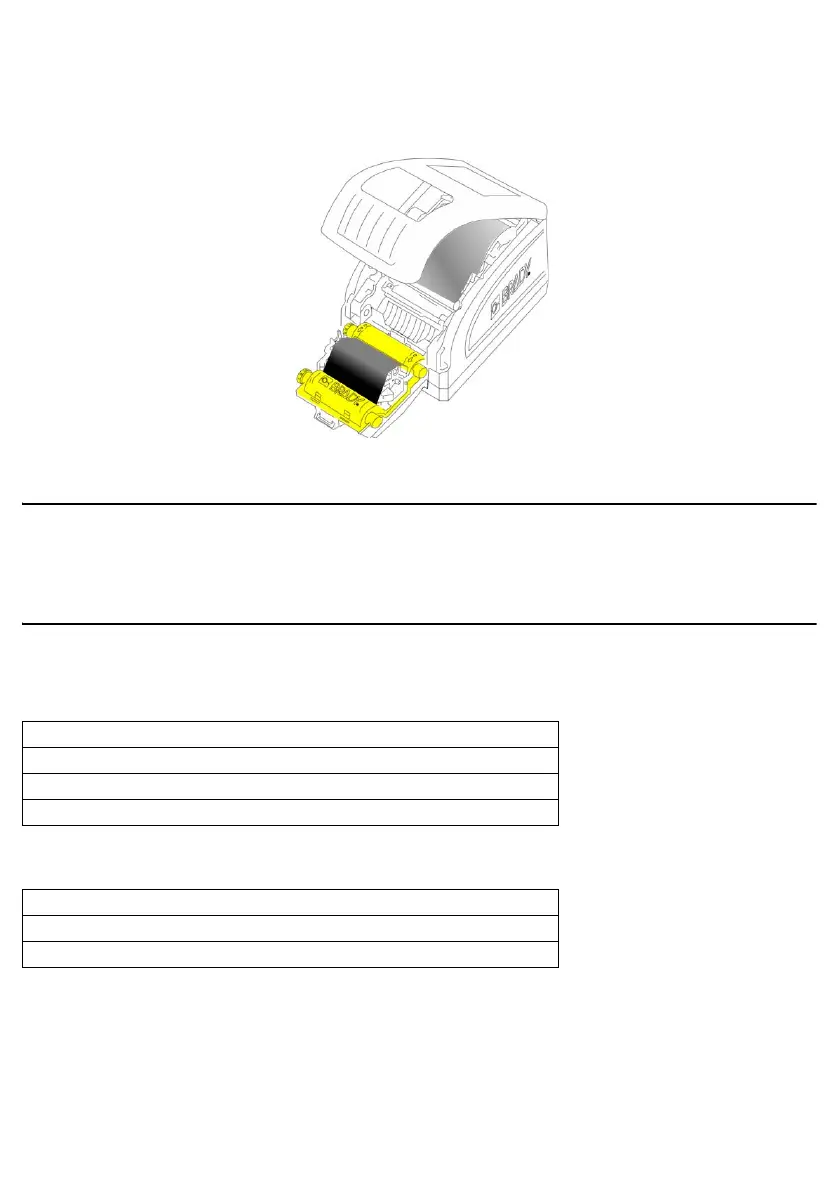
Install Ribbon
1. Place ribbon cartridge with ribbon over print head (product label toward machine), and snap into
place.
2. Close and latch the print head door.
Printing Labels
Create and print labels from your label-creation software. For more information on the printer and
printing labels refer to the User Manual on the CD.
Technical Support
Find your regional Brady Tech Support office on the following websites.
Technical Support
Product Registration
www.bradyid.com (Americas)
www.bradyeurope.com (Europe)
www.brady.co.uk/landing-pages/global-landing-page (Asia Pacific)
www.bradyid.com.au (Australia)
www.bradycorp.com/register
www.bradyid.com.au/register (Australia)
www.brady.com.cn/membercenter/register_product.aspx (China)



 To Next Page