4
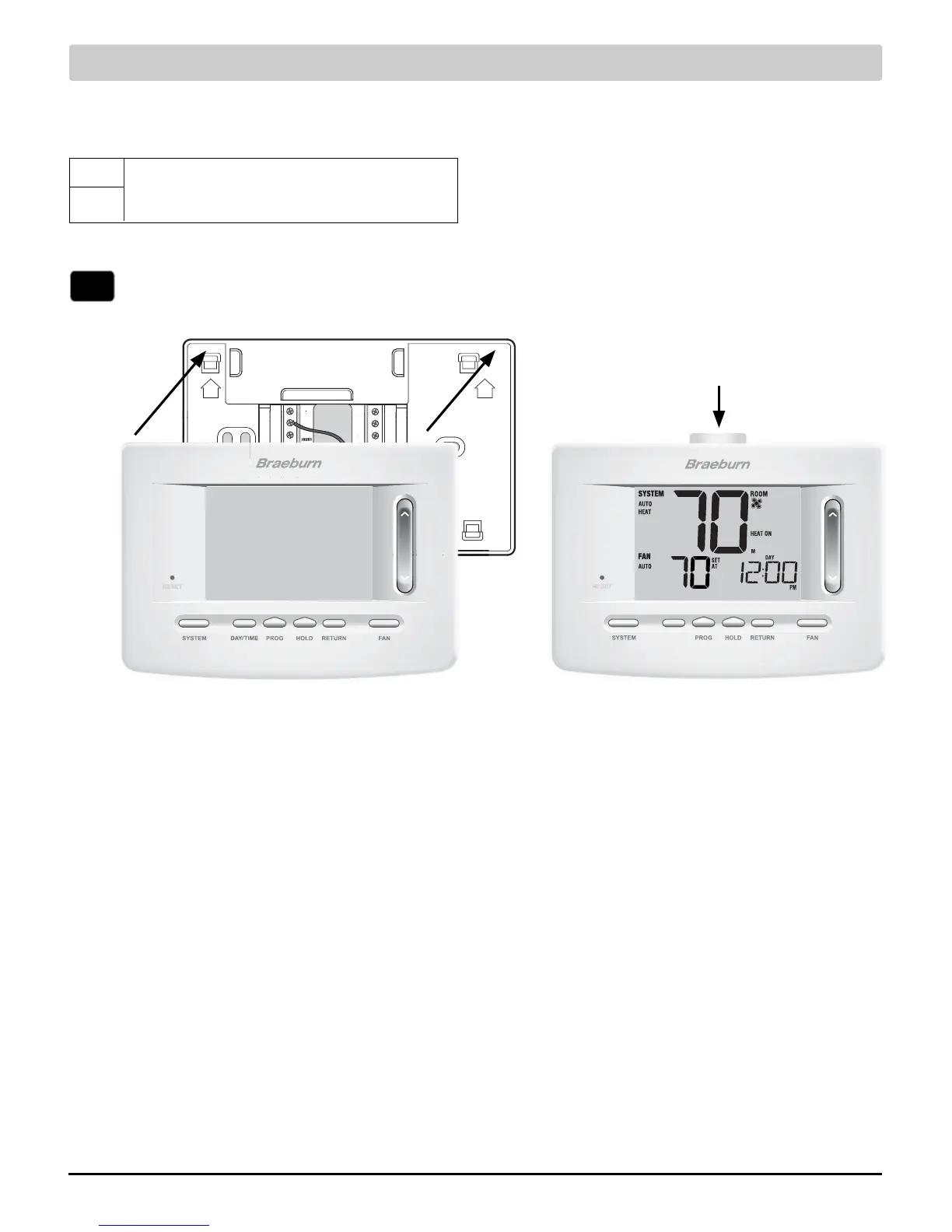
Attach Thermostat to Sub-Base
3) Insert Quick Reference Card into slot
on top of thermostat.
1) Line up the thermostat body with the sub-base.
2) Carefully push the thermostat body against the
sub-base until it snaps in place.
NOTE: Additional options are configured in the
Installer Settings section.
S1
S2
NOTES - Additional Wiring Options
[1] These terminals can be used to connect a
Braeburn
®
indoor or outdoor remote sensor.
Additional Wiring Options
Indoor or Outdoor Remote Sensor [note 1]
Installer Manual 6
NOTE: This thermostat ships configured as a 1H/1C conventional
thermostat. Confirm installer settings. See page 8.



 To Next Page
 Loading...