Service Monitors
(Filter, UV and Humidifier Pad)
User Options 1, 2 and 3
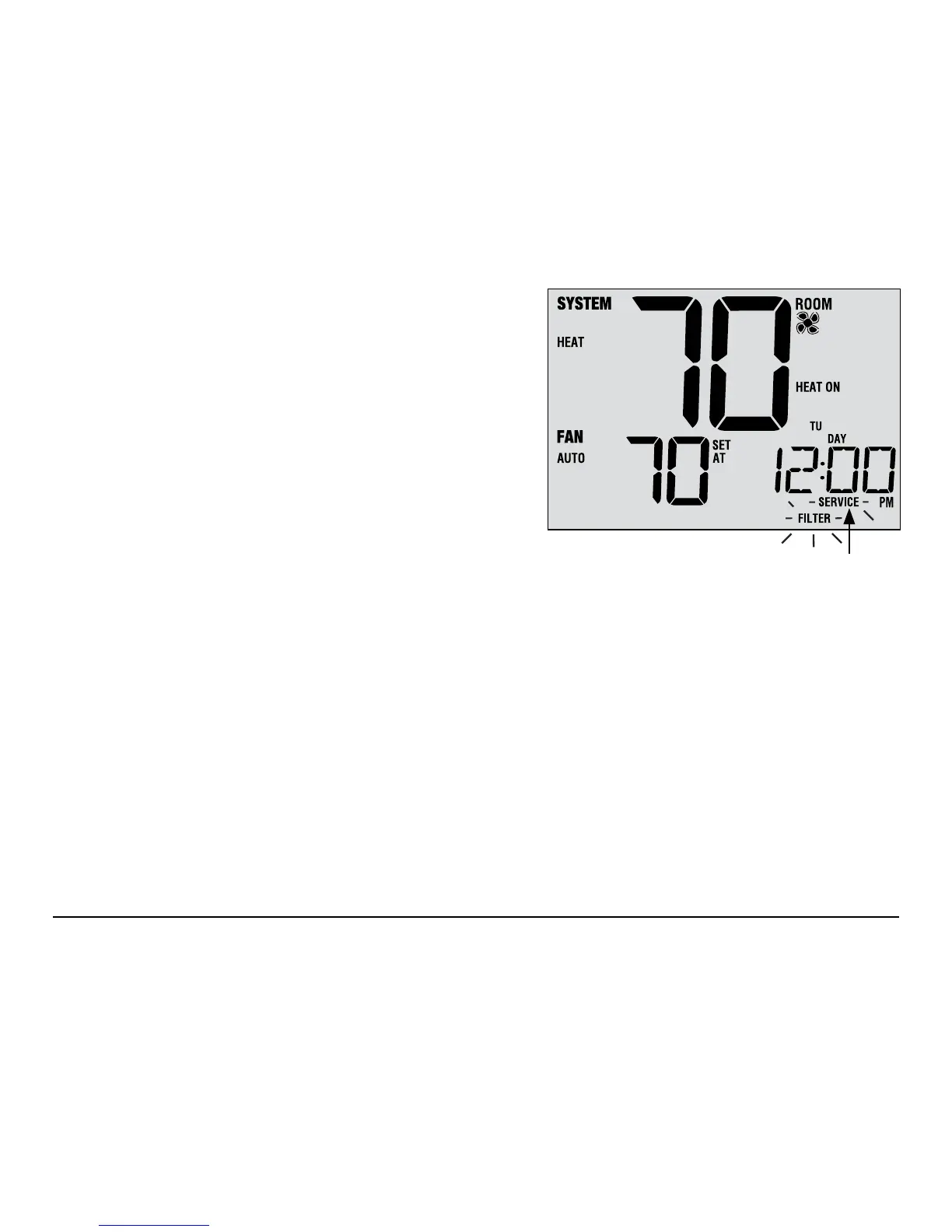
There are three user selectable service monitors that will display
reminders for a required air lter, UV bulb or humidier pad
replacement. The SERVICE segment ashes in the display
along with FILTER, UV or HUMID. When the service interval
has been reached, and required cleaning or replacement has
been performed, press the RETURN button to reset the
timer. Select OFF or a set number of days before the reminder
will appear.
Extended Hold Period
User Option 4
The Extended Hold Period lets you select the period your thermostat will hold the temperature when the HOLD
mode is activated (See Setting the Temperature, page 23). When LONG is selected the thermostat will hold your
temperature indenitely. When 24HR is selected, the thermostat will hold your temperature for 24 hours and
then return to the current program at that time. Not available in non-programmable mode.
Service
Reminders
User Manual 10



 To Next Page
 Loading...