13 User Manual
Tips Before Setting Your Program Schedule
• Make sure your current time and day of the week are set correctly.
• When programming, make sure the AM and PM indicators are correct.
• Various installer settings such as auto changeover mode and temperature adjustment limits may affect your
programming exibility.
• Your NIGHT event cannot exceed 11:50 p.m.
• BACK and NEXT are secondary functions of the PROG and HOLD buttons (see page 7).
This thermostat has been configured with one of the following programming options:
• Residential 7 day programming mode with 4 events per day (default)
• Residential 5-2 (weekday/weekend) programming mode with 4 events per day
• Commercial 7 day programming mode with 2 events per day
• Non-Programmable mode
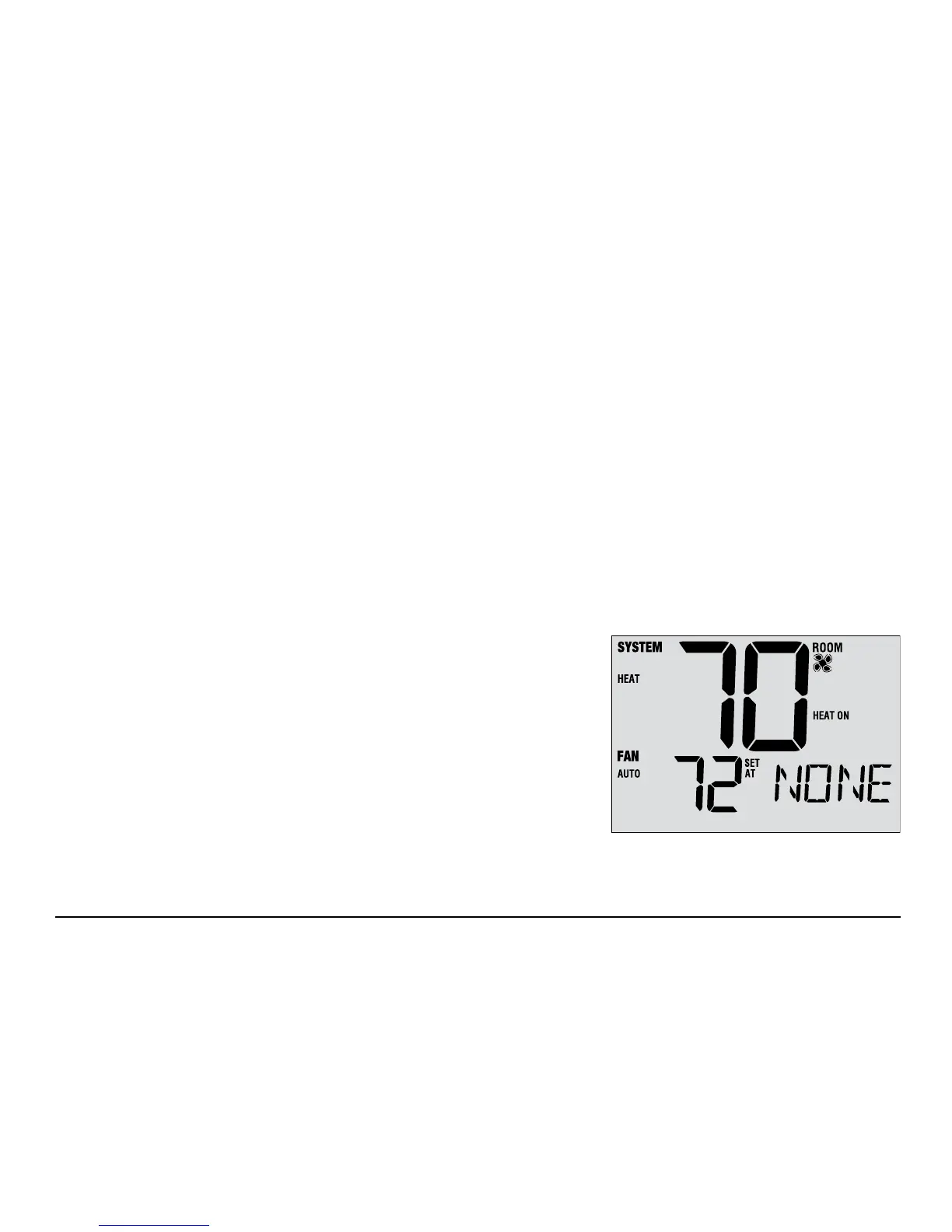
NOTE: If this thermostat was configured In the Installer Settings to be
non-programmable, then you cannot set a user program. If you press
the PROG or HOLD buttons, the word “NONE” will appear in the display,
indicating there is no program present. See the installer manual for
different configuration options.



 To Next Page