33 User Manual
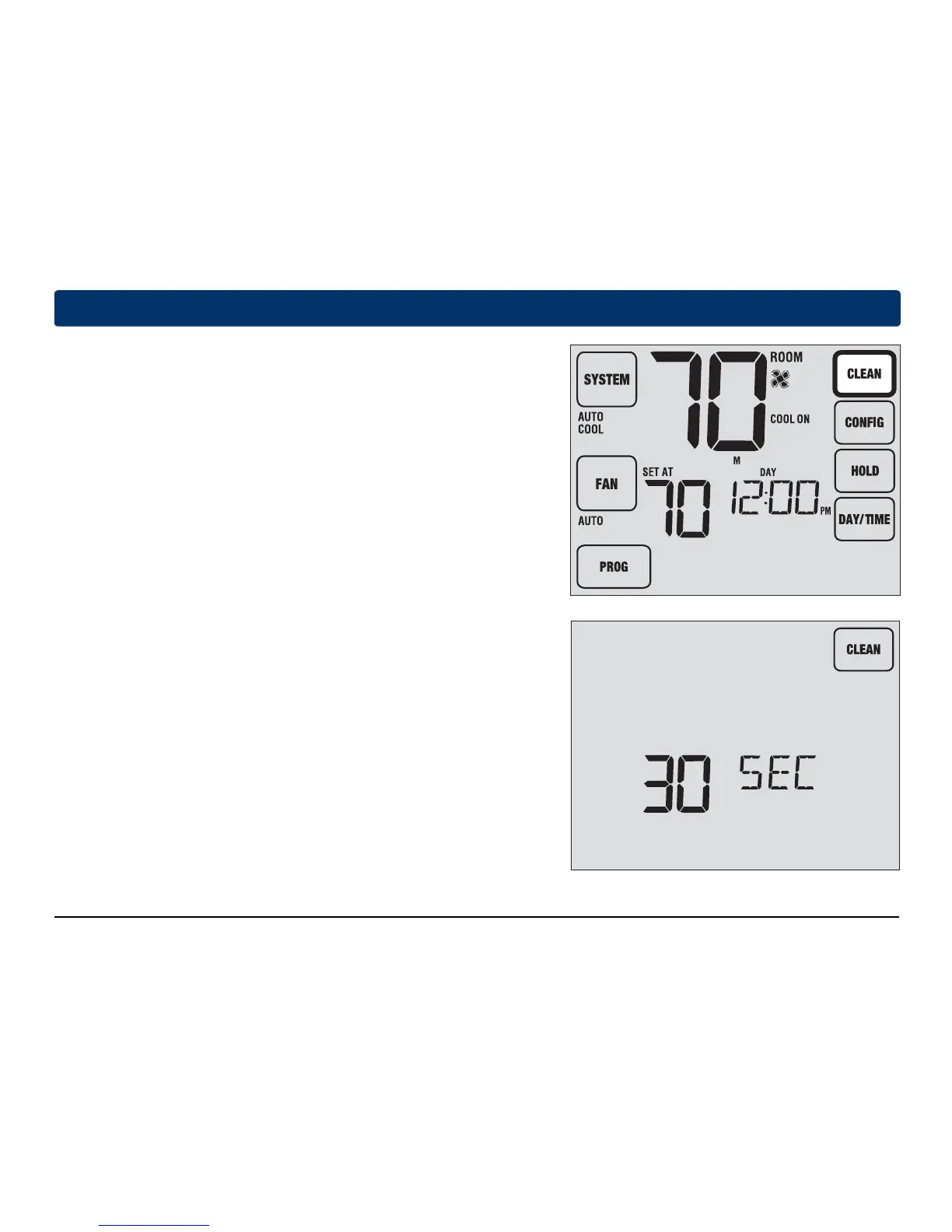
Figure 1
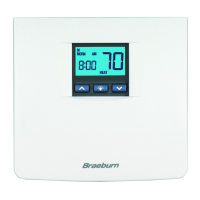
Figure 2
6
Thermostat Maintenance
Screen Cleaning
To access the screen cleaning mode hold the CLEAN TouchPad
™
for 3 seconds (Figure 1). The screen will display a countdown timer
for 30 seconds
(Figure 2). During
this time the screen will be locked
and you may
proceed with cleaning the screen. After 30 seconds
the display will
return to normal.
Never spray any liquid directly on the thermostat. Spray your
cleaning liquid on a soft cloth and then proceed to clean the screen
with the damp cloth. Only use water or household glass cleaner.
Never use any abrasive cleansers to clean your thermostat.
Figure 1
Figure 2



 To Next Page