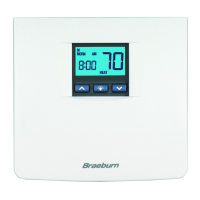
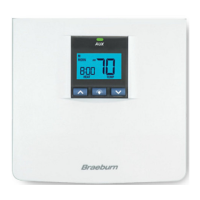
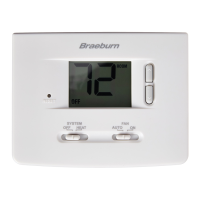
23 User Manual
Setting the Temperature
Temporary Adjustment –
Press the SpeedBar
®
up or
down
to adjust the current set temperature. If your
thermostat is running in 5-2 or 7 day programmable
mode, the set temperature will change back to your
original programmed settings when your next scheduled
change in temperature occurs.
Extended Adjustment – Touch the HOLD TouchPad
™
so that HOLD appears in the display screen. Press the
SpeedBar up or down to adjust the current set temperature
(See Extended Hold Period, page 10).
NOTE: If this thermostat was configured to be non-
programmable, you will not have a HOLD option.
SpeedBar



 To Next Page