User Manual 26
6
Thermostat Maintenance
Thermostat Cleaning
Never spray any liquid directly on the thermostat. Using a soft damp cloth wipe the outer body of the thermostat.
Never use any abrasive cleansers to clean your thermostat.
Changing the Batteries
This thermostat requires two (2) properly installed “AA”
alkaline batteries to maintain the thermostat clock and to
provide power for the thermostat if 24 volt AC power is not
connected. (See Installer Guide).
If batteries become low, a battery indicator will appear
in the display. You should change your batteries immediately
when you see the low battery signal by following
these instructions.
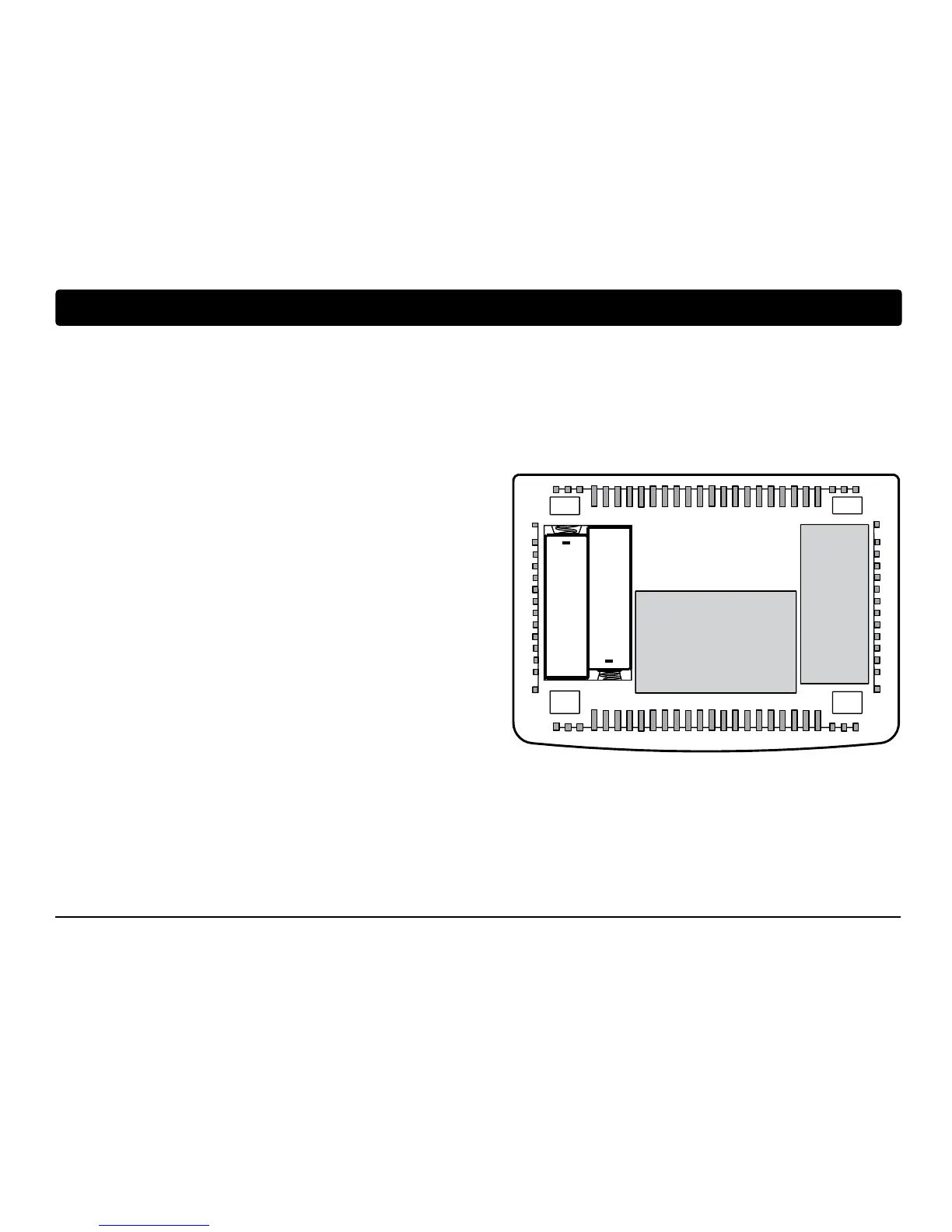
1. Remove thermostat body by gently pulling it from base.
2. Remove old batteries and replace with new batteries.
3. Make sure to correctly position the (+) and (-) symbols.
4. Gently push thermostat body back onto base.
NOTE: We recommend replacing the thermostat batteries annually or if the thermostat will be unattended for
an extended period of time.
+
+


 To Next Page