User Manual 8
2
Setting User Options
Advanced User Options
User options allow you to customize some of your
thermostat’s features.
Most users will not need to
make any changes to the settings in this section.
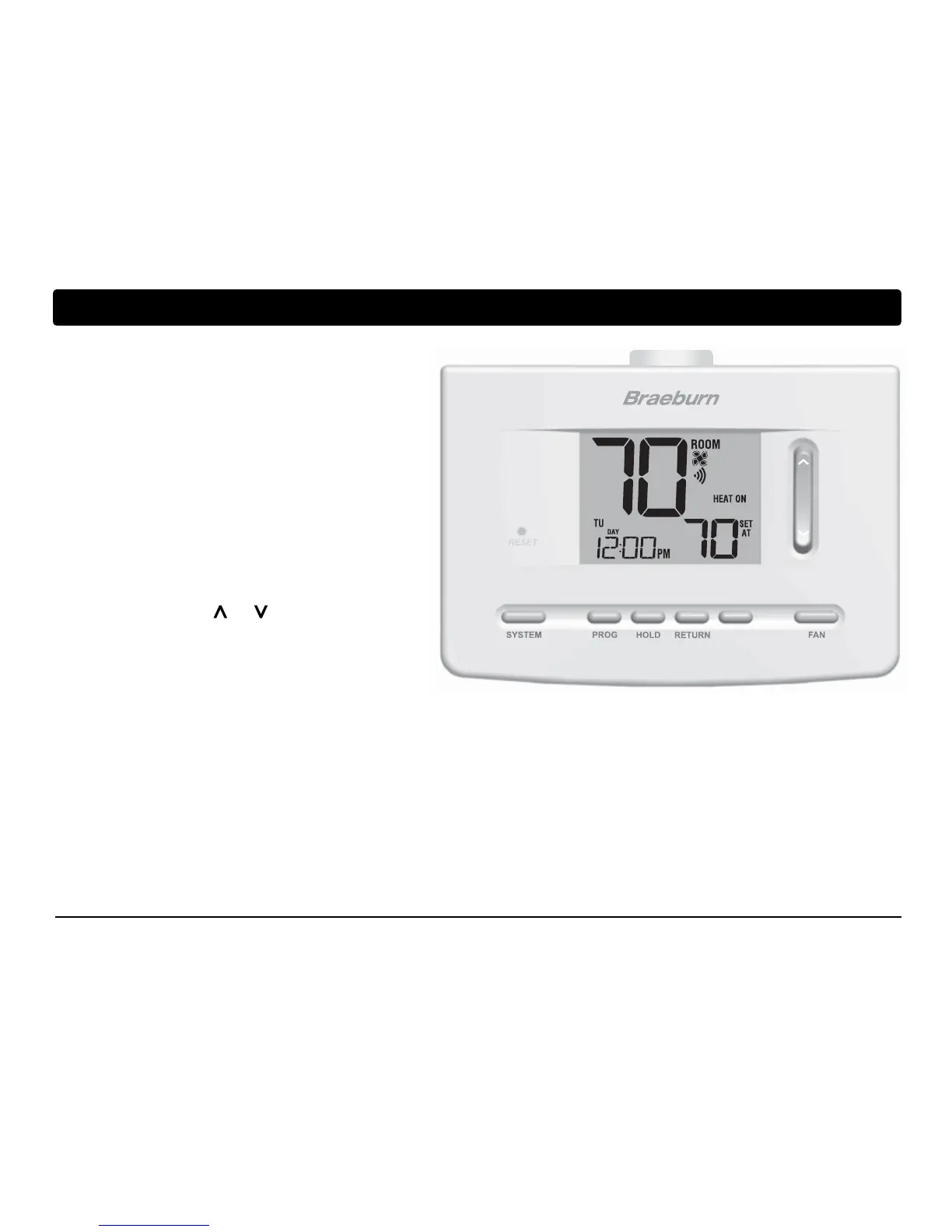
To access the User Options menu, press and hold
the RETURN button for approximately 3 seconds
until the screen changes and displays the first
User Option.
Press the SpeedBar
®
or to change the
setting
for the displayed User Option. After you
have changed your
desired setting, press
RETURN to advance to the next User Option.
After reaching the last user setting the thermostat will return to normal mode.
DAY/TIME
INSTRUCTIONS
FAN AUTO


 To Next Page