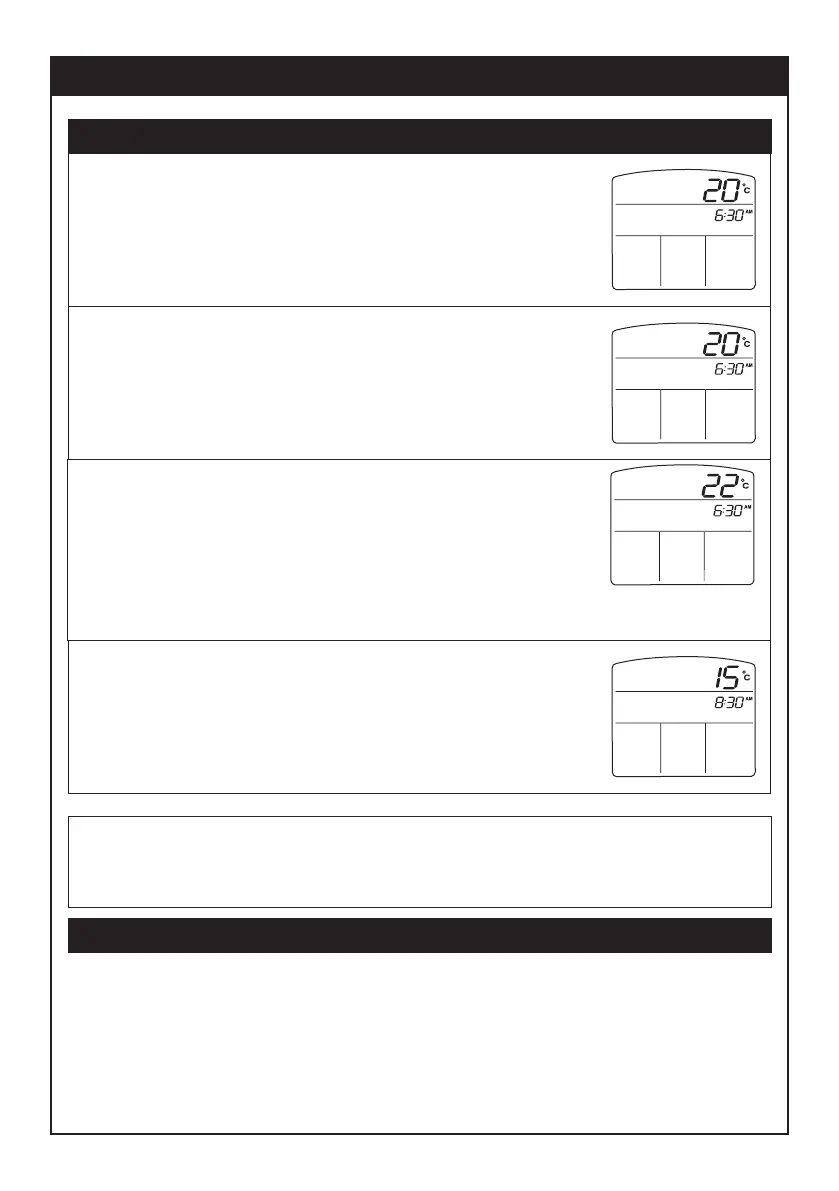
3.1 Press UP or DOWN arrow button to adjust
time to required start time for WAKE period.
In this example, the start time for the WAKE
time period has been adjusted to 6.30 am.
3.2 Press SET button to lock in time.
Setting the AUTO program
Page 5
3.3 Press UP or DOWN arrow button to adjust
temperature to required temperature for
WAKE period.
In this example, the temperature for the
WAKE time period has been adjusted to
22
o
C.
3.4 Press SET button to lock in temperature.
Display now changes to enable setting the
start time and temperature for the AWAY
time period.
Repeat steps 3.1 to 3.4 above for each time period - WAKE, AWAY,
HOME and SLEEP. Display returns to previous state once
programming the final time period is complete.
3. Select time and temperature for each time period
Resetting to factory default program settings
If you wish to restore the program settings to the factory-default values:
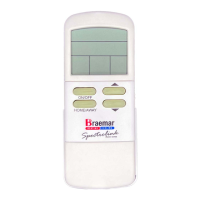
- With the remote control OFF, press and hold the small, recessed
button between ON/OFF and UP arrow buttons, and press the
PROG button.
WED
SET
WAKE
WED
SET
WAKE
WED
SET
WAKE
WED
SET
AWAY


 To Next Page