28 Operating Your Ultrasonic Bath
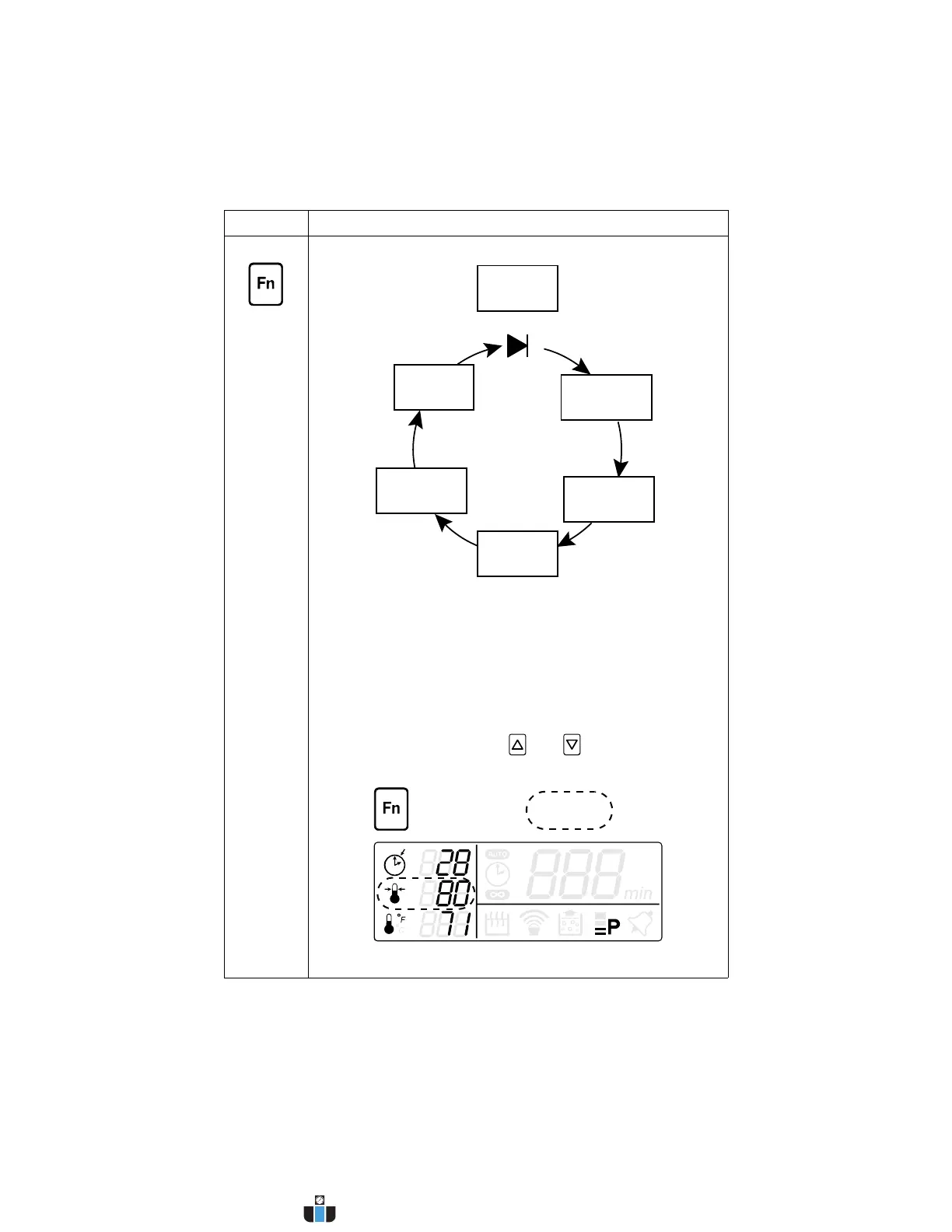
FUNCTION Press the Fn key to access less-frequently used functions.
The appropriate icon will flash to indicate which option is
selected.
If no key is pressed after 15 seconds the unit will save any
changes and return to the Ready state.
Press the Fn key again after making any changes to scroll
through the rest of the options and return to the Ready state.
The following options are available:
• Set Temperature: Press and keys to increase/
decrease the bath set temperature.
Continued...
Control Function
Ready
State
Set Degas
Time
Set Target
Temp.
Set Constant
Sonics
Set Power
Level
Sel. Temp.
Units
Fn 6x
Fn 4x
Fn 5x
Fn 3x
Fn 2x
Fn 1x
(Set Sonics Time)
www.calcert.com sales@calcert.com1.800.544.2843
0
5
10
15
20
25
30



 To Next Page