29 Operating Your Ultrasonic Bath
FUNCTION
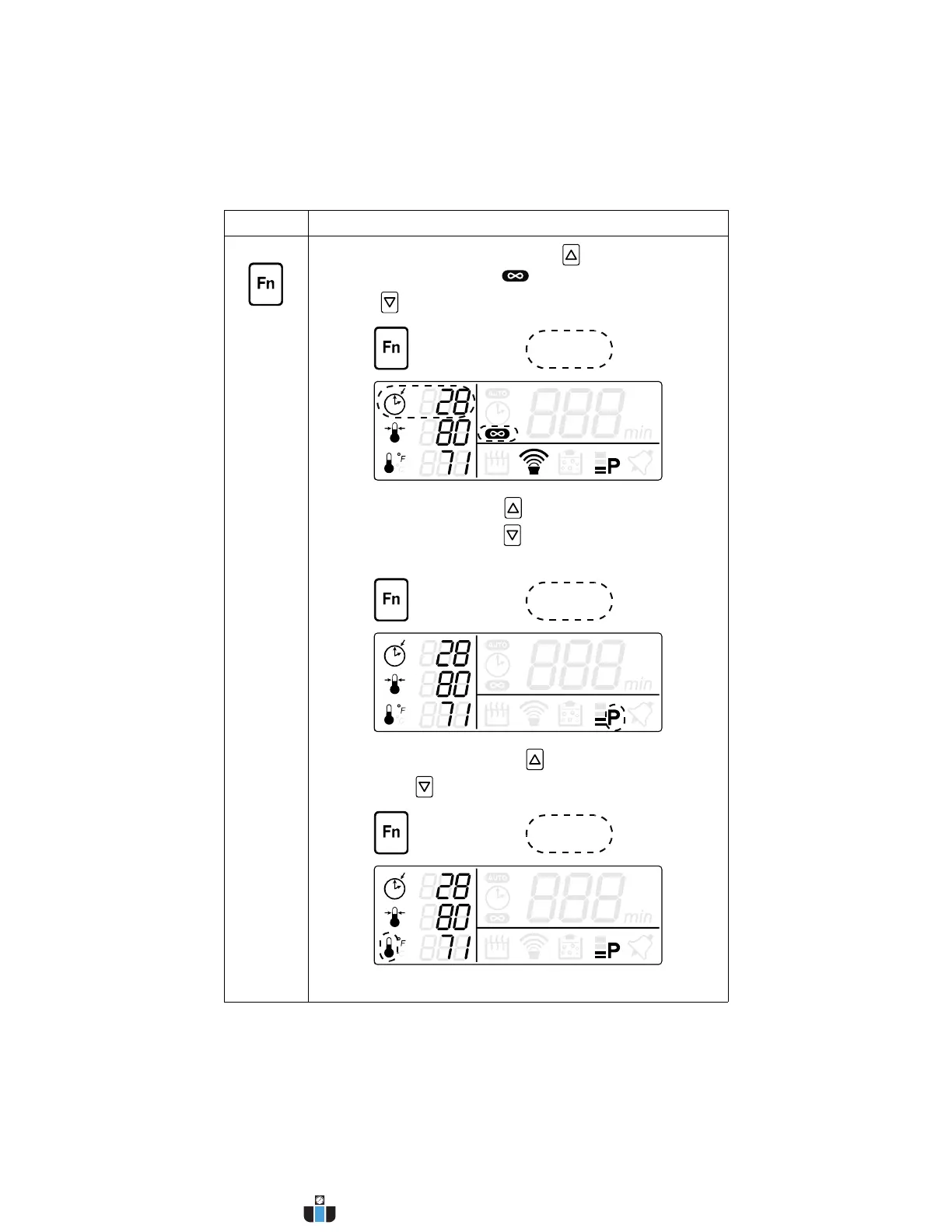
• Timed/Constant Sonics: Press key to select
Constant Sonics Mode ( and “- - -” on the display).
Press key to select Timed Sonics Mode.
• Full/Low Power: Press key to select full power
ultrasonic output. Press key to select low power
ultrasonic output.
• Temperature Units: Press key to select Fahrenheit
(°F). Press key to select Celsius (°C).
Continued...
Control Function
www.calcert.com sales@calcert.com1.800.544.2843
0
5
10
15
20
25
30



 To Next Page