EasyManua.ls Logo

Brasch GSE Generation 2 - User Manual

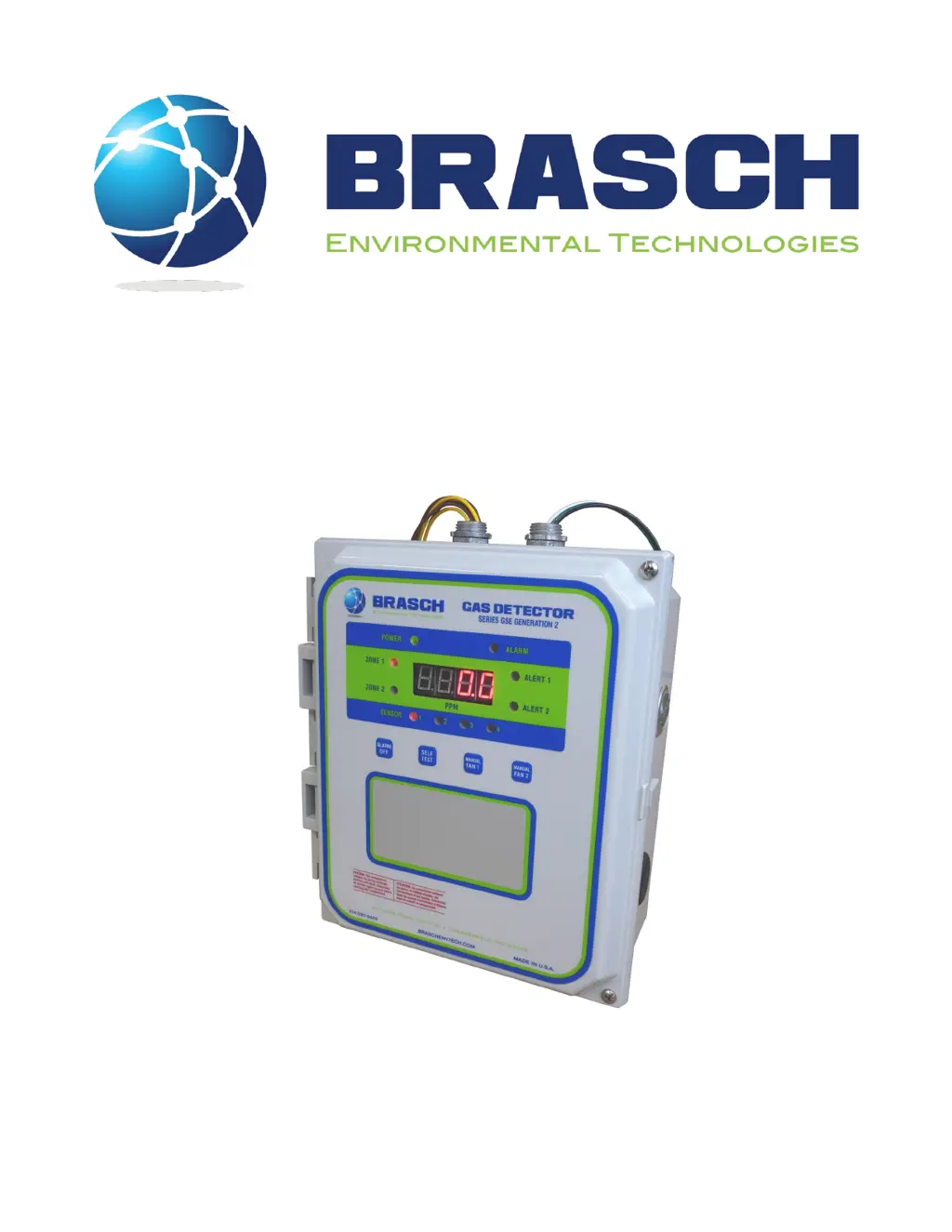
Brasch GSE Generation 2
50 pages
Print Icon
To Next Page IconTo Next Page
Loading...
GSE Generation 2
Installation / Operation Manual
Brasch Environmental Technologies, LLC
140 Long Road, Suite 101
Chesterfield, Missouri 63005
314-291-0440
www.braschenvtech.com

Table of Contents

Other manuals for Brasch GSE Generation 2

Questions and Answers

Summary

Introduction

General Description

Provides an overview of the Brasch GSE Generation 2 Gas Detector's functionality and components.

Technical Specifications

Product Specifications

Details input power, installation category, operating environment, and physical dimensions.

Target Gas Specifications

Front Panel Indicators

Front Panel Indicators

Explains the function and color of each indicator light and the display.

Operation Safety Notice

Types of Notices

Defines the different types of notices (WARNING, CAUTION, Note) used in the manual.

Quick Start Guide

Step 1 - Mounting

Provides initial guidance on determining the detector's mounting location.

Step 2 - Input Wiring

Details the initial steps for connecting the detector's power supply.

Step 3 - Remote Transmitter Wiring

Explains how to wire remote transmitters to the detector.

Step 4 - Relay Wiring

Details how to wire the ventilation control relays for fans and alarms.

Step 5 - External Alarms

Describes how to connect external alarm devices to the detector.

Step 6 - Applying Power

Guides on how to safely apply power to the detector for the first time.

Step 7 - Self-Test Mode

Explains how to activate and perform the detector's self-test function.

Installation

Mounting the Detector

Provides detailed guidelines for selecting optimal mounting locations for accurate gas detection.

Connecting the Power Supply

Details the proper procedures and precautions for connecting the detector's power.

Connecting the Remote Transmitters

Connecting the Ventilation System

Connecting the External Alarm

Connecting the Voltage or Current Proportional Output

Applying Power For the First Time

Using the Self-Test Feature

Typical Installation Diagrams

Operation

How the Detector Senses the Target Gas

Explains the diffusion process and how the sensor detects ambient gases.

How the Detector Controls the Ventilation Equipment

Describes how the detector utilizes threshold levels to manage ventilation.

Low Alert

Details the detector's response when gas concentration exceeds the low alert threshold.

High Alert

Explains the detector's behavior when gas concentration exceeds the high alert threshold.

Alarm

Describes the conditions that trigger the alarm and how to silence the internal buzzer.

Proportional Output

Details the 4-20 mA, 2-10 VDC, and other proportional output signals.

Manual Fan Activation

Explains how to manually control ventilation fans via the keypad.

Factory Default Settings

Adjusting the Settings

Sensor Number

Explains how sensor numbers are assigned and set using switches.

Active Sensors

Describes how to enable or disable individual sensors using switch SW3.

Active Zones

Details how to assign sensors to Zone 1 or Zone 2 using switch SW4.

Zone Delay

Explains how to adjust the Low Alert delay time for each zone using rotary switches.

Zone Alert

Details how to set the Low Alert setpoint for each zone using rotary switches.

High Alert Relay Operation

Explains how to configure the High Alert relay for normal or fail-safe operation.

Fan Speed

Describes how to configure fan operation (50/100 or 2-SPEED) using jumpers JP5 and JP10.

Proportional Output

Details how to select the output signal type (Volts or mA) using jumper JP2.

Using the Proportional Outputs

Explains how to connect proportional outputs to controllers or VFDs.

Obtaining the Best Operation

Carbon Monoxide and;or Nitrogen Dioxide Detectors

Discusses factors influencing effective gas concentration control and system tuning.

Maintenance

Testing the Response to the Target Gas

Provides methods for testing detector response using known gas concentrations.

Replacing the Sensor

Details the procedure for replacing a sensor board assembly in the field.

Suggested Repair Parts

Lists recommended fuses and their specifications for replacement.

Troubleshooting

Error Codes

Lists and explains various error codes displayed by the detector.

Transmit Timeout - 9501

Describes the 'Transmit Timeout' error and its potential causes.

Failed Sensor - 960 x

Explains errors related to sensor communication failures.

Cannot Run Self-Test - 9802

Details the error when the self-test function cannot be executed.

End-of-Life - 9995

Explains the 'End-of-Life' error indicating sensor expiration.

Sensor Not Installed - 9996

Describes the error when no gas sensor is detected.

Invalid Calibration Values - 9997

Explains errors related to missing or corrupted calibration data.

No Active Zones - 9998

Explains the error indicating damage to the zone assignment circuit.

No Active Sensors - 9999

Describes the error when all sensors are set to inactive.

Checking and Replacing Fuses

Provides instructions and locations for checking and replacing internal fuses.

Common Installation;Operation Mistakes

Ventilation Components Connected to the Wrong Relays

Highlights common errors in connecting ventilation components to incorrect relays.

Ventilation Components Connected to the Wrong Zone

Discusses mistakes in connecting ventilation equipment to the incorrect zone.

Configuration Jumper in the Wrong Position

Explains issues arising from incorrect jumper settings on JP5 and JP10.

Low Alert Level Set at Wrong Concentration

Addresses common mistakes in setting the Low Alert concentration threshold.

Delay Period Set Incorrectly

Explains issues with setting the delay period too long or too short.

Setting the Proportional Output Incorrectly

Addresses common mistakes when configuring proportional output settings.

Detector Mounted in an Unsatisfactory Location

Highlights common errors in selecting detector mounting locations.

Limited Warranty

Warranty Statement

Outlines the two-year warranty against defects in material or workmanship.

Service and Repair Procedures

Appendix

Model Numbers and Descriptions

Explains how to interpret model numbers for detector identification.

Complete Model Number List

Provides a comprehensive list of available model numbers for detectors and sensors.

Brasch GSE Generation 2 Specifications

General IconGeneral
BrandBrasch
ModelGSE Generation 2
CategoryGas Detectors
LanguageEnglish