56
3.4.3 SYNCHRONIZING WIRELESS 7-IN-1 SENSOR
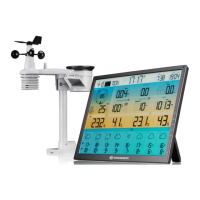
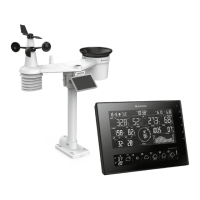
Immediately after power up the console, while still in synchronization mode, the 7-in-1 sensor
can be paired to the console automatically (as indicated by the ashing antenna
). User may
also manually restart the synchronization mode by pressing the [ SENSOR / WI-FI ] key. Once
they are paired up, the sensor signal strength indicator and weather reading will appear on your
console display.
3.4.4 DATA CLEARING
During installation of the wireless 7-in-1 sensor, the sensors were likely to be triggered, resulting
in erroneous rainfall and wind measurements. After the installation, user may clear out all the
erroneous data from the display console. Simply press the [ RESET ] key once to re-start the
console.
4. DISPLAY CONSOLE FUNCTIONS AND OPERATION
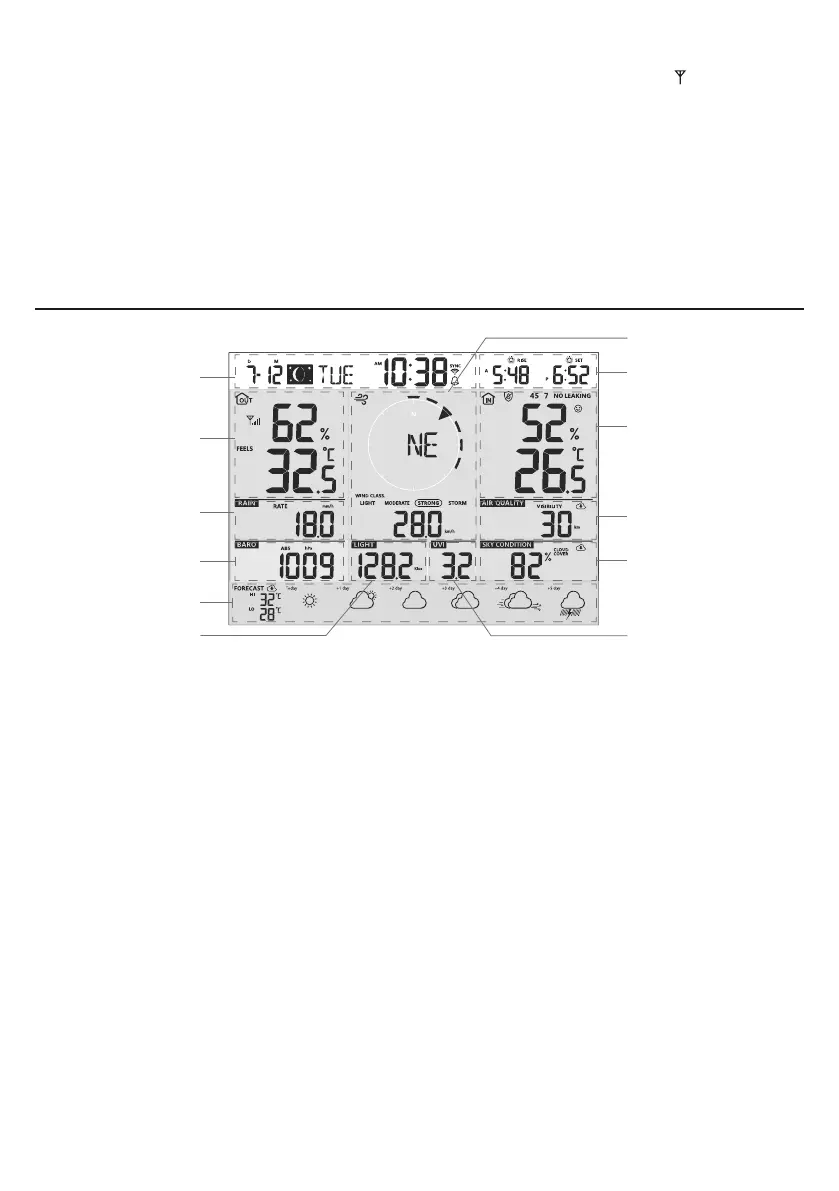
4.1 SCREEN DISPLAY
9
8
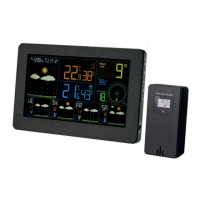
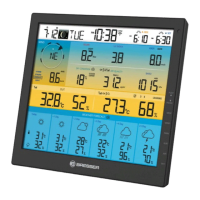
1. Time & Date, Moon phase, Sunrise/ sunset
& moon rise / moon set
7. Wind direction & speed
2. Outdoor temperature & humidity 8. Sunrise / sunset & moon rise / moon set
3. Rainfall & Rain rate 9. Indoor / CH temperature & humidity
4. Barometer 10. Air quality
5. Today and 5 days Weather forecast 11. Sky condition
6. Light intensity 12. UV index




 To Next Page