38
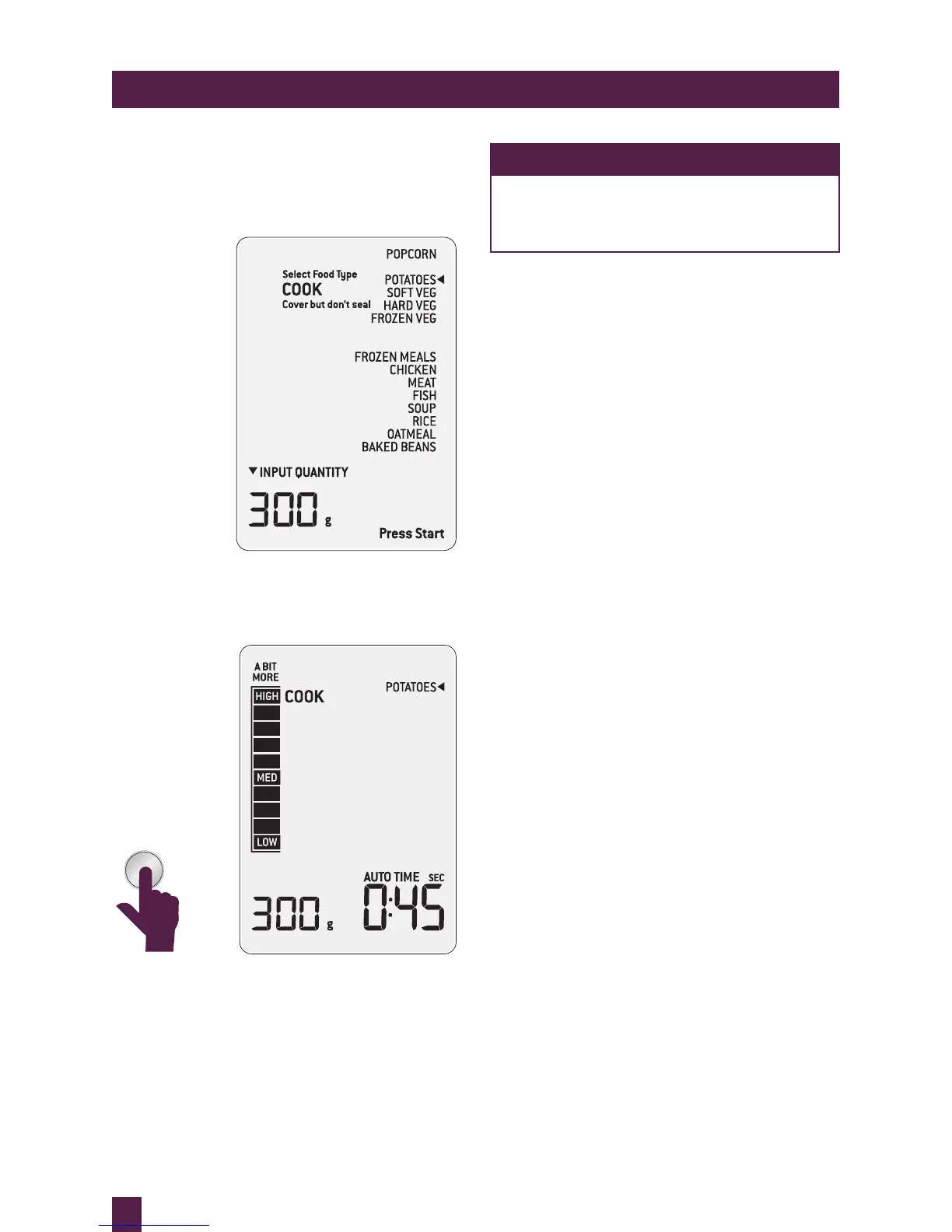
6. Microwave door is opened, food is checked
and if A BIT MORE™ cooking time is
required, door is closed. The microwave
displays the last setting selected.
7. User presses the A BIT MORE™ button
to add A BIT MORE™ cooking time. The
timer will start to count down.
NOTE
As soon as A BIT MORE™ button
is pressed the microwave will start
cooking.
The A BIT MORE™ button can be used after
any setting.
If A BIT MORE™ is pressed and there is no
previous SMART COOK, REHEAT, DEFROST
or SHORTCUT setting the microwave will
default to the basic mode and add 20 seconds
at 100% power.
A BIT MORE™



 To Next Page