11
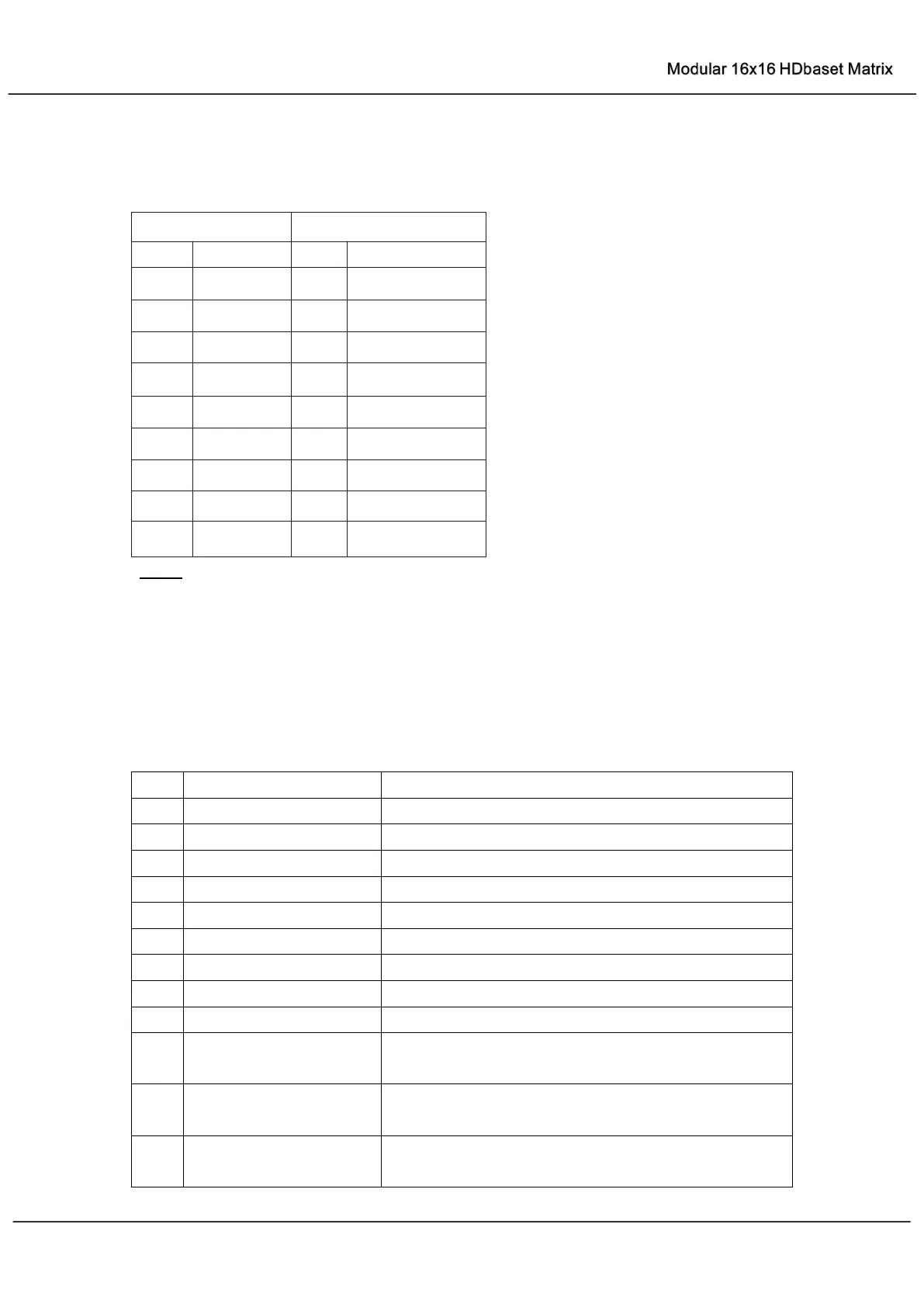
RS-232 Pin Assignment
Baud Rate: 57600 bps
Data Bit: 8-bit
Parity: None
Stop Bit: 1-bit
Flow Control: None
NOTE: Use Straight Through DB9 Cable to connect the matrix with computer, DO NOT use
Crossover Cable (Null Modem Cable).
RS232 and Telnet Commands
Print System Status And Port Status
Power On, System Run On Normal State
Power Off, System Run On Power Save State
Set System IR Control On Or Off
Set System KEY Control On Or Off
Set Onboard Beep On Or Off
Set LCD Always On Or Auto Turn Off In Power On State
Set RS232 Baud Rate to X bps
x=[0:115200 1:57600, 2:38400, 3:19200, 4:9600]
Reset System To Default Setting
(Should Type "Yes" To Confirm, "No" To Discard)
Reset System And Network To Default Setting
(Should Type "Yes" To Confirm, "No" To Discard)



 To Next Page