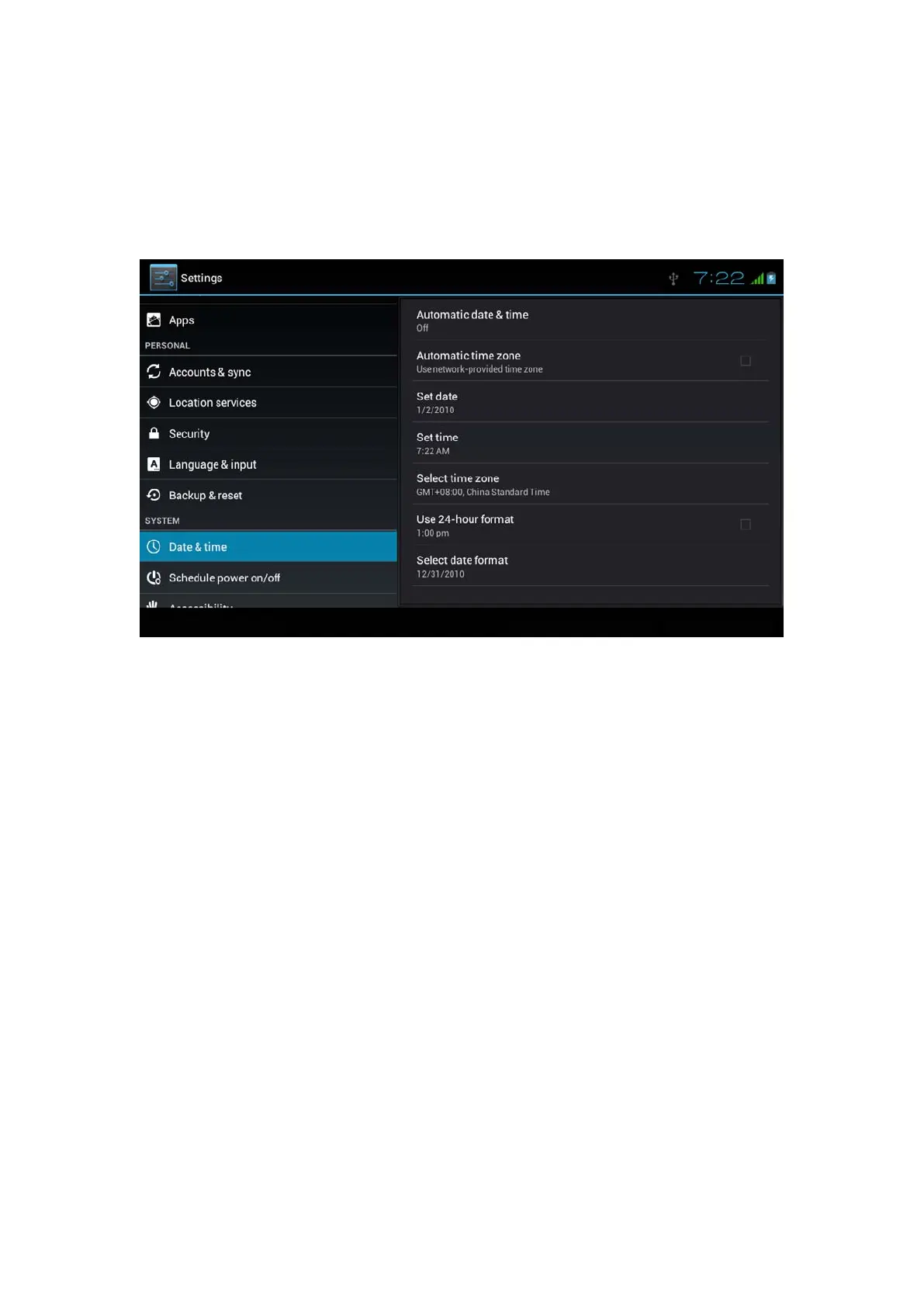
9.Click date format setting, then choose the time format you
want to show on MID.
Picture 4.60
Note: If you use the time internet provided, you will not able to set the
date, time and time zone.
4.17 Fixed-time Startup and Shutdown
1. Click Setting application procedure
2. Click fixed-tine startup and shutdown.
3. Operate as below Picture 4.61



 To Next Page