Picture 4.5
4.2 Wireless and Internet
1. Connect Wi-Fi
1) In the main menu or interface, choose setting application
procedure.
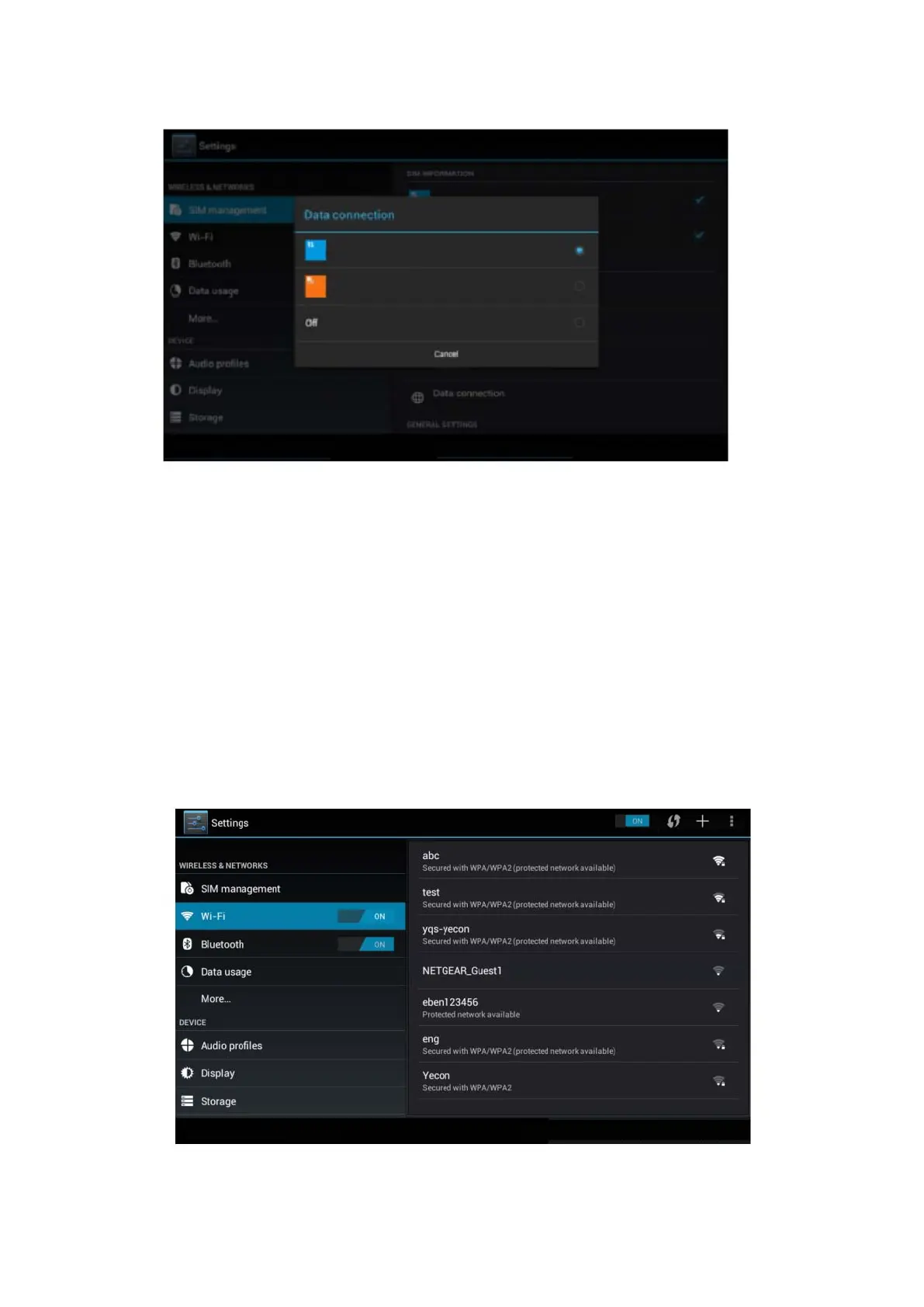
2) Click WLAN, open wifi, MID will automatically search the
available Wifi wireless internet. As Picture 4.6
3) Choose the Wi-Fi internet you want to connect, if it has
password, it will popup the password window, enter
password, click connect.
Picture 4.6



 To Next Page