4. Now you can remove SD card safely.
Note: Removing SD card safely can protect SD card and increase its
lifetime.
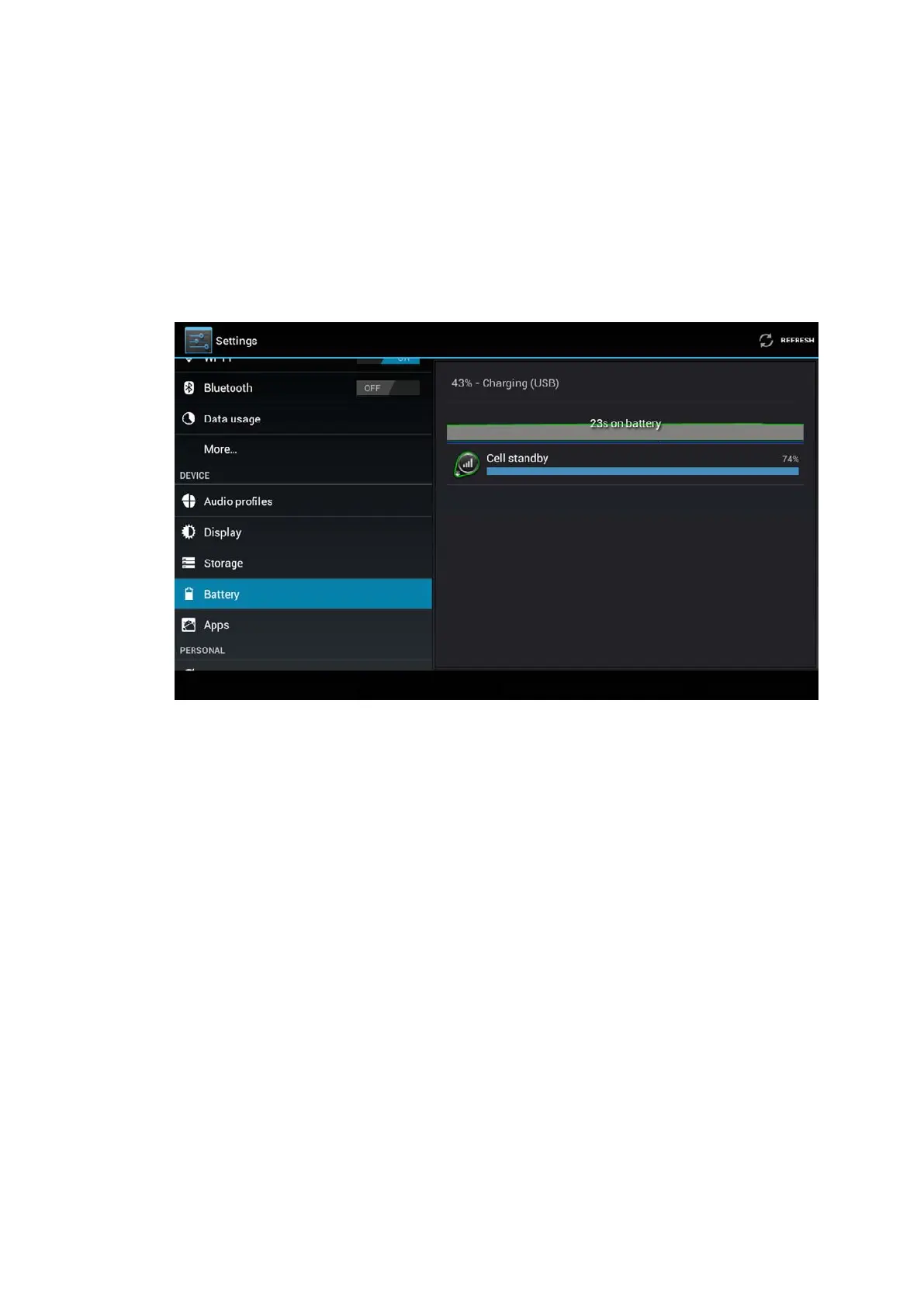
4.9 Battery
Click setting function, select battery, you can view the battery
situation, as Picture 4.41
Picture 4.41
4.10 Application program
1. Click setting application in Apps.
2. Select application, after enter, you can manage and delete
installed application and check system used storage
space and left space. (As Picture 4.42)



 To Next Page