they can’t be set.)
4.7 Display
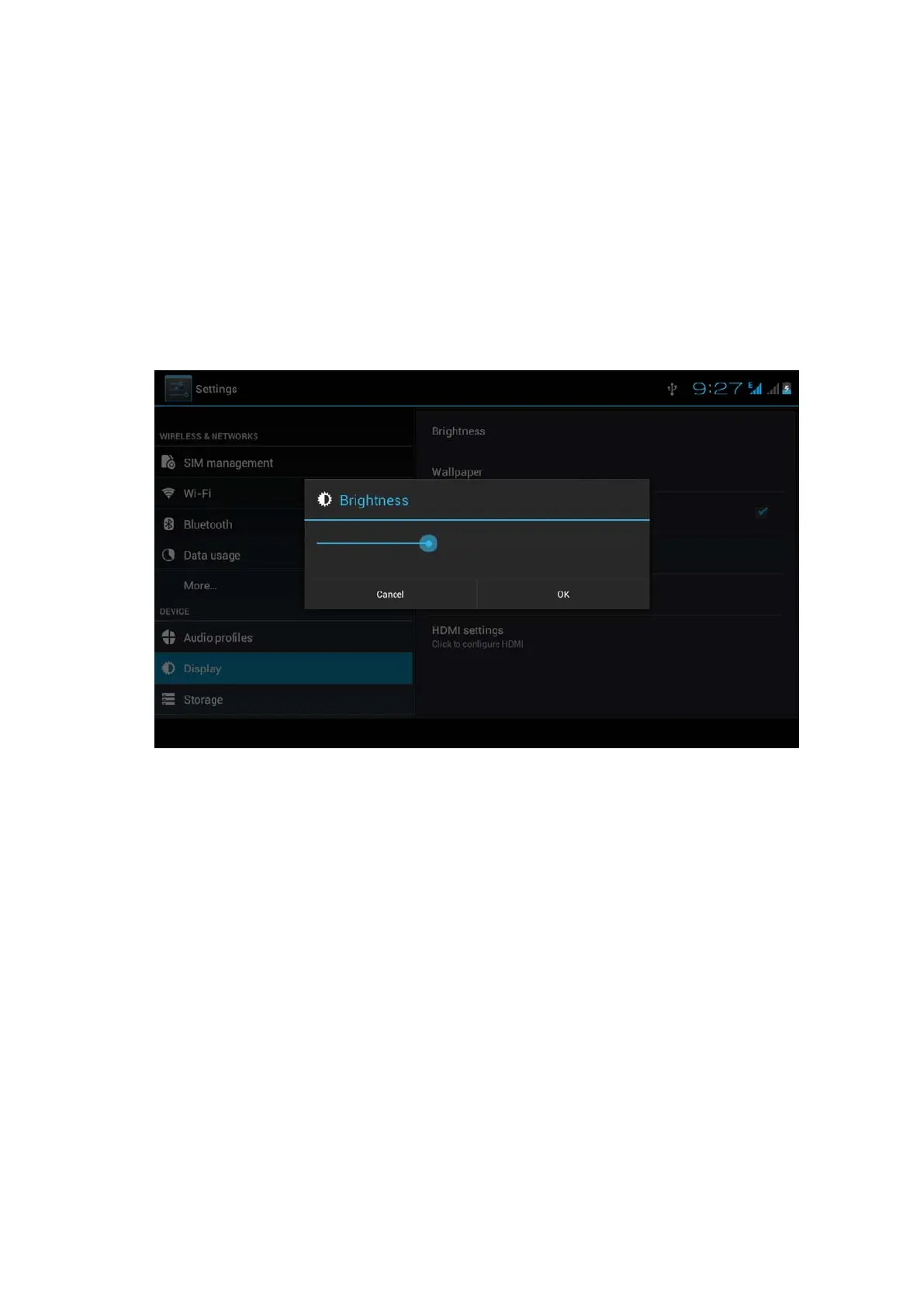
4.7-1 Adjust the screen brightness
1 . Click Setting application procedure.
2. Click display, choose brightness,
3. Drag the portlito to adjust the brightness volume.As Picture
4.31
Picture 4.31
4. Click OK after brightness is adjusted.
4.7-2 Wallpapers
1. Click setting application.
2. Click display, click wallpaper.
3. You can choose different wallpapers as you like—live
wallpapers---gallery(user defined)---wallpapers (system
defect)---video wallpaper, as Picture 4.32



 To Next Page