closed immediately.
Open the screen when it is closed.
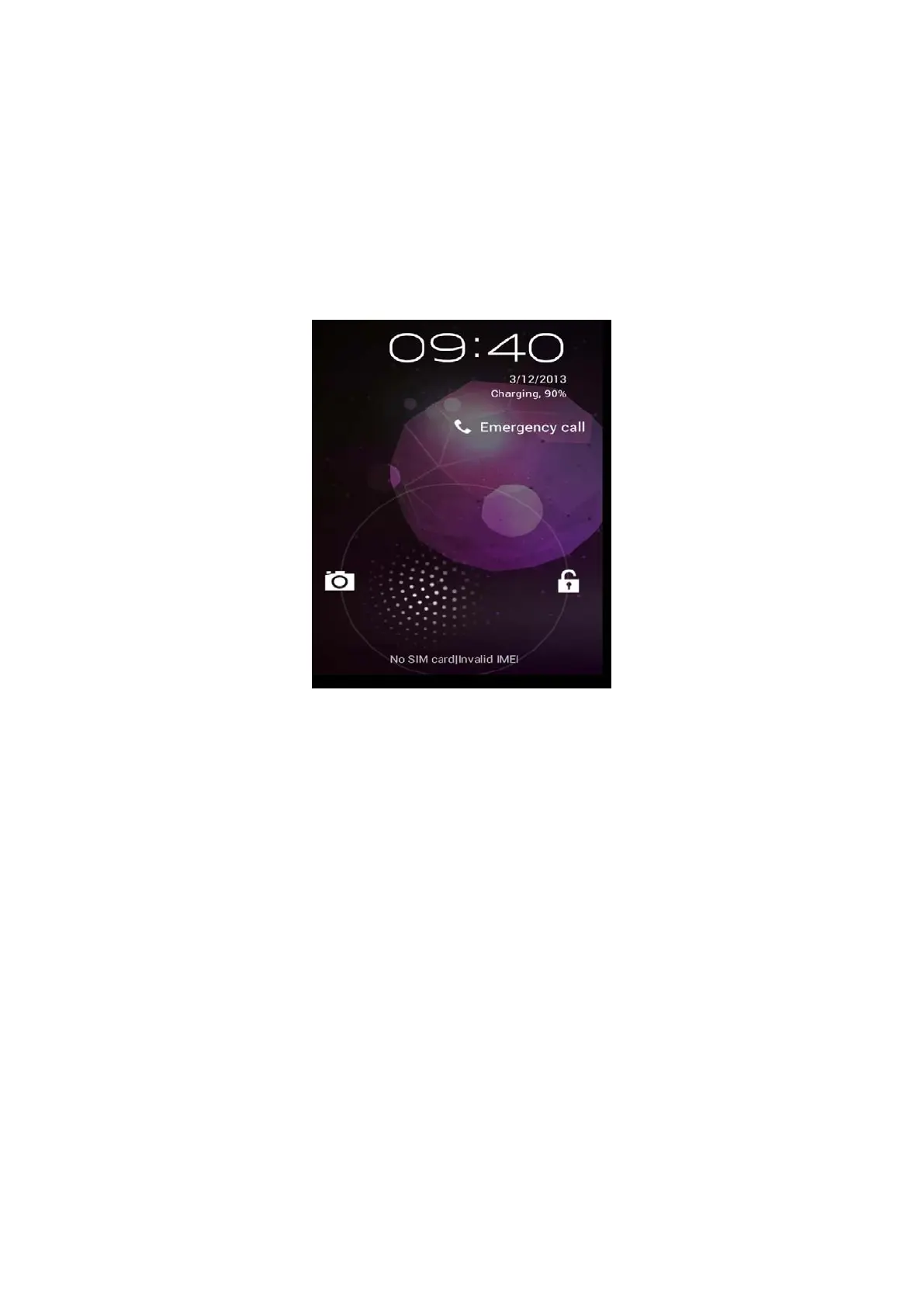
If the screen is closed, short press POWER to open the screen. The
screen will be locked open it, it will show the picture as below picture,
left slide to unlock and enter into camera, right slide the unlock icon to
unlock the screen.
Picture 3.1
3.4 Usage of Touch Screen
MID operating methods
There are below methods to view the main screen, menu and
application procedure in your MID.
Click
When you want to use the screen keyboard typing or choose
application in the main interface, you only need to touch it by your
finger.
Press on
If you want to open some item( textbox or the link in the webpage), or
shortcut and main procedure move, you can press on this item.
Quickly slide or slide
Quickly slide or slide indicates make quick vertical or horizoncial
movement by finger.
Pull



 To Next Page