2.2 MID Status and Reminder
Reminder icons
When some remind message appears in your reminder window,
please click column and slip the screen to open the reminder list.
Choose the menu you need, and confirm the information. Then you
can close the reminder window through clicking the column to slide up.
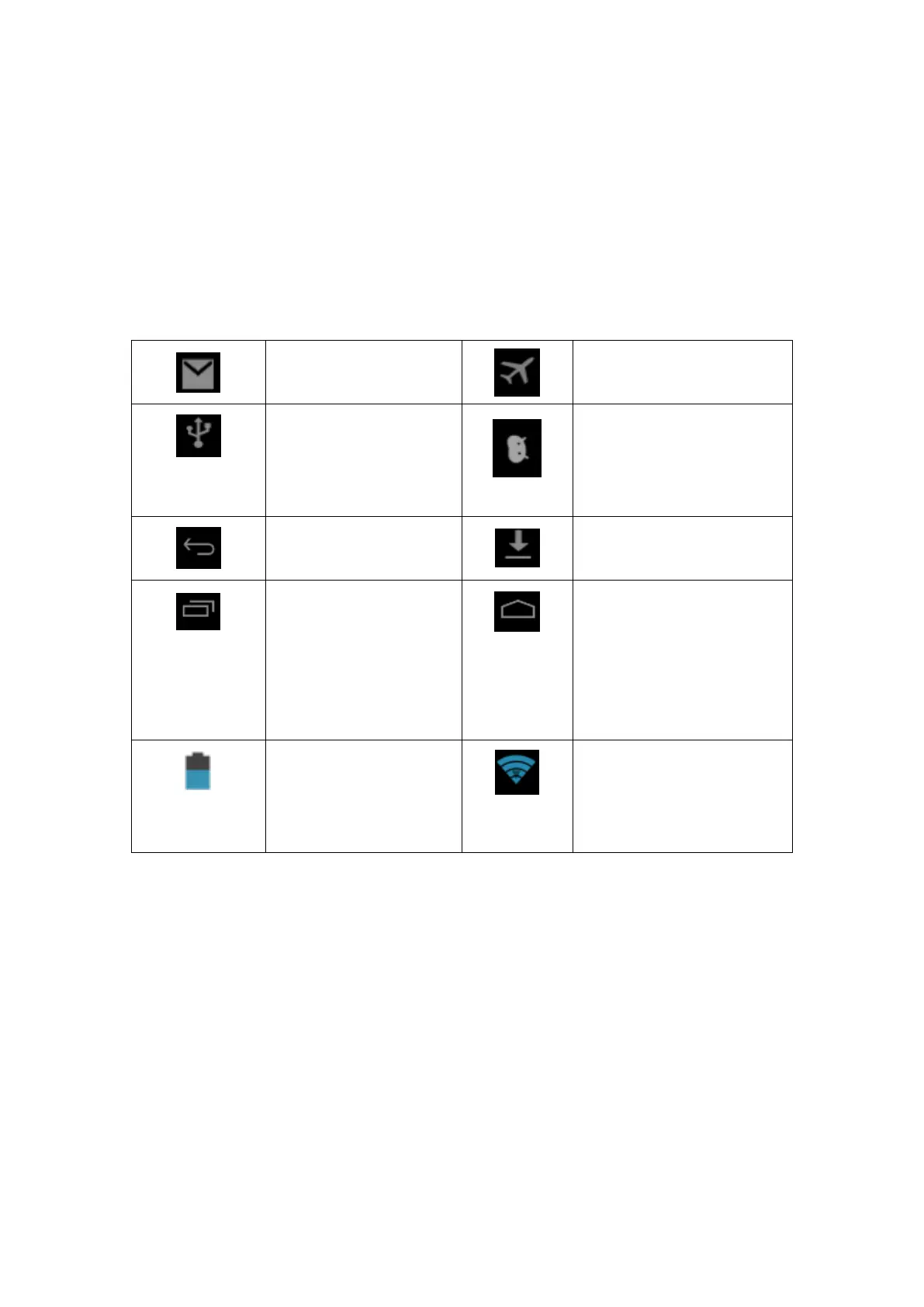
Please refer to below status icons:
Setting button &
Display recently-used
application
WIFI connected, internet
is available
Reminder board
Reminder icons will work while receiving emails, WIFI is open, you
can open the reminder board to view the detailed information.
Open the reminder board
When the reminder column shows new reminder icon, please hold
the column and slip down your finger, then the reminder board is
opened.



 To Next Page